Loading video...

Video Failed to Load

Go Home

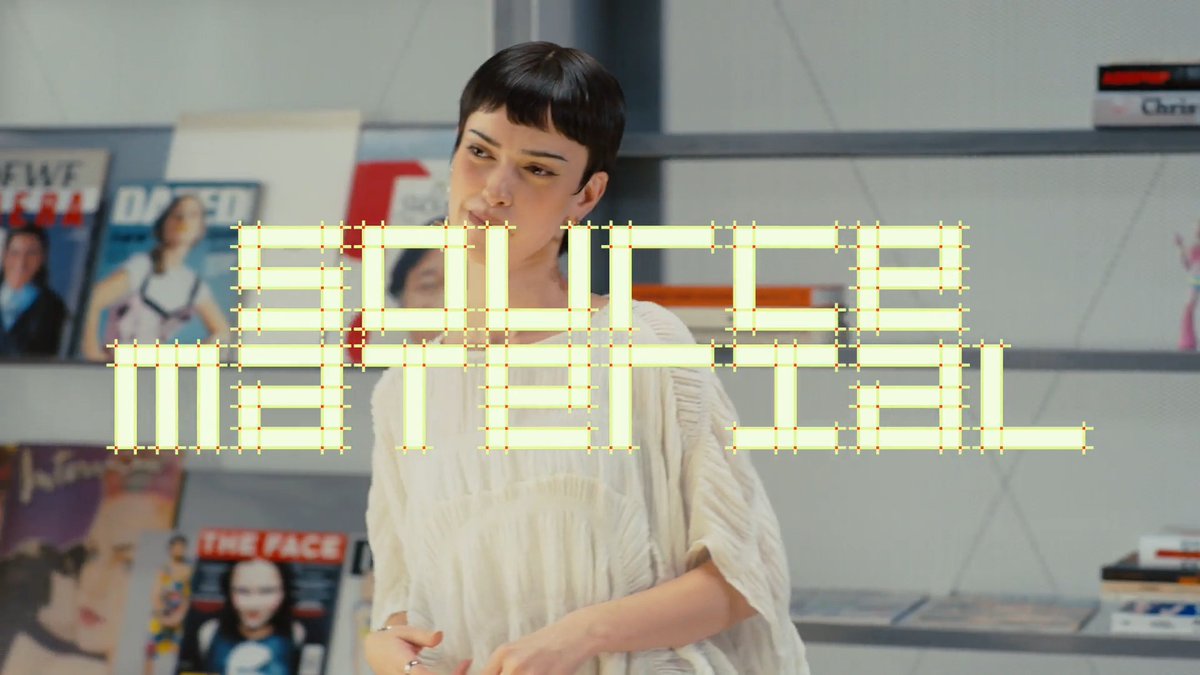
This week on Source Material: Zach Lieberman (zach lieberman), MIT Professor, computational artist and creative coder. 00:00 Intro 00:17 Maeda @ Media — John Maeda, 2000 01:25 The Visual Diaries 1973–1982 — Lance Wyman, 2017 02:09 Design by Numbers — John Maeda, 1999 03:01 Making Things — Issey Miyake,...

12,127,384 views • 11 days ago •via X (Twitter)

34 Comments

Figma's profile picture
Figma11 days ago

Subscribe and never miss an episode →

Stas's profile picture
Stas11 days ago

@zachlieberman This is so sick. Zach is such a G. Heard him speak a few years ago downtown NYC

Chus 💢's profile picture
Chus 💢11 days ago

@zachlieberman Maeda the minimalism GOAT

Sasha Agapov's profile picture
Sasha Agapov11 days ago

@zachlieberman What a legend!

thisisgrey's profile picture
thisisgrey10 days ago

@zachlieberman That Maeda book is a bible. We all bought it at the time. Instant classic.

Paul Jun's profile picture
Paul Jun11 days ago

@zachlieberman go @zachlieberman !!!!

Scott 👀 base.eth's profile picture
Scott 👀 base.eth11 days ago

@katiewav @zachlieberman zach lieberman is such a legend, love his work.

Caroline 'TrebleMuse' Bennett's profile picture
Caroline 'TrebleMuse' Bennett11 days ago

@zachlieberman Ten years of daily sketching is a remarkable practice, and Lieberman sits right at the boundary between art and technology that interests me most. Looking forward to this episode of Source Material.

whitelights.eth ⌖'s profile picture
whitelights.eth ⌖11 days ago

@zachlieberman man i love zach

Work Work Smile's profile picture
Work Work Smile10 days ago

@zachlieberman The fact that theyre the same height made this even better

Vinnie's profile picture
Vinnie10 days ago

@zachlieberman yeah this rocks

Sofie n.'s profile picture
Sofie n.11 days ago

@zachlieberman Thanks for sharing this

danqi's profile picture
danqi10 days ago

@zachlieberman the OG

why's profile picture
why10 days ago

@zachlieberman The mix of Maeda, Wyman, and Lieberman makes this feel like a great map of computational design’s evolution.

Куда пойти Варшава ? | ГИД НАВИГАТОР's profile picture
Куда пойти Варшава ? | ГИД НАВИГАТОР10 days ago

@zachlieberman

LagoonReef's profile picture
LagoonReef10 days ago

@zachlieberman the arm in arm by remy charlip mention is such a perfect pull for zach's world, that book is pure playful constraint

Katie Chiou's profile picture
Katie Chiou11 days ago

@zachlieberman the GOAT

LyLy Trann's profile picture
LyLy Trann10 days ago

@zachlieberman Cuốn Design by Numbers của John Maeda đúng là nguồn cảm hứng bất tận cho dân creative coding luôn á. 🎨

Yehor Kosinov's profile picture
Yehor Kosinov10 days ago

@shallowveneer @zachlieberman Thanks for sharing 🤝

mitchivin's profile picture
mitchivin11 days ago

@zachlieberman Good curation. The timestamped examples make the reference trail feel like part of the lesson, not a reading list.

Alesia's profile picture
Alesia11 days ago

@zachlieberman J'étais à une expo creative coding l'an dernier, Lieberman nous avait déjà soufflé des idées qu'on essaie de reproduire sur nos événements Alesia.

IronRed | SandHive's profile picture
IronRed | SandHive11 days ago

@zachlieberman Curating a timeline of historic design moments is cool, but finding the right convos to drop them in eats hours. captures your progress and finds relevant threads, saving you the scroll.

Terkel's profile picture
Terkel10 days ago

@zachlieberman One of my all-time favorite creatives

Charleskk6543's profile picture
Charleskk654310 days ago

@zachlieberman the book stack is solid but the real flex is fitting ten years of daily sketching into a nine-minute talk

Briggsll2262's profile picture
Briggsll226210 days ago

@zachlieberman the john maeda to zach lieberman pipeline remains undefeated

Moiz Arshi's profile picture
Moiz Arshi11 days ago

@zachlieberman Legend

Rohit Mudliyar's profile picture
Rohit Mudliyar11 days ago

@zachlieberman Best series on craft - recc it to all designers, creatives (developers too)

Benny Schudel's profile picture
Benny Schudel11 days ago

@zachlieberman 👀 @johnmaeda 🤗

HeidenreichLudivina's profile picture
HeidenreichLudivina10 days ago

@zachlieberman the arm in arm book by remy charlip is such a perfect pull for this list, feels like the secret root of so much playful visual thinking

Basant's profile picture
Basant11 days ago

@zachlieberman I love books. I love design. When both come together, it's a blast. 🥳🥳🥳 Great to see a person who adore books.

Motez Najjar's profile picture
Motez Najjar10 days ago

@zachlieberman I'm still motivated for MIT

joshpuckett's profile picture
joshpuckett10 days ago

@zachlieberman shoutout the 🐐 @johnmaeda !

CHECK MY PROFILE's profile picture
CHECK MY PROFILE8 days ago

@zachlieberman hahaha

Leliu's profile picture
Leliu10 days ago

@zachlieberman Interesting lineup of creative influences and resources.

Related Videos

The Codex Super-App (Full Beginners Guide) The All Purpose Interface for AI Agents Part 1: Codex Basics Install Codex, Projects, Chats, Documents, Plugins, Custom Skills, Automations Part 2: Multitasking with Codex - iOS App Designs - Build an iOS App - Landing Page - Launch Video - Investor Deck - Social Media Automation TIMESTAMPS: Part 1: Codex Basics 00:00 Intro 02:54 Downloading Codex 03:20 Overview of Codex interface 03:56 Chats, Prompting, & Built in Search 04:53 Creating Projects 07:37 Creating Spreadsheet 09:43 How Files are stored and mentioned within projects 10:42 Quick Codex Overview 12:47 Search (CMD G) and Folder Organization 14:29 Skills and Plugins 16:29 Using Calendar Plugin 18:07 Creating Automations on Codex 19:18 Learn about Plugins (Figma) 21:37 Built in Image Gen 22:37 MCP Example (Paper for Design) 24:17 Opening Chats in mini-window 25:26 Steering vs Queueing the Agent 27:35 Creating Own Skill with API's 31:34 Using YouTube Researcher Skill (That we created) 33:24 Creating Automation with your custom skill Part 2: Multitasking (More chaotic and fun) 35:27 Part 2 Multitasking: Building iOS App, Web App, Investor Deck, Launch Video, Mobile Designs, and Automated X Posts 37:54 Creating Project 38:31 Planning my 6 Projects 40:25 Mobile Design Skill 41:47 Setting up iOS App 45:08 Implementing Desings into Mobile app 46:13 Creating a landing page that collects user info 46:45 Tally for form submission (Great for lead magnets) 49:43 Organizing and Renaming Chats for multitasking 52:12 Database for Mobile App (Supabase) 53:19 Generating app icons 54:08 Launch Video (Remotion) 59:32 Remotion Video Timeline and Seeing the Video Editor 01:05:37 Editing instructions for Remotion (Gridlines) 01:07:11 Editing Web App 01:09:46 Using CLAUDE CODE Inside Codex for Design (Terminal) 01:17:20 Forking a Chat to create investor deck 01:19:09 Using Claude 4.7 Opus for Designing Deck 01:20:22 Testing Canva Export (It's good) 01:22:33 Running Mobile App on Actual Phone (Not Simulator) 01:28:58 Finishing up All Projects (Mobile App, Landing Page Launch Video) 01:31:56 Exporting Deck and making changes in Canva 01:33:13 Deploy to Vercel using the Vercel Plugin 01:33:44 Adding Song to Remotion Video 01:35:26 Setting up x Post automations (Typefully) 01:37:57 Our App is on Testflight! 01:39:58 Final Remotion Video 01:41:04 Final Thoughts, Reflections, Summary

Riley Brown

436,497 views • 5 months ago