Loading video...
Video Failed to Load
Todoist isn’t only for managing tasks, friends. Make a realistic plan for your ✨time ✨ with the new week layout and Calendar integration! ✅+📅=❤️

10,326 views • 2 years ago •via X (Twitter)
7 Comments

The new layout lets you time-block tasks alongside events synced from your Google Calendar to create a plan you can stick to. 💪
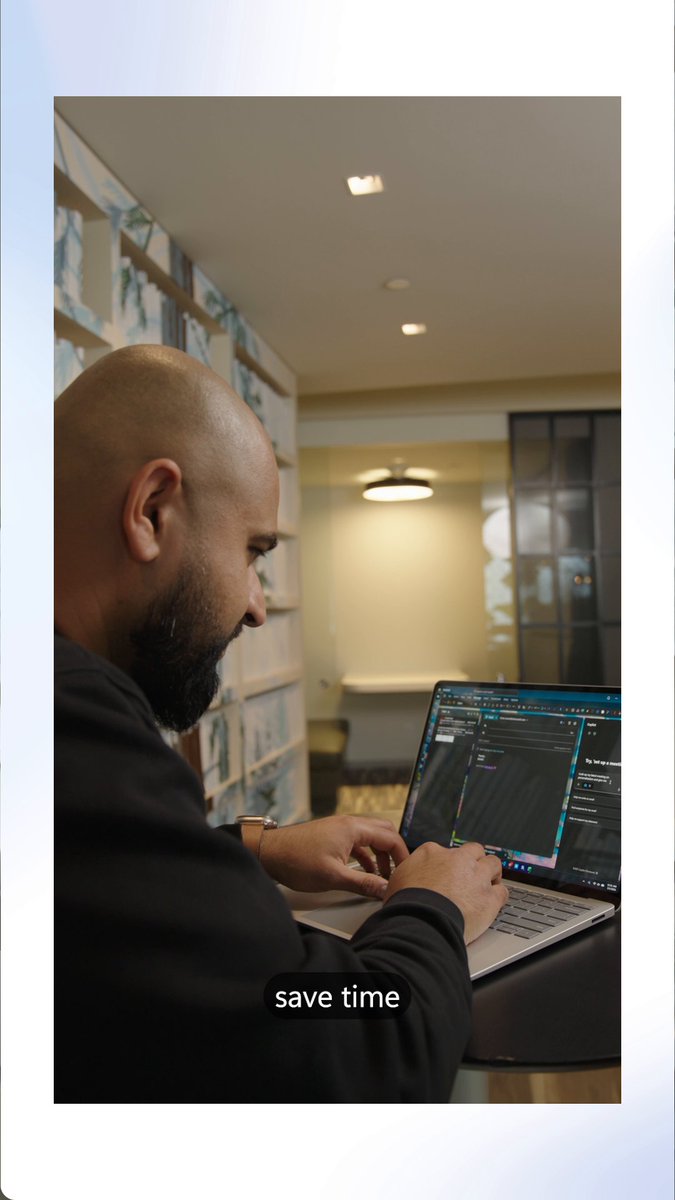
Here’s Jon🧔♂️ with a tour of the latest addition to your Todoist toolbox 📅 Sorry that emoji doesn't do your beard justice, Jon!
Read all the details in our latest update here:
What’s next? ♻️The ability to sync tasks to your calendar with a two-way sync. 🍏Support for Apple and Outlook calendars. 🤫Bringing time-blocking to the Today view!

Excited for these changes and direction- I've always used task time and duration for this exact function, and the new calendar integration makes my Todoist tab closer to a replacement of the Google calendar tab. Thanks for the continuous improvement everyone!

Why it does not show past calendar events? I only see my events of the current and following days; previous days are all blank. Tried to clear local data, logout/login, disconnect and reconnect with Google Calendar, nothing fixed it.

Can we please have re-current tasks for mobile? For me that s the function that could make me pay.