Загрузка видео...
Не удалось загрузить видео
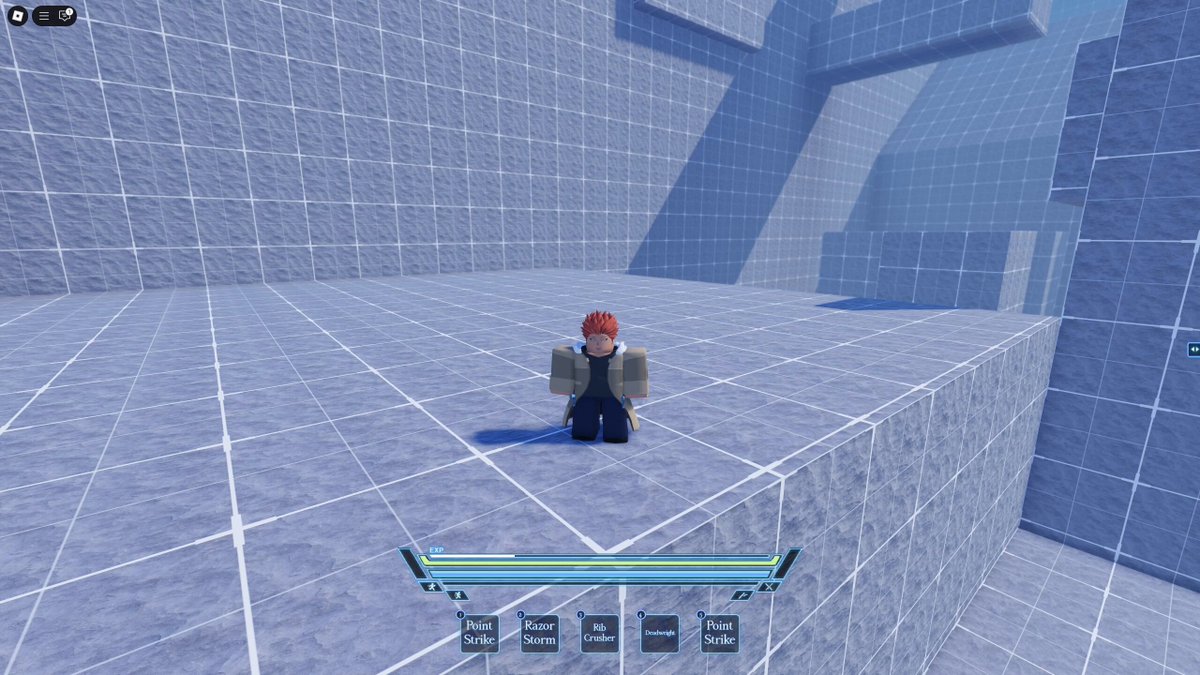
Tutorial for a game im working on🙃 #Roblox #RobloxDev
18,400 просмотров • 1 месяц назад •via X (Twitter)
Комментарии: 21

how did you pull off that screen effect? did you create a centered frame to act as the highlighting effect and then 2 vertical and horizontal darker frames to fill in the rest of the space? or is it editableimage? im curious

Just a invisible frame with a stroke with thickness on max, then you can use like ui corner and stuff
oh that's sick, thanks

This looks sick! What’s your ui built with and how did you map the tutorial areas over it?

Sick

I love when tutorials have this cutout effect but I have an ultra wide monitor and so many people don’t consider that when making it. Given the level of polish you added here I bet you have that covered, but just in case, make sure you do!

Very well done.

This is really clean, but as a player I don’t think I’m retaining much gameplay infortmation when my screen’s vision is dumbed down that quickly back to back to back. Still ages better than Bee Simulator’s tutorial though haha

What’s the tutorial frame effect called/how does it work?
Just a Frame with Transparency 1 and stroke on Max

Very cool. Would you be interested in selling %, after I’ve gotten a deeper look into development?

Clean🔥

The games sound effects, vibrant rarities, spinning wheel, and loot boxes are clearly designed to captivate. While I don't fully understand your mechanics or intentions, but this looks like a money-making scheme, but you do you. Is this a positive thing? no, it's clearly not good
Add @enlistedbanks on Discord, please.

Hey are you open to create one for our game in development; just DM me your rates

Nicev

What about mobile players?
Works same way

Really nice work!! Did you have to custom a lot or is majority already in studio?
Made it universal e.g: If a frame opens, it shows to close a frame if its blocking the current phase
Very nice. Thanks!