正在加载视频...
视频加载失败
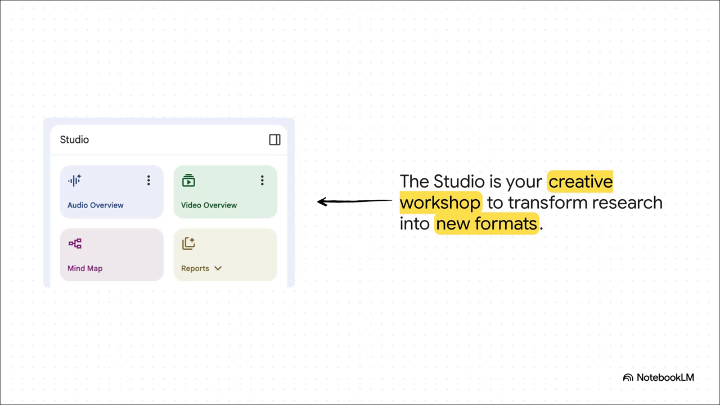
Video Overviews are now available on the NotebookLM mobile app (and in full-screen!) 😍 Generate and enjoy Video Overviews directly from your phone, because learning is an anywhere and everywhere activity.

41 条评论

@NotebookLM Please make folders. Like please please please allow us to organize sources within the notebook

Source organization is on its way! I promise we haven't forgotten about you 🙏

@NotebookLM @LandoInvests And please make categories for notebooks.
@NotebookLM Need this

@NotebookLM can you please make it so i can search for my notebooks?? i don’t think i should have to scroll to find the one i’m looking for kinda crazy that this simple but important feature isn’t implemented in the big 2026 if you look on reddit you can see others who agree with this
@promptprincess This will absolutely be implemented in the big 2026! 🪄
@NotebookLM thank you so much yay 💕

@NotebookLM

@NotebookLM 🔥 Waiting for the ability to download video overviews.

@NotebookLM This is awesome, a big help for learners when needed to passively review.

@NotebookLM @NotebookLM Do you have a timeline when it will be possible to have editable slides generated via notebooklm?

@NotebookLM @NotebookLM requesting again…please bring ability to remove watermarks to Pro and Workspace subscribers. It shouldn’t require $250/month Ultra subscription for this.

@NotebookLM Need folders please. Also prompt for video 🫶🏻 would love that.

@NotebookLM Why don’t you charge us money for this gem 😍
We do (kind of):

@NotebookLM Nice to see video overviews on mobile, bringing study into the pocket where context travels with you. The implication is a tighter feedback loop for learning, but it also hikes the demand for reliable sources and easy on device organization as usage scales

@NotebookLM Damn! There's never been a better time to be a student.

@NotebookLM Love it

@NotebookLM Please put a search in notebook LM It’s too hard to find your notebooks always having the scroll through

I’d suggest updating the video overview visualization’s default prompt from learnings on the slide show default prompt which tends to produce much better outputs. I often just pair the audio overview with the slide show visualization as a workaround. There might also be something to take from the PaperBanana results and apply here (Then as an aside, I would love to be able to link YouTube livestream vods as resources)

@NotebookLM I wrote a tutorial about using NotebookLM to create presentation:

@NotebookLM Learning sticks when it fits into everyday moments, not just dedicated sessions.

In 2026, the real barrier to learning isn't a lack of information, but the time required to synthesize it, and this update directly attacks that friction. Whether you are reviewing a legal brief on a commute or a scientific paper at a café, the convenience of generating and viewing high-fidelity video summaries on the go turns every idle moment into an opportunity for deep comprehension.

@NotebookLM @NotebookLM please fix all error in infographics ! Your tool is awesome, all category work well but they are so text error. Plz fix that

@NotebookLM Can the Audio Overview be increased to 60 minutes??

@NotebookLM It is excellent news for power users who want to consume their research while commuting or away from their desk. This update effectively bridges the gap between the popular Audio Overviews (the podcast style feature) and a more visual learning style

@NotebookLM Finally! 😍

@NotebookLM More realistic youtuber style video overview wen. I want someone to to actually shove the material visually

@NotebookLM My attention span thanks you for the video version of cliff notes

@NotebookLM If you wanna edit the text on the infographics of NotebookLM and Gemini, check this

@NotebookLM 什么时候能修改slide ?

@NotebookLM NotebookLM is such a great tool, I'm only worried that there's not enough humans for all the content that'll be created :)

@NotebookLM Download option ?

@NotebookLM The problem I struggle with after generating slides is that I'm unable to edit the text on the slides, and the AI doesn't get it right a lot of time. It will be amazing if the text will be editable. Thank you!
Coming soon!

@NotebookLM when folders 🧓💀 ?

@NotebookLM Please create a way to listen to chat responses

@NotebookLM Finally 😄

@NotebookLM The powerful thing about NotebookLM that it's actually can be use for a single knowledge for Gemini, so please allow link Drive folders or even integration with other tools like Notion for additional knowledge context 🙏

@NotebookLM 🔥

@NotebookLM mobile was missing this