Loading video...
Video Failed to Load
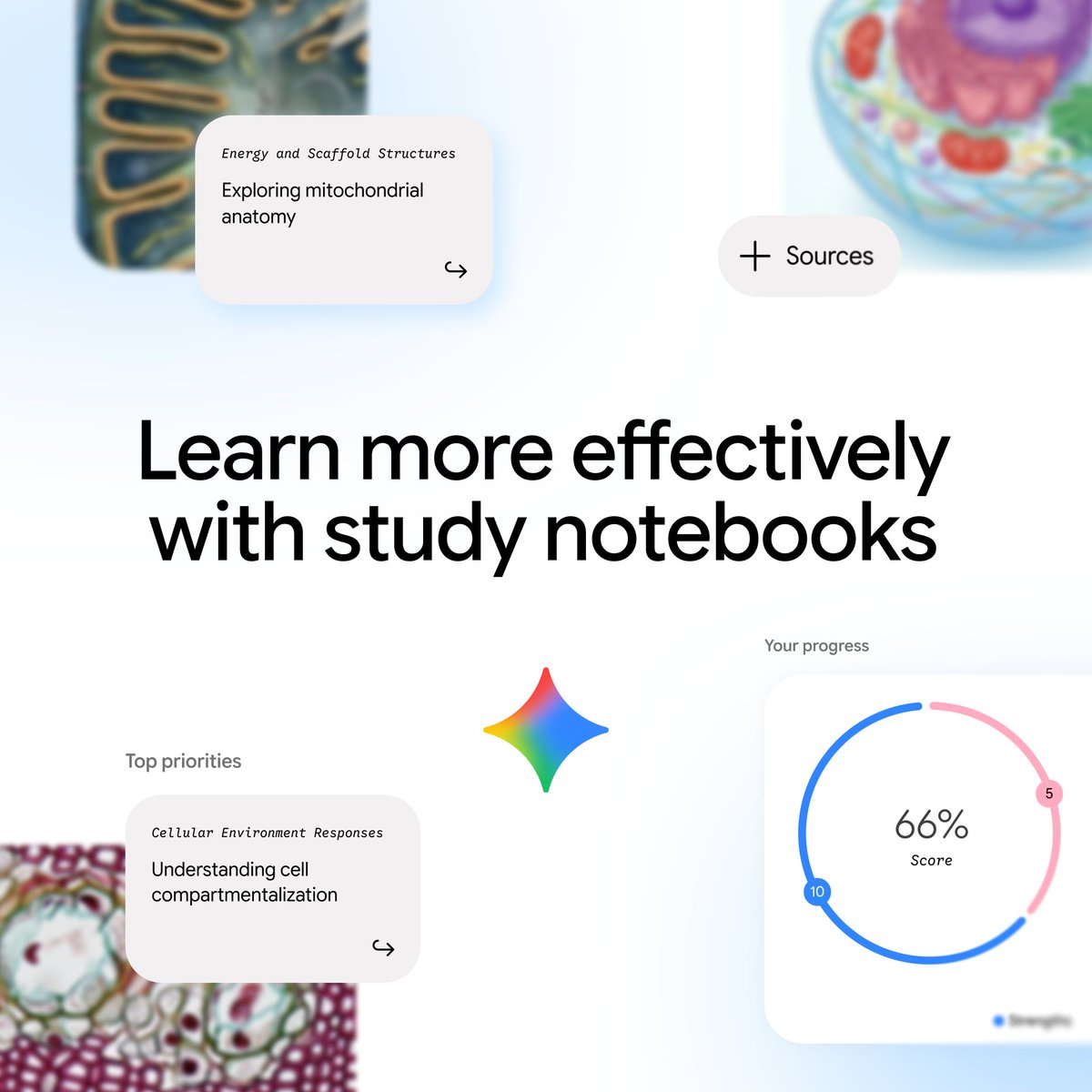
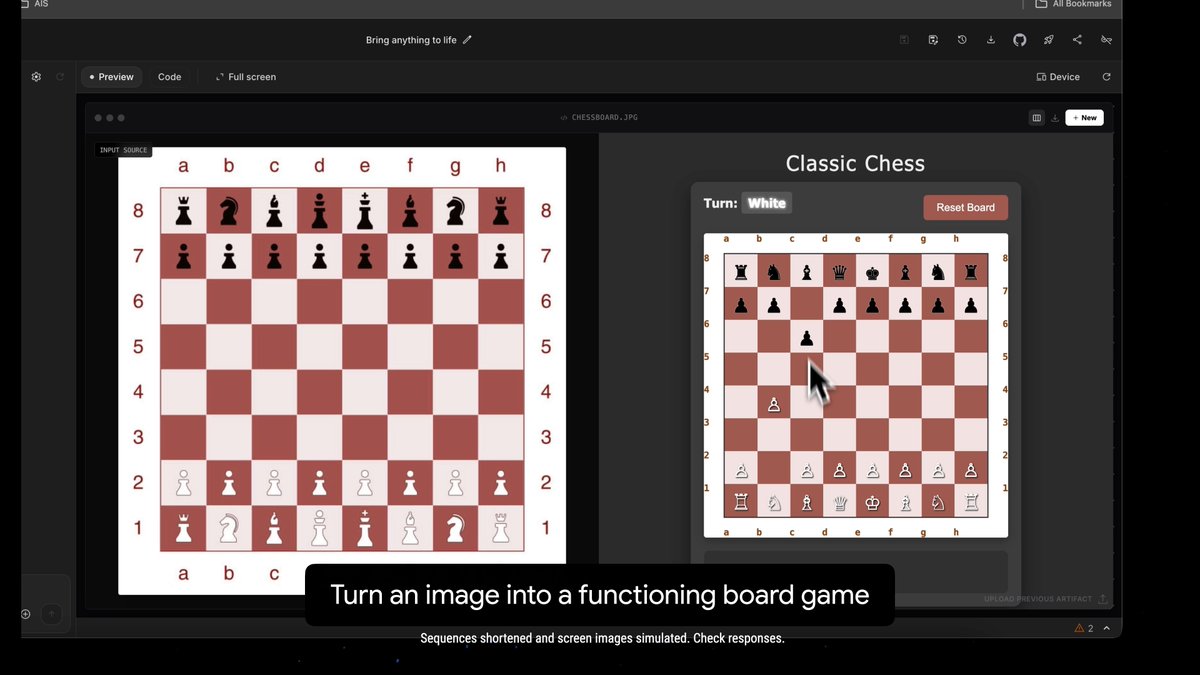
Wait. Gemini can create interactive images on any topic?! That's brilliant for learning. You can get a detailed explanation of any part of the image just by highlighting it.

130,395 views • 11 months ago •via X (Twitter)
45 Comments

makes studying way easier. It’s like having a tutor inside every image

100%. I'd have loved to have this during my studies but it'll still come in handy... eternal student!

Just tried it, doesn't work. What model are you using?
2.5 Flash or 3.0 Pro, both work. Perhaps a gradual deployment?

GEMINI GEMINI GEMINI !!! GEMINI IS COOKING nowadays!!!
G3mini

I found the Edge browser to be better for learning with image search + copilot. Gemini often doesn't fetch the best images.
I'm using Edge but I'm not sure of the workflow you're talking about.
There's not much workflow. I browse the images in edge. And have copilot assist with the explanations.

Interactive learning like this could really shift the whole education game. Instant explanations mean way less guesswork and much more engagement.

For anyone with kids, this is probably the sickest feature out there. Can't imagine the fun my kids would have while learning new things.

That's super cool
Right? It avoids having to alternate between text and diagrams and therefore makes understanding easier!

incredible , love to interact with it .

Oh this is perfect for visual learners. Definitely gonna try this for my course stuff... wonder how detailed those explanations actually get?

This is such a smart evolution from static images. We've spent so much time trying to build interactive elements into our educational content, and it's always a huge effort. If AI can just *generate* this, it completely changes how we approach explaining complex topics.

That is mega impressive
Definitely an excellent idea they had!

i really wish i had something like in in 11th and 12th standard. this would have worked wonders in conceptual understanding, specially in physics and chemistry. it turns passive viewing into active, self guided education. Brilliant feature!

@elonmusk slipping bro

I love this example! It is really a pleasure to use Gemini on a daily basis on many tasks.
This is my main chatbot. Probably the most versatile of all.

Interactive visualization is the killer feature. Most users won't read 10-page documentation, but they'll click around an interactive diagram. This turns complex topics (neurology, anatomy, engineering) into *actually understandable* learning. The explanation layer compounds this—you get context + exploration in one tool.

Very cool

Students in 2025: "Professor, I couldn't highlight this part of the AI-generated interactive diagram, so I couldn't learn" We've come a long way from "my dog ate my homework"

How reliable is the accuracy of the diagrams? I have found that to be the biggest challenge in educational content generation. Misplaced labels, incorrect arrow directions, etc.

How do you share the output

The "wow" moment should be from human beings to other human beings, not to a machine.

nice finding!

learning became more easier for everyone

I tried and it didnt work WOuld be awesome if it allows to upload other images and make it interactive

I wish I had this when I was younger.
Same! I have a hard time imagining what school looks like today tbh.

That’s innovative. Generated in the bit stream? Damn future is going to be exciting

Yeah, I also saw this only today. I was mind blown

Can it be shared?

🤯 This is insanely useful when working on education material.

Their layout feature, they announced it in their Live stream. Possibly in a early roll out because you are ultra subscriber

Absolutely! How I wish I had access to this 10 years ago. Having that instant help right in the image is just next level

More about it here:

I love the animated diagrams from @bytebytego It would be super cool if we could come up with similar for our own particular use cases 😯
@bytebytego Right. Maybe possible by combining Nano Banana Pro and Veo 3?

How can I make the image 100% interactive? Do I need to add something extra to the prompt?

Let's put it to the test and see how it explain complex topics

Every diagram is now an interactive tutorial, good luck competing with that, traditional publishers.