Video wird geladen...

Video konnte nicht geladen werden

Zur Startseite

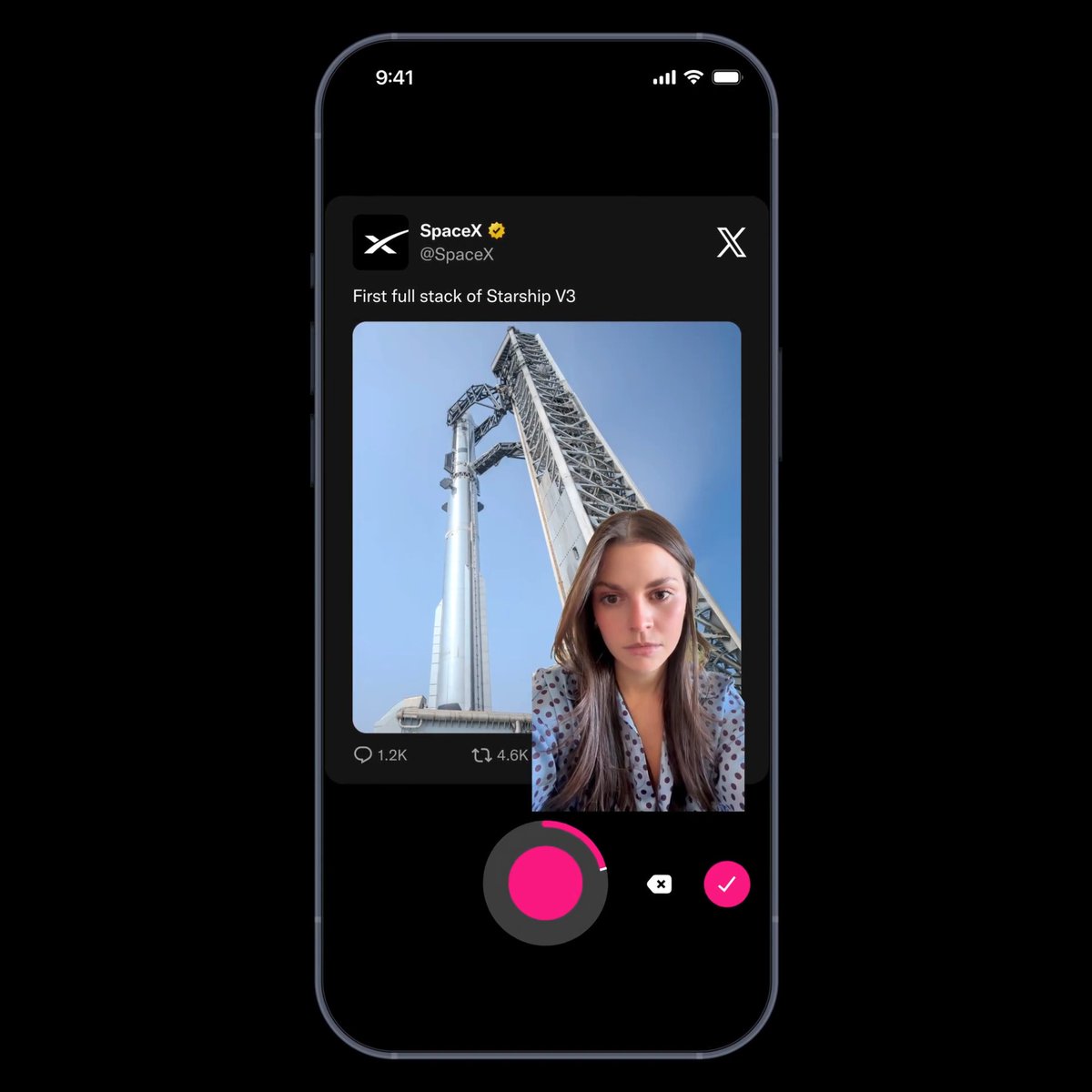
We built this onboarding flow in React Native that feels better than most native apps Here’s how we did it: ① Patched react-native-screens for a custom transition ② Button and stepper are rendered on top of the stack ③ Synced button state across screens via context The button and...

230,817 Aufrufe • vor 1 Jahr •via X (Twitter)

35 Kommentare

Profilbild von Marc
Marcvor 1 Jahr

why not a single screen, with step body components?

Profilbild von Ludwig Vaan
Ludwig Vaanvor 1 Jahr

Did you try to achieve this result using a pager view? Switching screens isn’t mandatory

Profilbild von Gabriele Scotto di Vettimo
Gabriele Scotto di Vettimovor 1 Jahr

Super impressive! Do you mind if I share it with the react native community?

Profilbild von Yehia
Yehiavor 1 Jahr

Could do it with a flatlist with pagingEnabled

Profilbild von Ant Setiadi
Ant Setiadivor 1 Jahr

Impressive! It is really smooth. Are you guys using expo-router or react-navigation?

Profilbild von MT⚡️
MT⚡️vor 1 Jahr

09:41 🧐

Profilbild von Mick
Mickvor 1 Jahr

Beautiful! Is there a chance to open source this?

Profilbild von Conor
Conorvor 1 Jahr

Beautiful attention to detail. Worked on an identical flow but couldn't figure out how to keep keyboard open. Thanks for the tip!

Profilbild von Constantin 🔥
Constantin 🔥vor 1 Jahr

I've recently tried to build a good onboarding, but this is just next-level.

Profilbild von Ryan O'Hara
Ryan O'Haravor 1 Jahr

Damn that’s smooth! Nice work

Profilbild von Kyle
Kylevor 1 Jahr

Looks great

Profilbild von Billel Boudchicha
Billel Boudchichavor 1 Jahr

Built a similar multi-step wizard but kept everything in one screen. Used Reanimated for smooth left↔️right transitions and XState FSM to drive the whole flow. Header & button are absolutely positioned too. Your keyboard-surfing trick is 🔥 — super fluid work 👏

Profilbild von Ivan Ry
Ivan Ryvor 1 Jahr

That's my exact problem with React Native after trying it for one month. Brother could write this flow in 2 hours in native code instead of spending time on all this React Native dancing...

Profilbild von pedro
pedrovor 1 Jahr

code plzzz ?

Profilbild von Shreya Mishra
Shreya Mishravor 1 Jahr

How exactly did you patch react-native-screens to implement the custom transition? Can you share key code snippets or explain the approach?

Profilbild von JGF
JGFvor 1 Jahr

clean

Profilbild von Abhijeet Sharan
Abhijeet Sharanvor 1 Jahr

Looks smooth

Profilbild von Mayor
Mayorvor 1 Jahr

Love it

Profilbild von ª
ªvor 1 Jahr

@datboychapo

Profilbild von Davide Espertini
Davide Espertinivor 1 Jahr

wow! really impressive work!

Profilbild von Max Hoffmann
Max Hoffmannvor 1 Jahr

Damn this looks clean, I love it. Is there any chance you will open-source this?

Profilbild von Melvyn
Melvynvor 1 Jahr

Keeping the keyboard open is really cool, love it !

Profilbild von Ice Bridge
Ice Bridgevor 1 Jahr

Looks clean! Love it!

Profilbild von Tyler Coffman
Tyler Coffmanvor 1 Jahr

Just use a horizontal flat list with paging

Profilbild von dany
danyvor 1 Jahr

smooth

Profilbild von EJ Campbell
EJ Campbellvor 1 Jahr

Does it interact properly with auto-fill passwords?

Profilbild von Marlon Johnson
Marlon Johnsonvor 1 Jahr

Im trying to achieve something similar

Profilbild von voj
vojvor 1 Jahr

this goes hard

Profilbild von julian
julianvor 1 Jahr

Very cool approach

Profilbild von Youss
Youssvor 1 Jahr

Nice work 👌🏽Seems a little bit over engineered though

Profilbild von Smoking Chimp
Smoking Chimpvor 1 Jahr

Sooo buttery. Great work on this.

Profilbild von 0xRay
0xRayvor 1 Jahr

@StreamviDL

Profilbild von Emmanuel Andy Eze 🇳🇬
Emmanuel Andy Eze 🇳🇬vor 1 Jahr

Amazing 🤩

Profilbild von Taylor Symonds
Taylor Symondsvor 1 Jahr

Ayo, very few will actually appreciate this. Looks sick g, well done

Profilbild von Ale
Alevor 1 Jahr

Each step is a different screen??. It looks great.

Ähnliche Videos

Build uncompromising high-performance, high-fidelity apps with React. What you see is not the Apple Messages app, nor is it meant to be 1:1. Rather it serves as an aspirational and real example of UI/UX that is possible. Every detail from the bubble animations to keyboard gestures to scroll view insets and safe areas to parallax timestamps required care and attention. Quality UIs come from caring hard. The little chat bubble tails that morph away when the next message animates in. Timestamps that scroll at a different rate than the bubbles. Peek gestures powered by UIKit that lift a chat bubble, tail and all, with a gentle haptic pulse. The subtle shadow of the text composer and responsively sliding down the keyboard in pixel-perfect concert. The composer shrinking its width to fit iPhone’s rounded bezel. The beautiful Liquid Glass refractions have the level of glassiness chosen by the user (new in iOS 27). Scroll view insets that adjust to fit the home bar and keyboard dynamically, creating a sense of depth as the chat bubbles are slightly visible as they scroll under the keyboard. Keeping the keyboard on screen if the prior screen already presented it. Sliding the keyboard and composer with the screen when the user drags to navigate back. I am excited to explore using the new iPhone Duo view controllers natively with React when the time comes. There is always room for innovation and improvement. This chat demo runs at 120 FPS on iOS 27 even on my phone that’s four versions old now. There are several approaches to high-performance lists. I explored a new Expo scroll view that uses the native gesture systems along with react-native’s VirtualView (codenamed “Fling” to reflect the speed of flinging a scroll view), which Meta’s React team designed to prioritize scroll momentum with React’s scheduler. There are tradeoffs with other scroll strategies for how the scroll views gracefully degrade, and they can be swapped out based on what’s best for your app’s use case. And, by virtue of using modern React, high-priority events like user gestures can preempt lower-priority ones like a network response. Let us dispel any myth that using React requires compromising on beautiful, smooth, user-friendly UI/UX that Uses the Platform. Let us dispel any myth frame-perfect UI coordination is not achievable. The Hermes thread and the UI thread can coordinate when needed, like for controlled text inputs. Let us dispel any myth that React Native’s performance is impacted by a bridge, let alone has a bridge. Bridgeless JSI and the Fabric renderer are here for apps that use the New Architecture. What about Android? The app runs and I’ll share a screenshot from my cloud agent’s emulator. With some attention to detail dedicated to Android I’m confident crafted UX is attainable. I’ve spent my tokens once and have a structural head start everywhere. One more thing! Most of this chat’s application code is written with , , , and other familiar elements. The styling is mostly CSS, including linear-gradient(), background-attachment: fixed, and semantic platform colors that adapt to dark mode. Not just appearance - CSS Animations and CSS Transitions run entirely natively. There are a handful of custom native components written in Swift and Kotlin, like the chat bubbles and a custom CAShapeLayer and UIBezierPath for the tails. Native coding is a first-class feature. The way to think about building beautiful apps this way is React and Native, not React vs. Native. Aspire high and raise your ambitions for what is possible!

James Ide

141,222 Aufrufe • vor 1 Monat