Loading video...

Video Failed to Load

Go Home

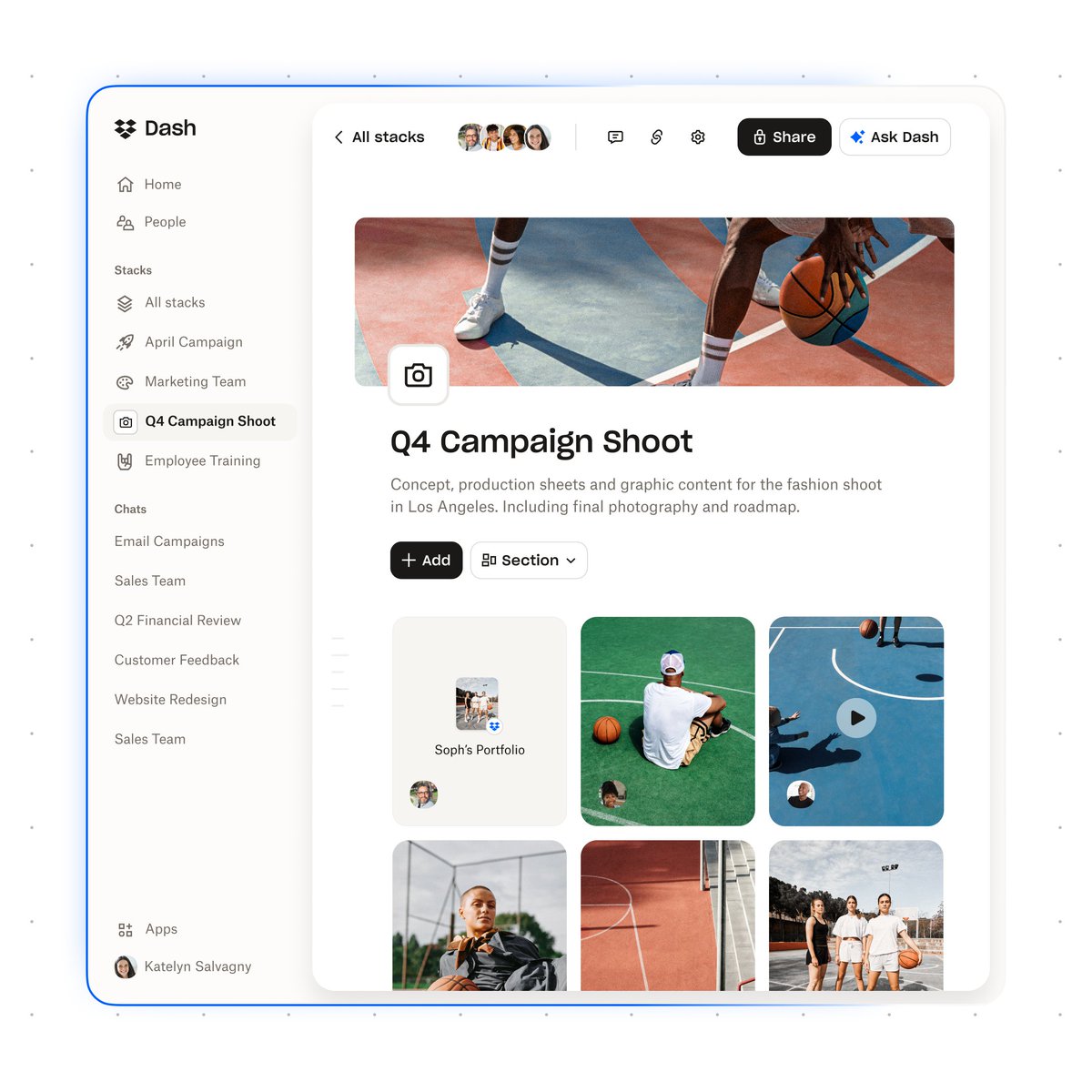
We just rolled out our Spring ’25 release with some big updates to Dropbox Dash, our AI search and knowledge management product. Here’s what’s new: 📷 Search across video, audio, and images — no more digging for cryptic file names. You can even use Dash to search for people...

38,458 views • 1 year ago •via X (Twitter)

4 Comments

Drew Houston's profile picture
Drew Houston1 year ago

(2/2) ✍️ New AI writing tools in Dash make it easy to kickstart content creation by finding, analyzing, and assembling information from all your work apps. 🔗 Dash now connects to even more of the tools you use for work — including Slack, Teams, Zoom, and more — so you can get to the content you need fast, no matter where it lives. 🔒 And with advanced security controls, you’re always in control of what your team can — and can’t — see. With our latest update, IT admins can choose to exclude sensitive or confidential projects from search results. We’re really excited about how Dash can simplify your working life — let us know what you think!

The Crypto Digest's profile picture
The Crypto Digest1 year ago

🚀Get the top YouTube crypto influencers summarized and delivered straight to your inbox. No more searching—just the best insights, powered by AI. 📊 🔓 Subscribe now for exclusive weekly updates and elevate your crypto game! 🚀 👉

Chris O’Neill's profile picture
Chris O’Neill1 year ago

congrats!

Henrik's profile picture
Henrik1 year ago

Looks sick, congrats Drew!

Related Videos

I just built an AI-powered creative search engine with Gemini Embedding 2 + Claude Code 🤯 Drop in your UGC clips, product shots, and ad variations — then search through everything in plain English. "Show me all the unboxing clips." "Find product shots with natural lighting." "Which creator talked about sensitive skin?" All inside Claude Code. Perfect for DTC brands and agencies sitting on hundreds of creative files they can never find when they actually need them. If you're digging through a folder of random file names, scrubbing through raw footage to find that one clip, and relying on memory to track down what's already been shot... This system eliminates the entire loop: → Drop your videos, images, and docs into a project folder → One prompt to Claude Code — it builds the entire search app for you → Google's new Gemini Embedding 2 model actually watches your videos and looks at your images → It understands what's inside each file — not just the file name → Search in plain English and get back the actual assets with confidence scores No scrolling through folders. No relying on file names to find anything. No re-shooting footage you already have. What you get: → A searchable library of every creative asset your brand has ever produced → Natural language search across video, images, and documents at the same time → Results that show the actual files inline — play videos, view images, read docs → A system that gets smarter every time you add richer descriptions to your assets One free API key. No monthly subscriptions. Runs on your machine. I put together a full playbook with the exact build prompt, the setup process, and DTC/agency use cases to get this running in under 30 minutes. Want the full playbook? > Like this post > Comment "SEARCH" And I'll send it over (must be following so I can DM)

Mike Futia

12,279 views • 5 months ago