正在加载视频...

视频加载失败

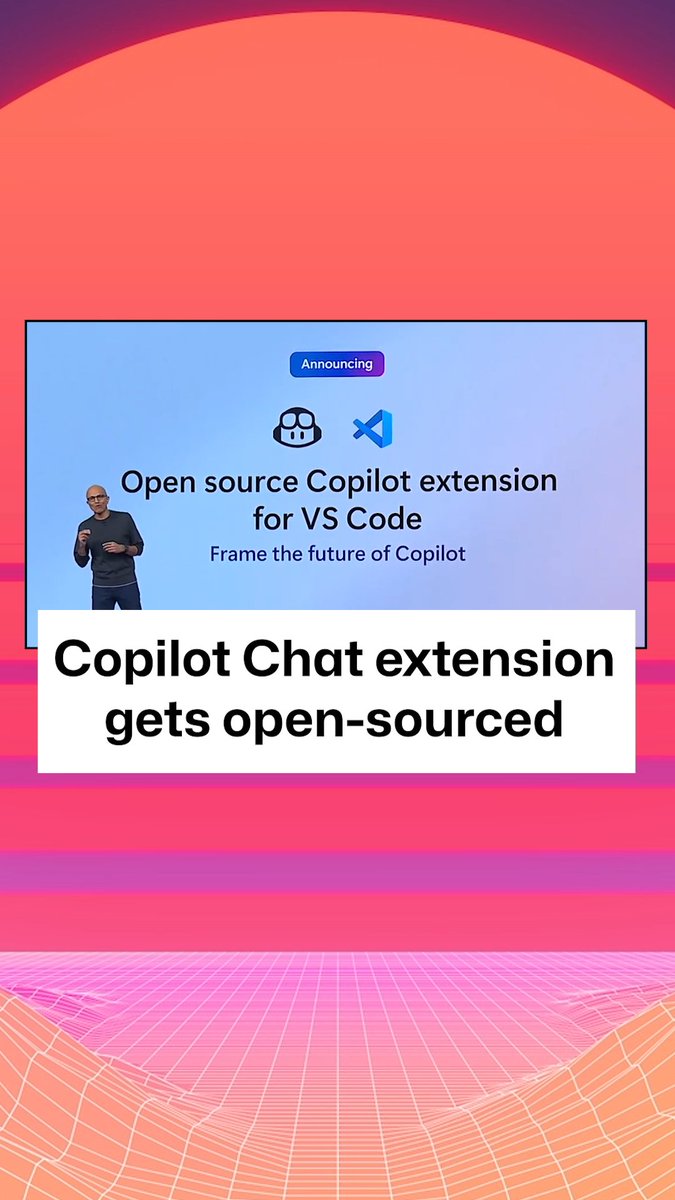
We're launching an official Supabase VS Code extension It uses GitHub copilot's new "Chat Participant" feature. Use it for: ◆ Copilot-guided database migrations ◆ Inspecting tables & views And browsing: ◆ Storage buckets ◆ Database Migrations ◆ Functions

19,679 次观看 • 1 年前 •via X (Twitter)

10 条评论

Paul Copplestone — e/postgres 的头像
Paul Copplestone — e/postgres1 年前

Shout out to @thorwebdev and @anas_araid for this one See all the features in here ↓

Mohamed Oun 的头像
Mohamed Oun1 年前

@supabase @github wen @cursor_ai?

Mathew Chan 的头像
Mathew Chan1 年前

@supabase @github Would love to see this work with @cursor_ai too!

Gokul 的头像
Gokul1 年前

@supabase @github Good one, improved dx for vscode!

Vitalii Rybka 🇺🇦 的头像
Vitalii Rybka 🇺🇦1 年前

@supabase @github Yay! One more super handy extension for VS Code. Definitely will give it a try.

Simon🌱🇳🇴🇪🇺 的头像
Simon🌱🇳🇴🇪🇺1 年前

@supabase @github I’ve been waiting for this!!

Nil Ni 的头像
Nil Ni1 年前

@supabase @github Thank u for making this, qq, can I use 1 Supabase auth for multiple site? Want to centralize user’s experience but accidentally made/bought too many sites

Paul Copplestone — e/postgres 的头像
Paul Copplestone — e/postgres1 年前

@supabase @github not easily unfortunately - I would recommend a new project for each site (or you can self-host many GoTrue servers pointing to the same database) It's something we'll look into eventually

Pitchlist 的头像
Pitchlist1 年前

@supabase @github Huge win! Thanks for shipping this!

Arne Wiese 的头像
Arne Wiese1 年前

@supabase @github @WebStormIDE 👀

相关视频

6 months ago, building an app required: - 6 months of development - $300K budget - Team of 5 developers - Constant manual debugging Today, I'm helping a 17-year-old build one in a week. Workflow: ChatGPT -> Lovable -> Supabase -> Cursor Step-by-step how: 1/ Write your PRD first. This is non-negotiable. Clear requirements on paper = 10x faster execution with AI. We spent 30 minutes documenting exactly what PostPal needed to do. Then gave it to ChatGPT: "Create a Lovable prompt from this PRD." Copy. Paste. Done. 2/ Your first prompt sets everything. That initial Lovable prompt? It's your foundation. Give it the full high-level vision. Every feature. Every flow. Lovable uses this context for everything that follows. Get this wrong and you'll rebuild from scratch. 3/ Database first, frontend second. Biggest mistake I see: Building the entire UI, then trying to connect data. Set up Supabase immediately. Create your tables. Configure role-level security. Build backend and frontend together, not separately. 4/ Go feature by feature. Don't attack all screens at once. Pick one core feature. Build it completely. Connect it to your database. Test it. Then move to the next. Each feature should be fully functional before moving on. 5/ Chat mode is your debugging superpower. When something breaks (it will): → Use chat mode to diagnose → Let it explain the issue → Switch to agent mode to fix Chat mode for understanding. Agent mode for implementing. This combo saved us hours. 6/ Security isn't optional. Before deploying: → Enable row-level security → Secure your edge functions → Check your API endpoints → Run Lovable's security check Takes 5 minutes. Saves you from disasters. The result? A fully functional app. Not a prototype. Not a demo. A real product with authentication, database, and payments. The game has completely changed. While others debate if AI will replace developers... We're shipping products before lunch. The tools are here. The playbook is proven. The only question is: what will you build? Time to ship.

Jacob Klug

40,338 次观看 • 1 年前