Video wird geladen...

Video konnte nicht geladen werden

Zur Startseite

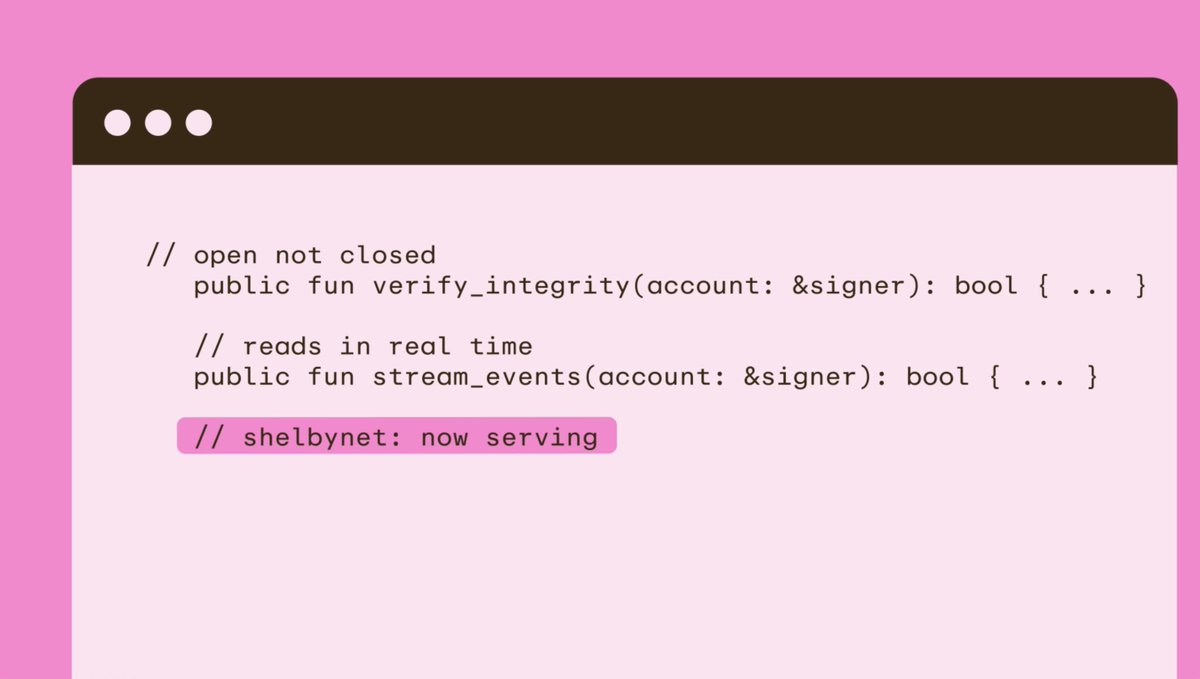
We’re launching the first Spice Flow Devnet with Brokex Protocol on Wednesday, Dec 17. 🔥 Join the Devnet through our Portal to complete Devnet quests and be the first to test the Spice Flow x Brokex integration. All the details in the thread ↓

23,913 Aufrufe • vor 6 Monaten •via X (Twitter)

0 Kommentare

Keine Kommentare verfügbar

Kommentare vom Original-Post werden hier angezeigt

Ähnliche Videos

How to use AnodoSwap? Follow this step-by-step guide and watch our video tutorial. 1. Go to and add the GemWallet extension on your browser by clicking download. We recommend GemWallet 💎 because it was the only one that we didn't had issues or showed us errors. Only GemWallet and Crossmark are available for the devnet version, and Xaman doesn't support AMM transactions yet. 2. Go to and where it says "Choose Network:" choose the "Devnet" option and click "Generate Devnet credentials". 3. Copy the Secret, Open GemWallet, click Import Existing Wallet, choose Family Seed and then Paste the Secret there and confirm. Insert your own password. Then click the "Mainnet" on the top right and click/change to "Devnet". Your devnet account has 10,000 devnet XRP loaded and ready to be used. 4. Go to our web app, click "Login" and then choose "GEM Wallet" and approve the 2 transactions that will come out on the wallet. You are now logged in. 5. Final step is to go to , choose any pool you like, such as the XRP/USDC, and after you open the pool, you will need to click "Set USDC TL" under "My Liquidity" to set the trustline and under "Deposit Balance" click on "Fund USDC" in order to get free USDC to your account. Every click is 5000 USD so click 2-3 times and wait a few seconds for the USDC to appear in your balance or refresh the page. Now you can swap XRP/USDC and provide liquidity. The same procedure should be done for the other tokens and pools. You are now ready to use the AMM.

Anodos 🔼

16,762 Aufrufe • vor 2 Jahren