正在加载视频...

视频加载失败

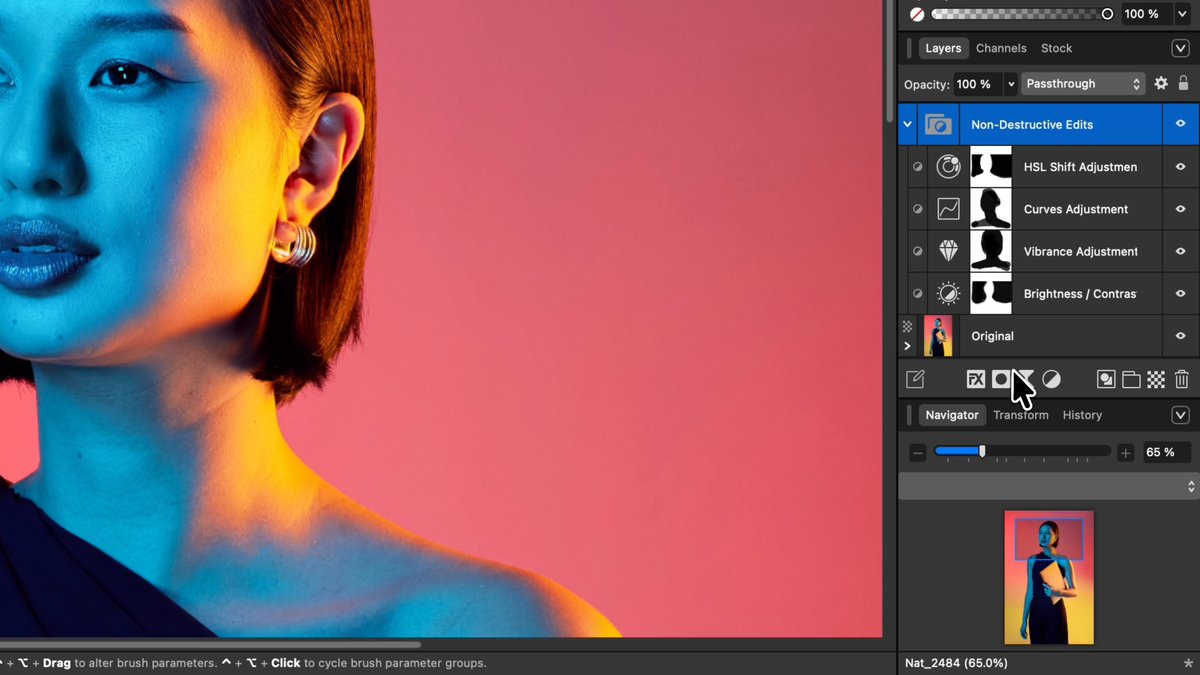
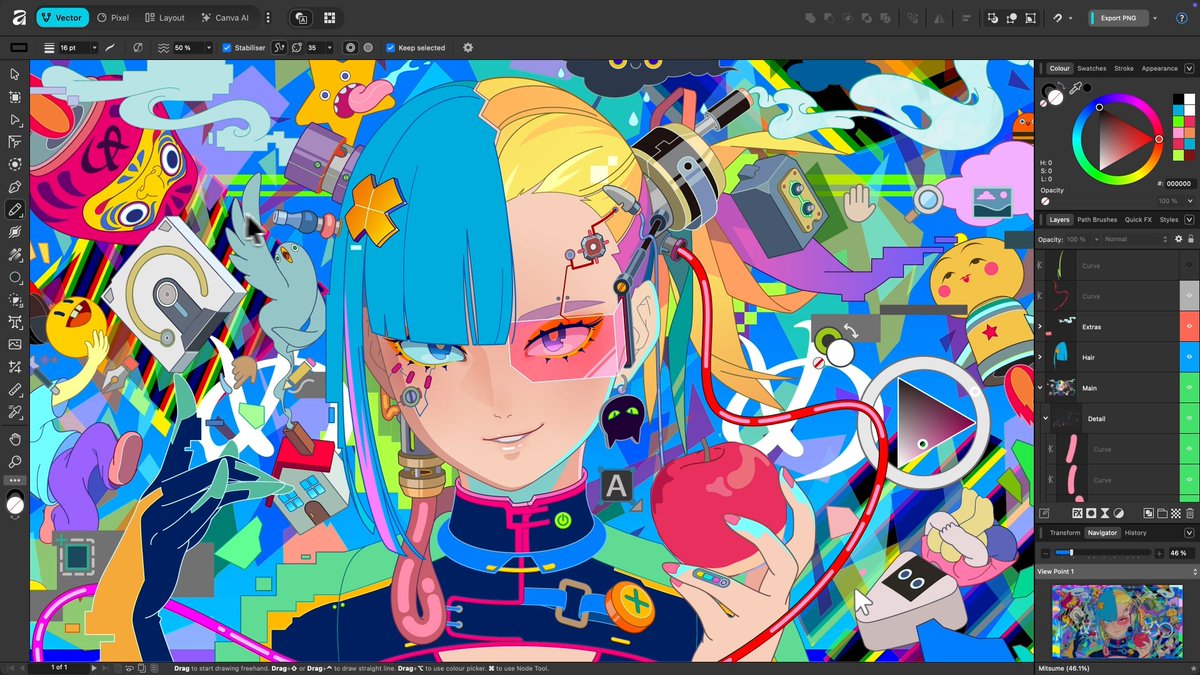
Working with thousands of layers? No problem. Want to make detailed edits at 1,000,000% zoom? Go for it 😉 Every adjustment, filter, and layer effect updates live, meaning you can see your work exactly how it will export and achieve pixel-perfect designs every time.

29,030 次观看 • 6 个月前 •via X (Twitter)

0 条评论

暂无评论

原始帖子的评论将显示在这里

相关视频

I just vibe coded a Meta Ads creative analytics tool in Claude Code 🤯 It syncs your ad accounts, AI-analyzes every creative, and tells you exactly what's working, what's not, and WHY. Built 100% in Claude Code. Perfect for DTC brands and agencies who are tired of staring at Meta Ads Manager trying to figure out WHY an ad is working or not. Here's the problem: Meta gives you the data. Spend, ROAS, CTR, hook rate. But it never tells you WHY an ad is performing or what to do about it. You're left manually watching videos, guessing at angles, and making gut-call decisions on what to iterate. This tool solves it: → Connect your Meta ad accounts → AI watches every video and analyzes every static → Auto-labels each ad by asset type, messaging angle, hook tactic, and funnel stage → Win rate analysis broken down by every category → Kill/scale recommendations segmented by TOF, MOF, and BOF → AI-generated iteration recommendations for every underperforming ad No manual video watching. No guessing at what's working. No spreadsheets to track creative performance. What you get: - Full creative analytics dashboard - AI classification on every ad - Iteration priorities for ads with real spend behind them - Weekly reports with top/bottom performers and AI insights I recorded a full walkthrough showing exactly how this works and what every feature does, including ALL the prompts I used so you can build it yourself. Want access to all the prompts for free? > Like this post > Comment "META" And I'll send it over (must be following so I can DM)

Mike Futia

82,748 次观看 • 6 个月前