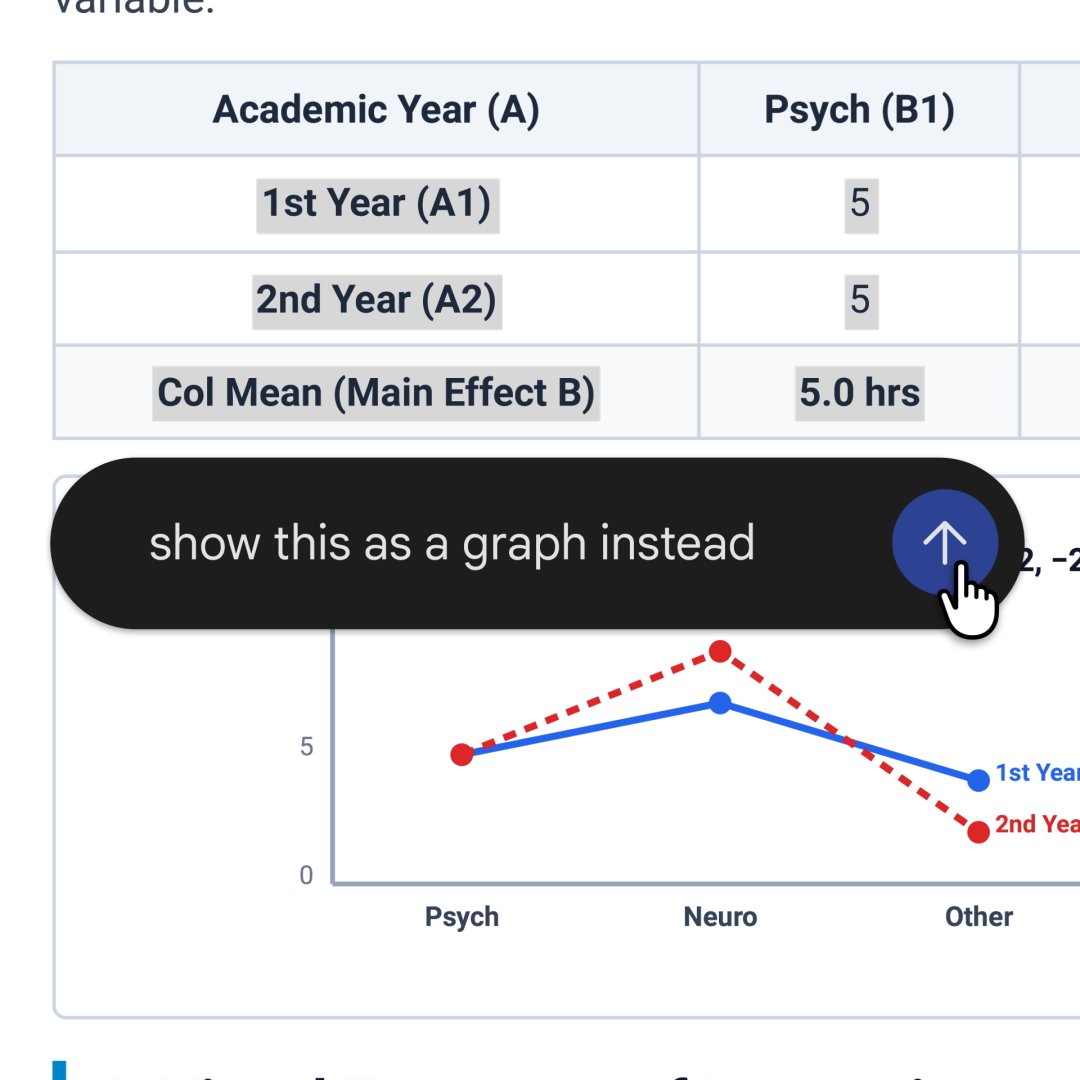
You can now generate, preview, and edit documents, PDFs, presentations, spreadsheets, and more…
@GeminiApp633K followers
3,149,456 views
29 Comments
Comments from the original post on X (Twitter)

@GeminiApp
These capabilities are now available to all users in all languages where Gemini is available. PDF preview and editing is supported on both the web and mobile, while all other formats (Google Docs, Google Sheets, Markdown files, TXT files, slide decks, and code) are supported on the web only.
79 likes

@ABCDMMviha
So Gemini is basically turning into Docs, Slides and Sheets in one chat box now. Curious if it can handle messy handwriting though 😂
4 likes

@MatteoFarin
Please bring Gemini Tasks and the Gemini Spark agent in Europe.
4 likes

@Nithinlogs
This is my personal most awaited feature.
3 likes

@pggalaviz
Every AI app is slowly turning into Microsoft Office. Our old friend Clippy just needed 25 more years of training haha
3 likes

@VarunChopr17597
Turning handwritten notes into a PDF study guide is going to be huge for students. Does it keep diagrams and arrows from the notes, or just the text?
2 likes

@rayvahey
export the pdf and keep a local copy. the editor is rented, the file is yours
2 likes

@elstar4x
looks actually clean. first carbon, now these new improvements. gemini might make a huge comeback
1 like

@HarryTandy
handwritten notes to pdf is a nice touch
1 like

@rishipatidarr
handwritten notes to PDF is where i'd test it hardest. messy handwriting is exactly where models get confidently wrong, and a clean PDF makes the wrong bits look official
1 like

@whatjustshipped
Highlight-to-edit is the quiet win here. Re-prompting a whole doc to fix one paragraph was always the worst part.
1 like

@LuisSilva143345
Please reduce the price of the AI Pro subscription in Brazil. It's too expensive and inaccessible for us. It costs 5 times more than in other countries.
1 like

@amjustadam
Cool 😎

@hallucinalpha
gemini turning my handwritten notes into a study guide when even i cant read my handwriting 💀

@ArepaVeneka
Gemini 4 Flash, when? 🫠

@RazBhimani
highlight to edit is the win. full rewrites kept breaking correct numbers in our tax agent

@arpittalksstuff
highlight a section and edit just that part is the real feature here. regenerating the whole doc for one typo was the worst

@Vibefold
highlight-to-edit is the real feature here. ai docs never stuck because one fix regenerated the whole file and broke three other things. if gemini really edits only the part you select, office finally has a reason to worry

@sreeraajj
Is highlight-to-edit on the free tier too, or paid only? If it's free, that kills half the reason students pay for Canva plus a PDF editor

@vheuel
cool


