Video yükleniyor...
Video Yüklenemedi
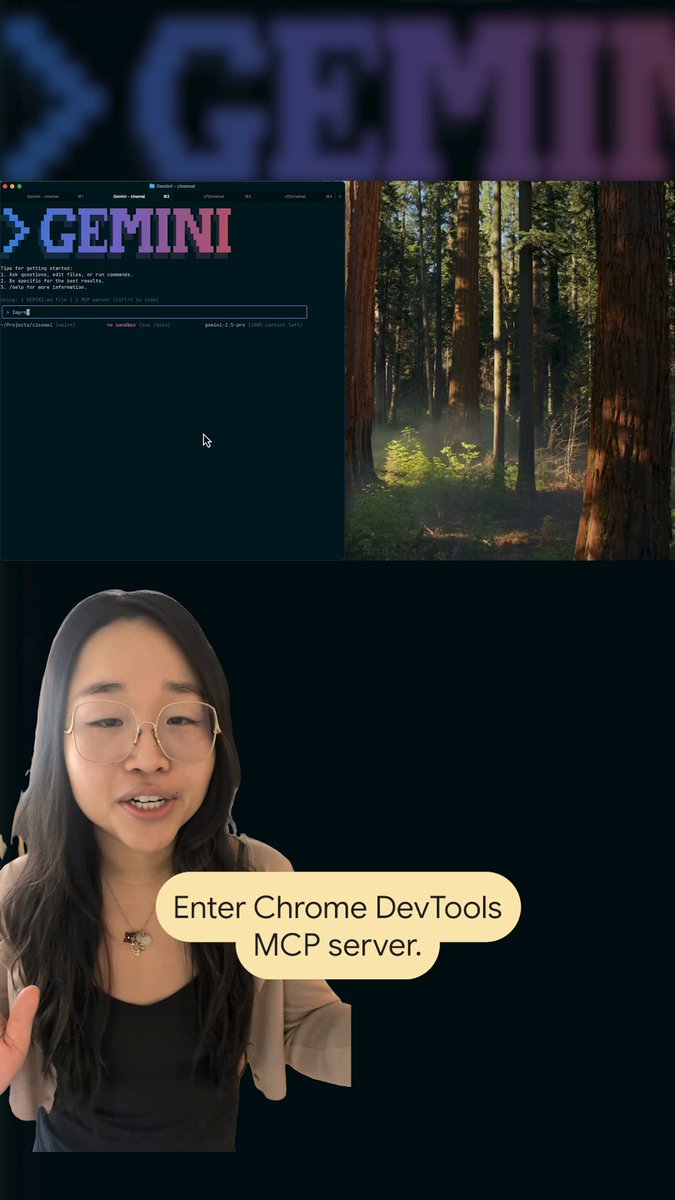
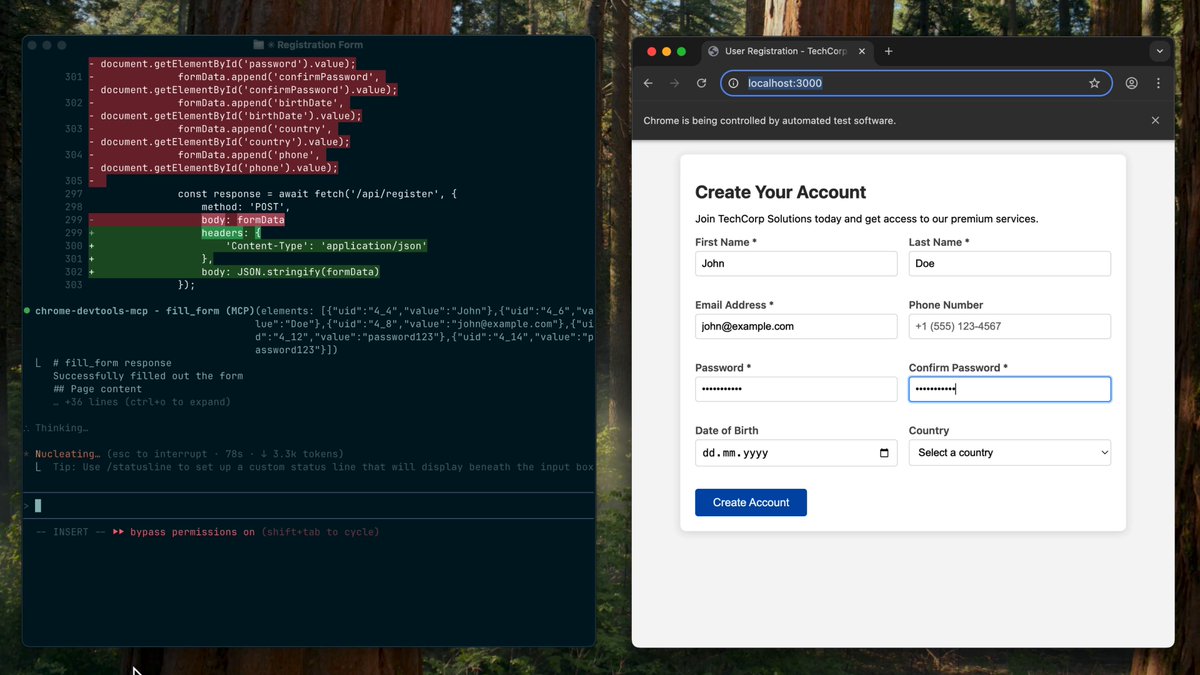
Your agent needs context. Your application needs data. Walrus Console connects the two. Here's a quick tutorial on how to wire Walrus Console into Cursor using MCP so your agent can read and write files directly in your workflow: Try Walrus Console:

17,034 görüntüleme • 8 gün önce •via X (Twitter)
12 Yorum

The integration demo here is actually super clear Step by step walkthroughs like this are underrated

Thanks to @BiasGoose for the demo

So simple

Decentralized memory without latency is the missing piece. Pairing Walrus blobs for context windows with Sui PTBs for atomic execution finally gives agents persistent long-term memory. The modular AI stack on $SUI is coming together. 🌊🤖

Love this! 🔥 Giving AI agents direct access to data through MCP is a huge step toward smarter workflows. 🚀

and here i was wiring mcp manually like a caveman

MCP wiring through Walrus Console is the cleanest way to get agents touching real data

Love to see it!

just trying to get things together

Bu açıklamalar coinie değer vermiyor büyük bir iş yapın coin batıyor

Sign-in is just Google or Apple, and files stay encrypted and verifiable on Walrus. Agent memory that outlives one Cursor session is the real unlock.

MCP makes it easier for agents to interact with data and tools. The next challenge is helping them understand what that data means, how files and systems relate, and which evidence supports their decisions. Access enables action; context enables better judgment.