Video yükleniyor...
Video Yüklenemedi
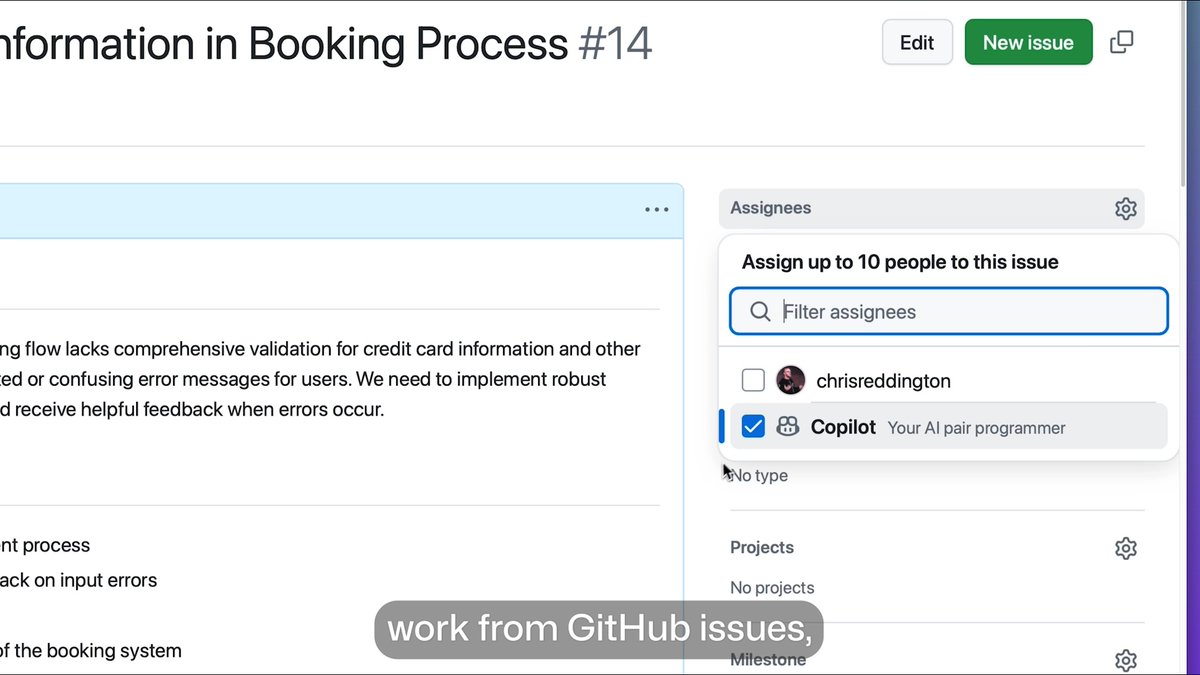
🐘 Your database workflow, right inside VS Code. In the PostgreSQL Like a Pro: VS Code Edition series, learn how to connect to PostgreSQL, explore unfamiliar schemas, write better SQL, and investigate query performance with the PostgreSQL extension and GitHub Copilot. 🎬 Watch the series: Happy coding! 💙

28,075 görüntüleme • 15 gün önce •via X (Twitter)
8 Yorum

does the query performance part actually run explain analyze or just guess from the sql text

Great 👍

The integrated database explorer inside the editor speeds up context modeling, but writing heavy logic inside application windows is a slippery slope. Keep raw queries optimized at the storage layer. Do you trust inline Copilot for complex SQL or write explicit schemas manually?

Does this cover multiple database connections?

Pairing database tooling with Copilot inside the editor removes the context switch that usually slows down query performance investigations.

This series looks super helpful for everyday Postgres work

exploring unfamiliar schemas is basically my whole week, bookmarking this 👀

Does the query performance part run EXPLAIN (ANALYZE, BUFFERS), or only show the estimated plan? Buffer counts are usually what show a slow query is reading from disk.
Benzer Videolar


Sensitive content
The PostgreSQL extension for Visual Studio Code is here! GPS shows you how to get started with creating a new Docker PostreSQL server, managing your connections, chatting with your database, and more.
Visual Studio Code
42,177 görüntüleme • 1 yıl önce