Loading video...
Video Failed to Load
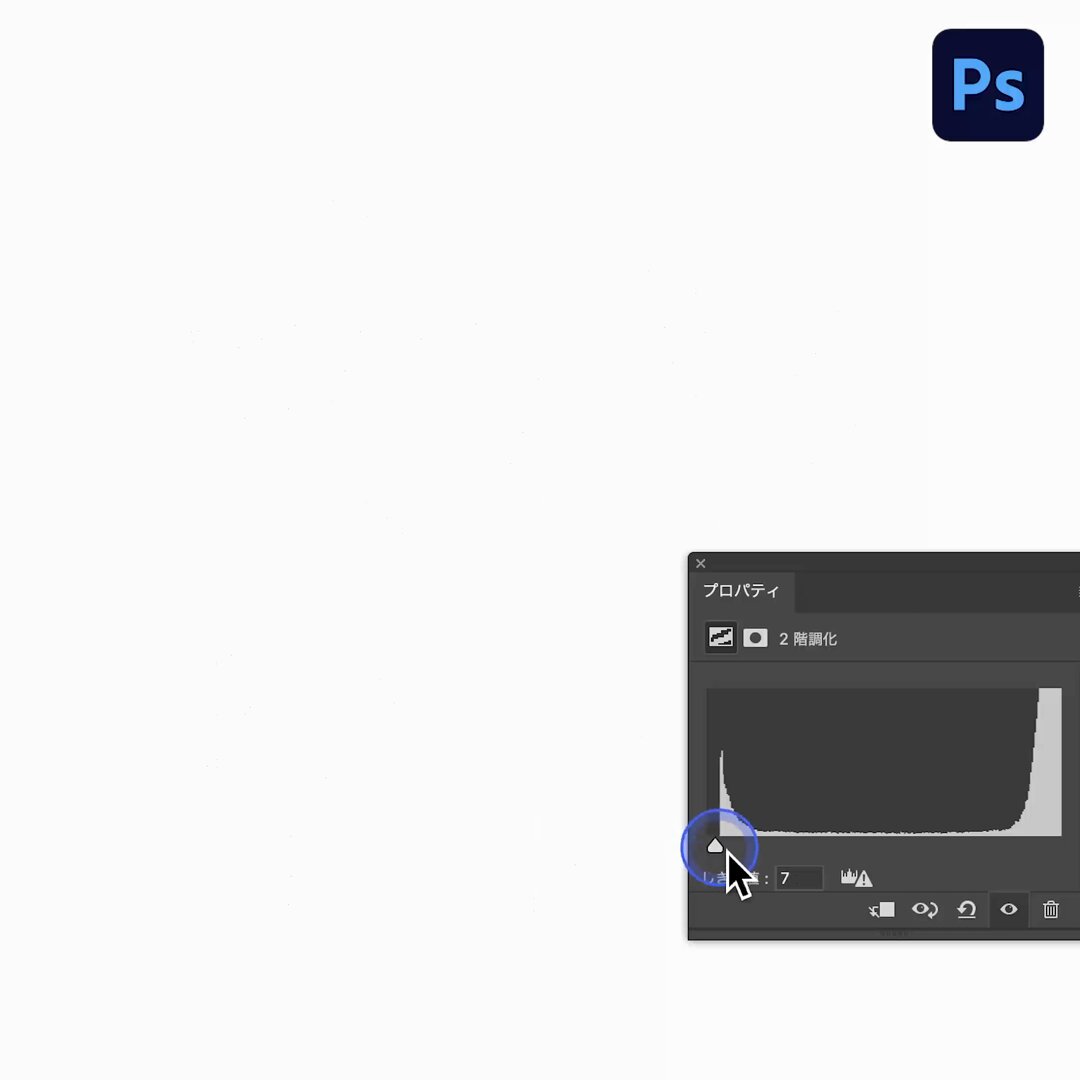
写真を使って文字を「ノイズ加工」する方法 #Photoshop

76,281 views • 1 year ago •via X (Twitter)
9 Comments

toru1 year ago
すご👀

タマケン | デザイン1 year ago
😁🙌

Bryxenion1 year ago
Capture critical details with the camera's high-resolution output. Follow me for more: 👉 Tap the link in the comments (or video) to grab yours now!

Merian McDevil !ЗБІР! (рест)1 year ago
❤️🔥❤️🔥cool
タマケン | デザイン1 year ago
thank you❤️🔥❤️🔥

すぴかあやか(角田綾佳)1 year ago
Illustratorでロゴ制作をしていると、最初はアートボードで作るんだけどどんどん検証・派生して場外乱闘になっていき、最後に勝者だけがアートボードというリングに戻る

スズショー|デザイン1 year ago
【もう全部まとめて白ふちつけたるねん】 文字もあしらいも全部まとめて、ふち付きの白い背景でグループ化しましょう。文字が見やすくなるうえに、タイトルの存在感が大きくなります。バランスよくまとめるとステッカーみたい(3枚目)。4枚目はトンマナに合わせて、ふちをぼかしてますね😊グッナイ🌙

【南海さん】南海鷹彦(みなみたかひこ)旧名南海ホークス1 year ago
シンプルとイージーの区別がつかない奴、けっこういる

Photoshop VIP1 year ago
【2025年上半期まとめ】商用利用OK!無料で使える最新フリーフォント94選 -