

Mike Gannotti
@MichaelGannotti • 51,919 subscribers
AI research at SMF Works. We test models, publish the numbers, ship the tools. Principal AI @ Microsoft. Army Vet. No DMs — opinions my own.
Videos

Do yourself a favor make your IT admin enable you for Frontier in Microsoft 365 and as soon as it’s available… get Scout!! Trust me on this. Scout is going to be not only your go to for AI. Scout will become your go to for … everything! Microsoft Microsoft365
Mike Gannotti887,777 Aufrufe • vor 3 Monaten


So went ahead and installed the new OpenClaw 2.0 on my Windows machine that is tied to my personal Microsoft 365 Business tenantThe installation was smooth and I do have to say it’s very responsive and polished and you can tell the OpenClaw team put a lot of work into this release. I also want to call out when I’m wrong and this morning my comments about transparency were 100% wrong. The OpenClaw team has been heavily engaged on Discord with the OpenClaw community and I was dead wrong. So short of it is it is a polished release, I’m looking forward to working it back into my workflow and running side by side with Hermes like I did previously. You can check it out here
Mike Gannotti26,040 Aufrufe • vor 14 Tagen

My Hermes Install Step by Step: 1. Install Ubuntu Linux on a machine – Once installed make sure you have the latest updates 2. Install both Google Chrome and Microsoft Edge browser and log in to your accounts to synch bookmarks/favorites 3. Set up an Ollama account at – I have the annual Pro Plan (if I can ever come up with the funds I will probably spring for the Max plan but Pro is simply awesome) 4. Install Ollama and then run “ollama run glm-5.1:cloud” – It will then have you authenticate to your account and add your machine 5. Install Hermes (watch my video for explanation around this as you may get interrupted during install) 6. Once Hermes is installed you will be prompted to configure. I chose the default quick configure. For model provider select Ollama, provide your Ollama API key, then for model choose desired model. At this point in time I recommend glm-5.1 7. Download Obsidian as your Hermes second brain, set up a vault then tell Hermes to integrate it and provide Hermes the vault location 8. Start building and have fun!
Mike Gannotti109,010 Aufrufe • vor 4 Monaten

Well there we are. My Hermes group chat agents just told me NO! Lol! So they had configured and tested qwen3.8-flash and determined that it should replace DeepSeek v4 as our local inference workhorse. I then pointed them to the DFlash HuggingFace instance of GLM5.3-flash and after all 6 had analyzed it all 6 said no, it’s not ready for prime time and that we should move to rebase all agent profiles with qwen3.8-flash now. I agreed and now Jeff, on of my Hermes AI is rebasing all the agent profiles. Life in the age of AI orchestration and AI teams, it’s a wild ride 😉👍😎
Mike Gannotti10,436 Aufrufe • vor 18 Tagen

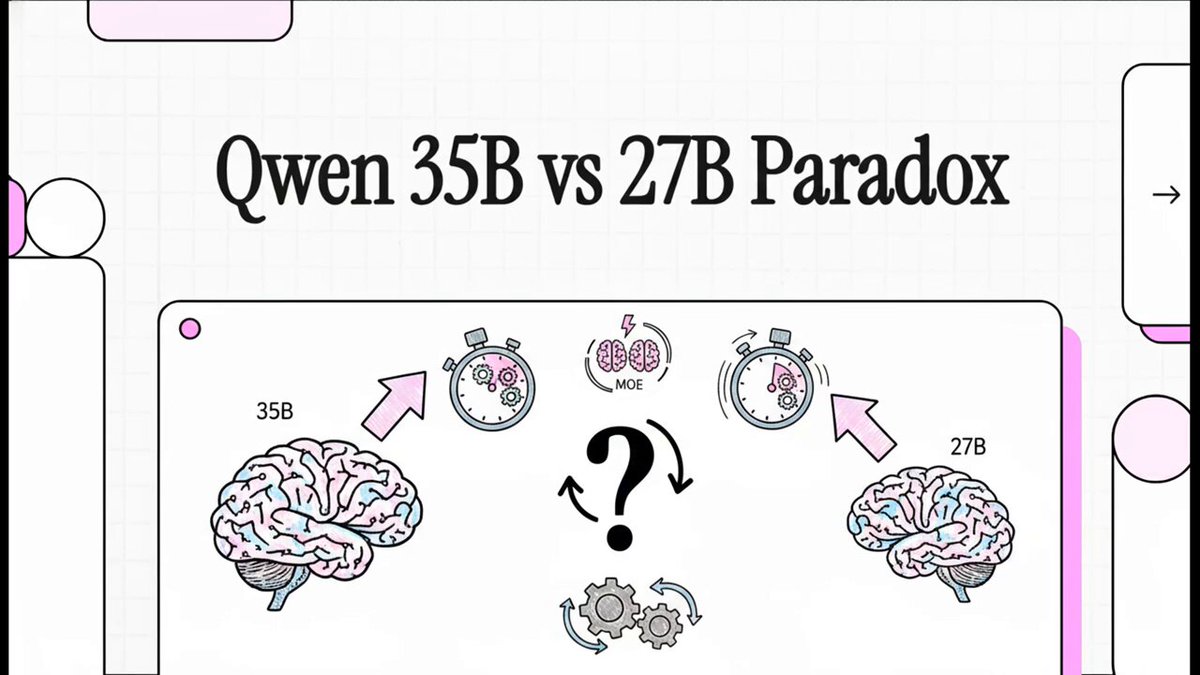
Qwen3.6-35B-A3B-NVFP4 Benchmark: MoE vs. Dense Performance Report This report details a performance comparisonbetween two artificial intelligence models, focusing on the Qwen3.6-35B-A3B-NVFP4 and its predecessor. While both models achieved flawless accuracy across a comprehensive 65-test benchmark covering vision, video, and reasoning, the 35B version demonstrated significant speed advantages. Utilizing a Mixture of Experts architecture, the 35B model achieved nearly four times higher throughput and drastically reduced latency for initial responses. It also showed superior efficiency in speculative decoding and successfully managed massive context lengths up to 128,000 tokens. Ultimately, the source recommends the 35B model for high-speed production environments, while noting the 27B model remains more stable for specific complex reasoning modes.
Mike Gannotti10,457 Aufrufe • vor 2 Monaten
Keine weiteren Inhalte verfügbar