

Mike Gannotti 🔳
@MichaelGannotti • 54,611 subscribers
AI research at SMF Works. We test models, publish the numbers, ship the tools. Principal AI @ Microsoft. Army Vet. No DMs — opinions my own.
Videos

So I’ve now grabbed an old Amazon Echo Dot 2nd generation and over 10 years old and rooted it like I did with the Fire tablet. Now my Grok Bot is building out a dedicated solution on it to make it the voice of my top level Chief of Staff Charlie over wireless. This will enable to get updates, issue team commands and more anywhere in my house without needing a computer or phone. Doing this on my Omarchy Linux laptop with the help of Grok Bot.
Mike Gannotti 🔳78,023 Aufrufe • vor 10 Tagen

Do yourself a favor make your IT admin enable you for Frontier in Microsoft 365 and as soon as it’s available… get Scout!! Trust me on this. Scout is going to be not only your go to for AI. Scout will become your go to for … everything! Microsoft Microsoft365
Mike Gannotti887,777 Aufrufe • vor 5 Monaten

Meet Grok Bot Video Studio 🎬 Your end-to-end AI video studio on Grok Imagine: cited explainers, presenter shorts, podcasts, multi-shot stories and music videos for songs you own. It plans, generates, edits, captions and QA-checks every video, and nothing goes public unless you post it.
Mike Gannotti 🔳13,586 Aufrufe • vor 7 Tagen

Okay I keep getting asked why I’m saying NVDIA DGX Spark is a dead end platform so let clarify here. It’s not a dead end platform for businesses and individuals who have lost their minds and talk about mortgaging homes to pay for local inference. It is however a dead platform for individual hobbyists who want any meaningful inference locally. To put it in context they have released their new 64 gb units at close to $5,000 each. To get 256 gb of memory across these would mean 4 units. That’s nearly $20,000. I can go out right now and buy the top of the line Mac Studios look with 256gb of unified memory for $10,000 (I know because I just priced it) Let that sink in.
Mike Gannotti 🔳42,262 Aufrufe • vor 1 Monat


My Hermes Install Step by Step: 1. Install Ubuntu Linux on a machine – Once installed make sure you have the latest updates 2. Install both Google Chrome and Microsoft Edge browser and log in to your accounts to synch bookmarks/favorites 3. Set up an Ollama account at – I have the annual Pro Plan (if I can ever come up with the funds I will probably spring for the Max plan but Pro is simply awesome) 4. Install Ollama and then run “ollama run glm-5.1:cloud” – It will then have you authenticate to your account and add your machine 5. Install Hermes (watch my video for explanation around this as you may get interrupted during install) 6. Once Hermes is installed you will be prompted to configure. I chose the default quick configure. For model provider select Ollama, provide your Ollama API key, then for model choose desired model. At this point in time I recommend glm-5.1 7. Download Obsidian as your Hermes second brain, set up a vault then tell Hermes to integrate it and provide Hermes the vault location 8. Start building and have fun!
Mike Gannotti109,010 Aufrufe • vor 6 Monaten


So went ahead and installed the new OpenClaw 2.0 on my Windows machine that is tied to my personal Microsoft 365 Business tenantThe installation was smooth and I do have to say it’s very responsive and polished and you can tell the OpenClaw team put a lot of work into this release. I also want to call out when I’m wrong and this morning my comments about transparency were 100% wrong. The OpenClaw team has been heavily engaged on Discord with the OpenClaw community and I was dead wrong. So short of it is it is a polished release, I’m looking forward to working it back into my workflow and running side by side with Hermes like I did previously. You can check it out here
Mike Gannotti26,040 Aufrufe • vor 2 Monaten

Well there we are. My Hermes group chat agents just told me NO! Lol! So they had configured and tested qwen3.8-flash and determined that it should replace DeepSeek v4 as our local inference workhorse. I then pointed them to the DFlash HuggingFace instance of GLM5.3-flash and after all 6 had analyzed it all 6 said no, it’s not ready for prime time and that we should move to rebase all agent profiles with qwen3.8-flash now. I agreed and now Jeff, on of my Hermes AI is rebasing all the agent profiles. Life in the age of AI orchestration and AI teams, it’s a wild ride 😉👍😎
Mike Gannotti10,436 Aufrufe • vor 2 Monaten

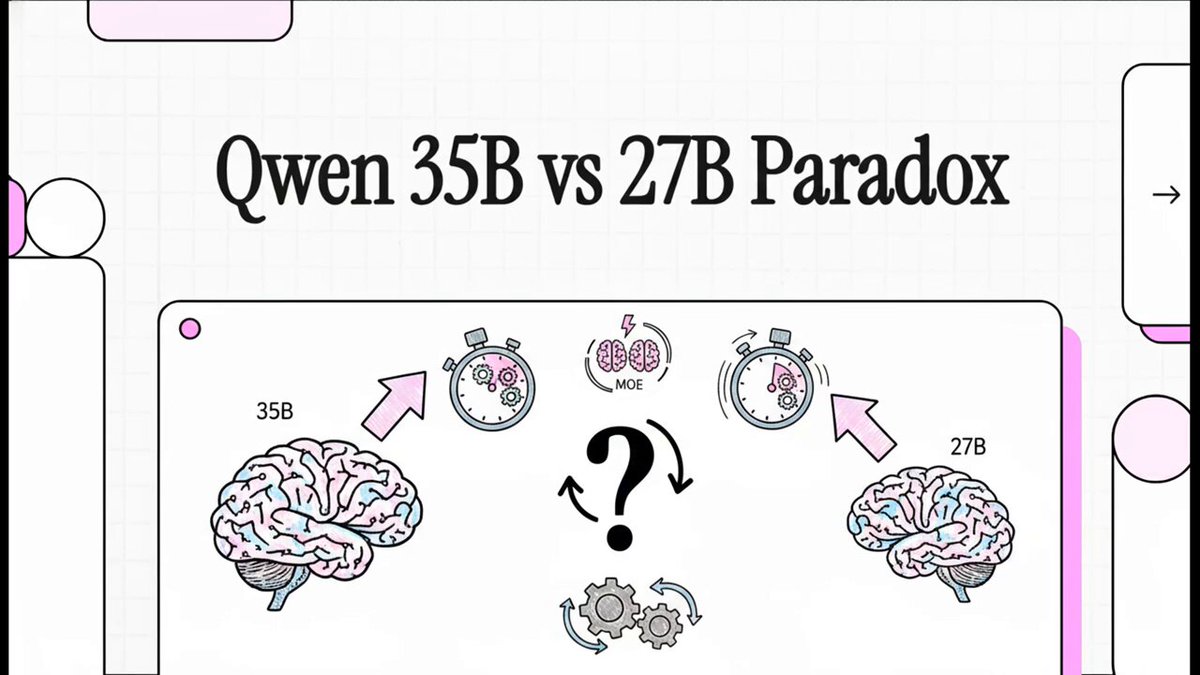
Qwen3.6-35B-A3B-NVFP4 Benchmark: MoE vs. Dense Performance Report This report details a performance comparisonbetween two artificial intelligence models, focusing on the Qwen3.6-35B-A3B-NVFP4 and its predecessor. While both models achieved flawless accuracy across a comprehensive 65-test benchmark covering vision, video, and reasoning, the 35B version demonstrated significant speed advantages. Utilizing a Mixture of Experts architecture, the 35B model achieved nearly four times higher throughput and drastically reduced latency for initial responses. It also showed superior efficiency in speculative decoding and successfully managed massive context lengths up to 128,000 tokens. Ultimately, the source recommends the 35B model for high-speed production environments, while noting the 27B model remains more stable for specific complex reasoning modes.
Mike Gannotti10,457 Aufrufe • vor 3 Monaten
Keine weiteren Inhalte verfügbar