
CSS by T. Afif's banner
CSS by T. Afif's profile picture

CSS by T. Afif

@ChallengesCss14,087 subscribers

💡 https://t.co/xk3TRqX1f1 🧩 https://t.co/4jGcDxtd38 💫 https://t.co/lRAAxfrQ09 📝 https://t.co/oOgtxdf5i9 ⚙️ https://t.co/UtXPa9iUiT 🏆 https://t.co/KgsRpeby7Q 🎨 https://t.co/0bhdtiVFTU 🎨 https://t.co/sZ8q2fgRBB

Shorts

💡 CSS Tip! Two circles, one arrow, and CSS magic. 🪄 A cool demo packed with modern features (anchor positioning, attr(), container queries, shape(), and more!) 🤩 The shape and position of the arrow are fully controlled using CSS.

💡 CSS Tip! Two circles, one arrow, and CSS magic. 🪄 A cool demo packed with modern features (anchor positioning, attr(), container queries, shape(), and more!) 🤩 The shape and position of the arrow are fully controlled using CSS.

82,668 views

💡CSS Tip! Create a tooltip that follows an anchor with modern CSS! No JavaScript is used to control the position of the tooltip or its tail. It's 100% CSS magic!

💡CSS Tip! Create a tooltip that follows an anchor with modern CSS! No JavaScript is used to control the position of the tooltip or its tail. It's 100% CSS magic!

57,924 views

💡 CSS Tip! Create a Sticky Header that "sticks"! A fancy effect powered by Scroll-Driven Animations and shape().

💡 CSS Tip! Create a Sticky Header that "sticks"! A fancy effect powered by Scroll-Driven Animations and shape().

22,524 views

What we can do with modern CSS is impressive! 🤩 A cool demo is in progress. Stay tuned! 👀

What we can do with modern CSS is impressive! 🤩 A cool demo is in progress. Stay tuned! 👀

12,125 views

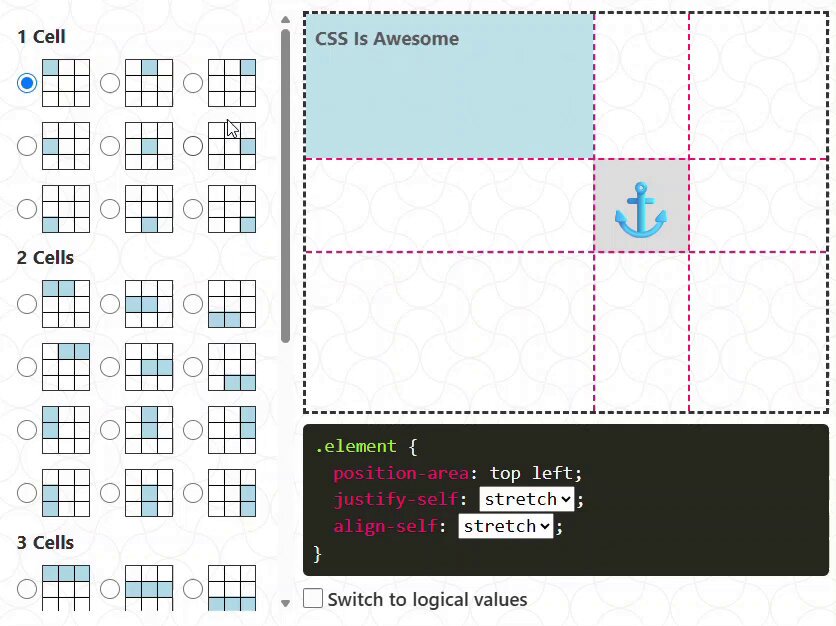
Updated the interactive demo to include the "anchor-center" value. It's a special value different from "center" and is probably the one you will be using the most. Example with position-area: top 👇

Updated the interactive demo to include the "anchor-center" value. It's a special value different from "center" and is probably the one you will be using the most. Example with position-area: top 👇

22,403 views

A direction-aware and more realistic version.

A direction-aware and more realistic version.

13,620 views

💡 CSS Tip! Do you know that One-Time password field? You can create it using only one input and a few lines of CSS. The HTML: <input type="text" maxlength="6"> Code & Demo: You can control the number of characters by adjusting the maxlength attribute.

💡 CSS Tip! Do you know that One-Time password field? You can create it using only one input and a few lines of CSS. The HTML: <input type="text" maxlength="6"> Code & Demo: You can control the number of characters by adjusting the maxlength attribute.

25,194 views

A fun CSS-only experimentation using modern features (anchor positioning, @​property, :has(), and more!) for this week #codepenchallenge Demo: via CodePen.IO

A fun CSS-only experimentation using modern features (anchor positioning, @​property, :has(), and more!) for this week #codepenchallenge Demo: via CodePen.IO

12,042 views

Another (cool) demo where I am using the same technique. Demo: via CodePen.IO The border will smoothly stop (always) at the same position on hover. #codepenchallenge

Another (cool) demo where I am using the same technique. Demo: via CodePen.IO The border will smoothly stop (always) at the same position on hover. #codepenchallenge

12,022 views

Videos

No more content to load