

EMMA
@sonofemma • 2,345 subscribers
Growth & Marketing ▪ Amb @usddio
Videos
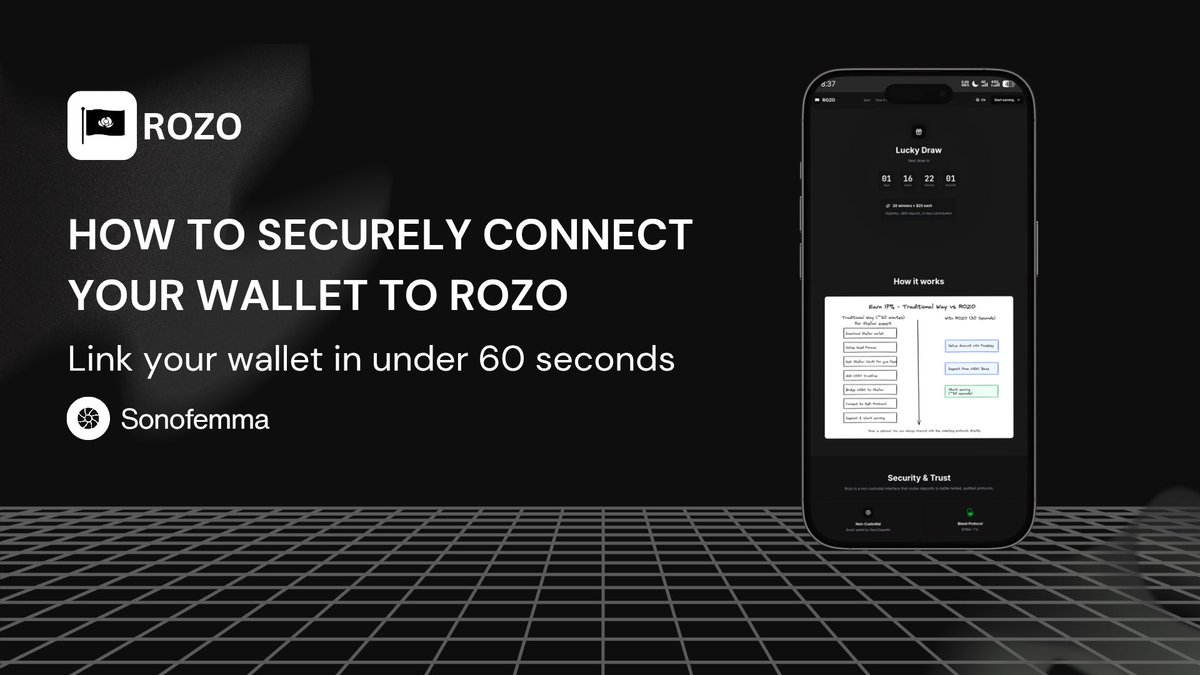
I never imagined connecting a wallet to ROZO would be hard for anyone… until someone reached out to me saying they were completely stuck and frustrated. So if you're dealing with that right now — don't worry, it's usually a quick fix with the right setup. ...here's what works for most people who hit this wall. 🔻 🔹️ The problem first Some browsers or wallets just don't cooperate with Rozo's connection flow. You get errors, nothing loads, or it keeps failing for no clear reason. The person who messaged me was running into exactly that. The good news? Switching a couple things makes it feel effortless. 🔹️ LOBSTR wallet + browser combo I recommend using LOBSTR wallet — it's built specifically for the Stellar network, so it stays stable and links up with Rozo much better than other options. Also: use Chrome as your browser. If it still doesn't work in Chrome, switch to Brave — that will definitely do the trick for almost everyone. 🔹️ How it actually works ⤞ Use Chrome (or Brave if needed) ⤞ Go to: ⤞ Use LOBSTR wallet ⤞ When you're on the site, use your Passkey (like FaceID or your fingerprint) to get in ⤞ Once you're done checking your earnings or moving funds, log out That's it. You're in. 🔹️ The part people overlook You won't need to dig up any long seed phrases. Passkey is a lot faster and keeps everything tied to your own device security. Logging out is a simple habit, but it's the best way to keep your wallet safe from any browser-based attacks. 🔹️ Final thought Connecting should feel boringly easy — not like a puzzle. With LOBSTR, Chrome (or Brave), and this setup, it finally does for most people who were stuck. ✔ Use LOBSTR. ✔ Use Chrome (or Brave). ✔ Log in with Passkey. ✔ Log out when done. ROZO community: If you're still having trouble, drop a reply — happy to help you get sorted
EMMA22,771 просмотров • 7 месяцев назад
Больше нет контента для загрузки