Video wird geladen...
Video konnte nicht geladen werden
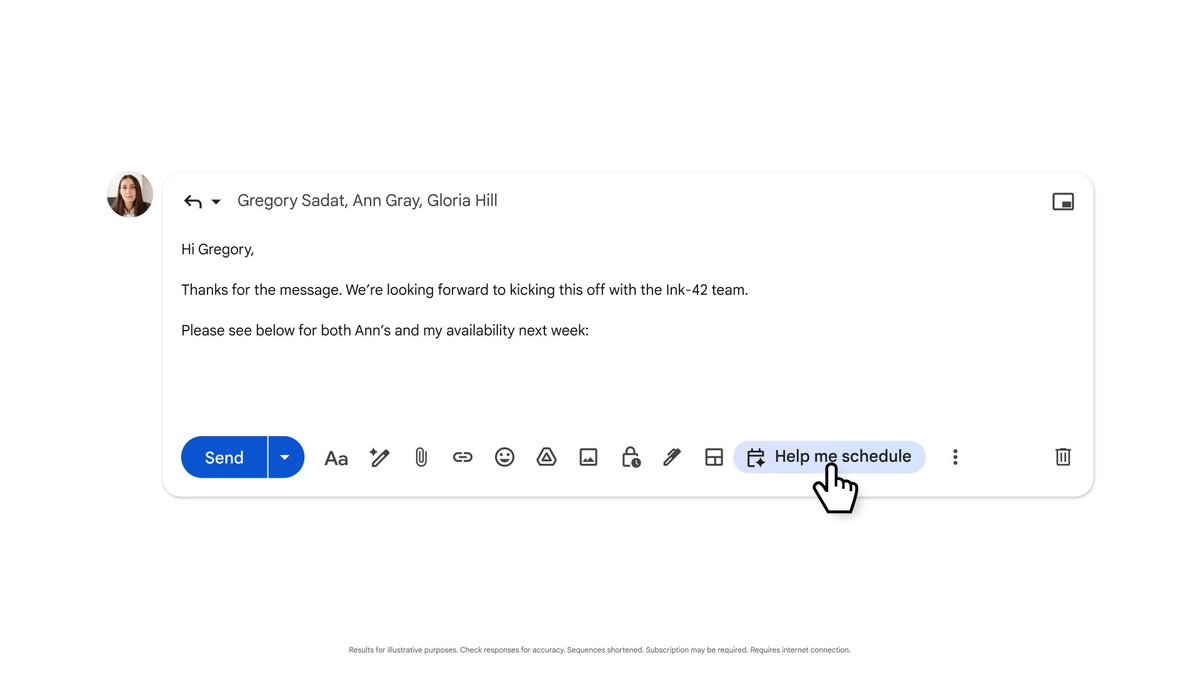
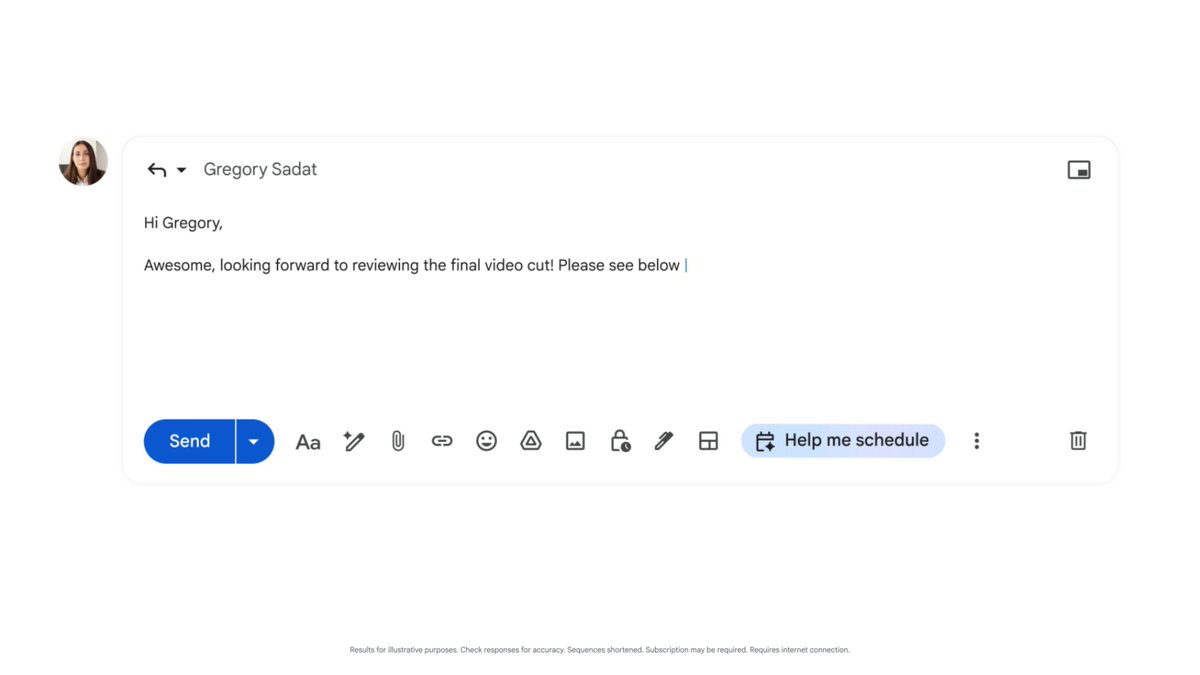
3. Google releases "Help me write" in Gmail. Email has changed forever. Just write one-line prompt, AI will automatically generates the whole email for you in seconds. There are also many options to refine your emails.

293,754 Aufrufe • vor 3 Jahren •via X (Twitter)
13 Kommentare

Google wins the internet with its biggest breakthroughs in AI. It takes their generative AI capabilities to a whole new level. Here are the 10 revolutionary innovations they unveiled today:
1. Bard Google Bard's new features: -Dark theme -Visual features to search from photos -Support 20+ programming languages -Works with other apps -Write in Gmail, Export into Docs -Generate spreadsheet
2. Google unveils a list of future plugins for Bard.
4. Bard + Adobe Firefly announced Bard will be able to generate completely new images using Adobe Firefly.
5. Google Unveils Gemini This is Google's next-generation multimodal foundation model. It will directly rival with @OpenAI GPT. Bard will transition to the Google Deepmind Gemini model.
6. Google X Adobe Google and Adobe have teamed up to power up Adobe Aero, a tool for AR creators! This partnership brings Google's real-world modeling into Adobe's creative design tools.
7. Google Photos' new "Magic Editor" This new feature lets you change: -The lighting of a scene -Get rid of elements you don't like -Adjust your position in the photo.
8. Google just announced Immersive View for Maps It helps you: -Know the actual weather and traffic on your route -It calculates the fastest path in less than 2 sec.
9. Google unveils PaLM 2. It has powerful multilingual, reasoning, and coding capabilities trained on 100+ languages. PaLM 2 comes in 4 sizes: - Gecko (10 billion parameters) - Otter (100 billion parameters) - Bison (1 trillion parameters) - Unicorn (10 trillion parameters)
10. This is how many times Google's CEO says AI
If you found this helpful or interesting. Please retweet the tweet below to share it with others:
I will cover more about its use cases in my free newsletter today.

Why? Stuff an email with even more useless words. We’ll get to the point where everything is written, and no-one knows how to read.






![Gemini skills in Chrome are insanely powerful?! You can just write instructions and Gemini will be able to take any action over and over. 1. Create by typing "/" in the Gemini panel 2. Write your instructions 3. Type "/[skill-name]" And Gemini will automatically work for you by using the skill. So you can leverage it to - Scrap information - Take action in a specific web app - Anything you can perform in a browser basically Keep in mind that you can even use your emails or your Google account as a context... Which can be VERY useful.](https://image.24vids.com/tw-2049235954184135154/amplify_video_thumb/2049234300302733313/img/mjmU5YeeOFBcxPQC.jpg)


