Video yükleniyor...
Video Yüklenemedi
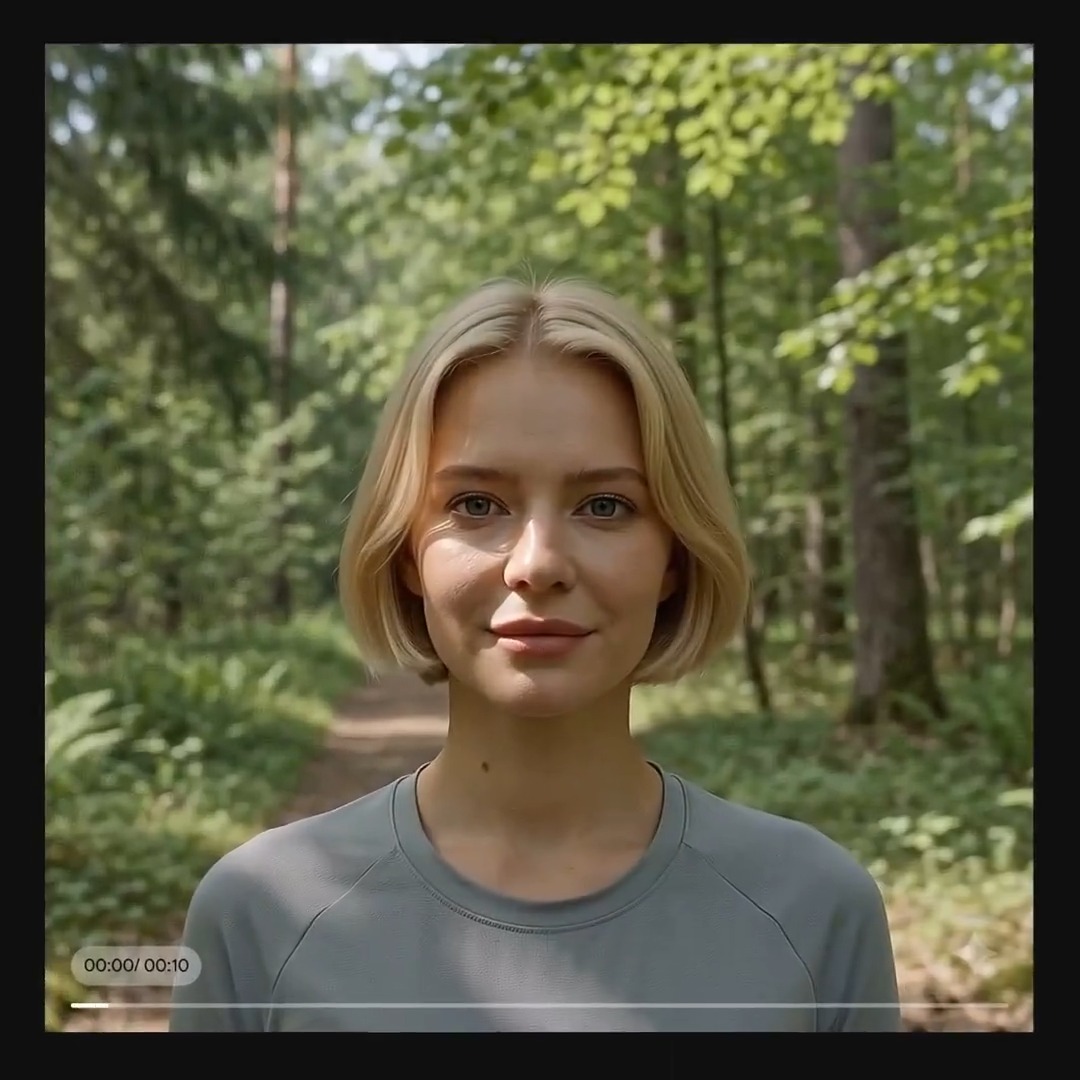
3 ways to use Gemini Omni in Google Flow: Add, modify, and remove. In this tutorial, learn how to transform your videos using Omni. Type a prompt to add specific props, change the season, swap colors, or erase background crowds, all while keeping your character’s performance intact. Watch the... show more

18,150 görüntüleme • 2 ay önce •via X (Twitter)
16 Yorum

I downgraded. The policy you have restricts family friendly content. Not being able to produce ANYTHING with a kid in it is bad policy. Have safeguards sure, but let us produce family friendly content. Figure it out.

Add, modify, remove, that's a clean way to teach Omni.

FINALY I CAN ERASE MY SISTER

day 1/100 of requesting a google flow MCP until @FlowbyGoogle team replies 🙏

为什么今天google flow不能使用了。只停留在首页,无法进去项目列表和生成编辑页面

Video editing is getting stupid easy, creators are eating good

Your restrictions are just too much, even in cases that are not harmful. You will get left behind if you continue like this. @GeminiApp @Google

Mad

I want flow should update for voice upload voice and audio to lipsing and deferent voices with acsent and own voice

Which Gemini Omni edit would you use first: add, modify, or remove?

@henry_wilson_ai We love to modify, which is YOUR favorite though?

When will video generation support custom aspect ratios? I need a 1:1 aspect ratio.

限制太多了,总是无法成功,我没那么多耐心了🥲

Quick question: Is this only for Short Videos or does it also do this for long form videos?

Remove watermark from Indian server also

Erasing crowds while keeping the performance, smart