Loading video...

Video Failed to Load

Go Home

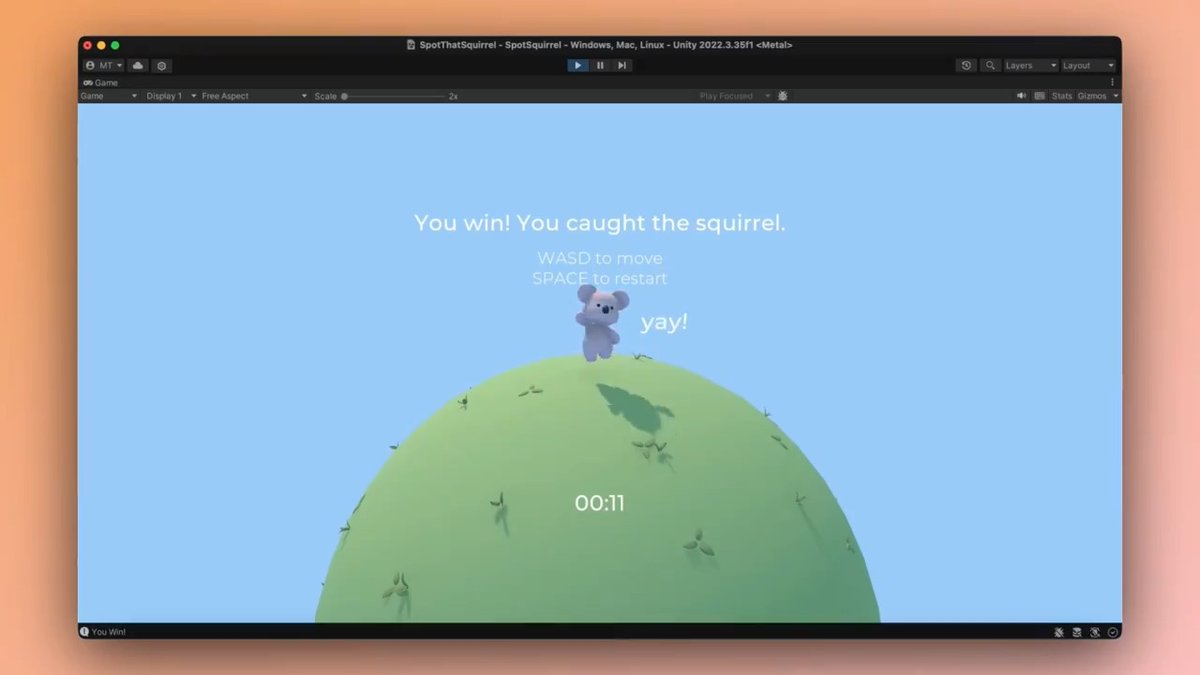
Bezi is now publicly available. An AI tool designed specifically for game engines, Bezi uses real-time context of your project - codebase, assets, scene graph - to provide tailored development assistance.

37,994 views • 1 year ago •via X (Twitter)

11 Comments

Bezi's profile picture
Bezi1 year ago

Create scripts that work immediately with your existing codebase - no additional explanations or context needed.

Bezi's profile picture
Bezi1 year ago

Debug behavioral, logic, runtime, and compilation errors efficiently without testing every setting, property, and line of code to manually pinpoint the source.

Bezi's profile picture
Bezi1 year ago

Search smarter - find assets, scripts, and GameObjects with greater specificity, speed, and depth using natural language.

Bezi's profile picture
Bezi1 year ago

Learn about what’s in your project and how to bring new ideas to life with customized tutorials generated based on your existing scripts and setup, documentation, and online resources.

Bezi's profile picture
Bezi1 year ago

We’ve got a lot of improvements coming very soon, such as the ability to preview, accept, and revert proposed code changes directly in the engine. Bezi is currently for Unity only, but stay tuned for additional engines. Try Bezi out now:

NICE's profile picture
NICE1 year ago

Stay competitive by balancing cutting-edge AI with automation tools. Forrester shows how.

Julian Park's profile picture
Julian Park1 year ago

🔥🔥🔥

Dylan's profile picture
Dylan1 year ago

@Scobleizer ooo, piece of candy @fathamburger @amyfalken @JaneOnAWave

Francois Laberge ✍️'s profile picture
Francois Laberge ✍️1 year ago

Dammmmmnnnnn!

Ryan Hoover's profile picture
Ryan Hoover1 year ago

When I was a kid I tried to make my own game using Worldcraft. I didn't get far. Wish I had this. :)

DALNK ʕ •ᴥ•ʔつ━☆'s profile picture
DALNK ʕ •ᴥ•ʔつ━☆1 year ago

The SOTA with graphs is finally starting to materialize

Related Videos

I've been spending more time with Bezi to see how far I can push vibe coding a game on the Unity Editor. So far, I'm pretty happy with what I can achieve with Bezi. Here are some learnings: - Even though I use Bezi to do all agentic coding, I still have to perform a few small manual tasks in the Unity Editor - As a result, I feel like I am getting a hang of Unity's complex and clunky UI, which actually feels good! - This is one of those examples where Vibe Coding is a great way to learn game dev. - For big features, I can't state the importance of asking the agent to create a plan first before implementing the feature. It can work wonders. Most of the bigger features/ssytems starts with a clear plan. - The biggest strength about working with Unity Engine is the Unity Asset Store, there's so much good stuff in there, 3D assets, shaders, vfx etc that can really spice up your game, that other game enginers will need to build from scratch. - Because Unity Assets Stores sell UI assets packs, I was able to implement decent looking UI fairly quickly. For those of you that vibe code games, you know how much of a pain it is to implement UI. - I did meet a few hiccups along the way where Bezi seems to struggle a little with implementing some features, but usually with some retries it works out at the end, though it burns a ton of tokens. After spending more time with Bezi, I'm still feeling good about using it. I am able to get this PvZ style autobattler working in a few days!

Danny Limanseta

13,395 views • 3 months ago