Video wird geladen...
Video konnte nicht geladen werden
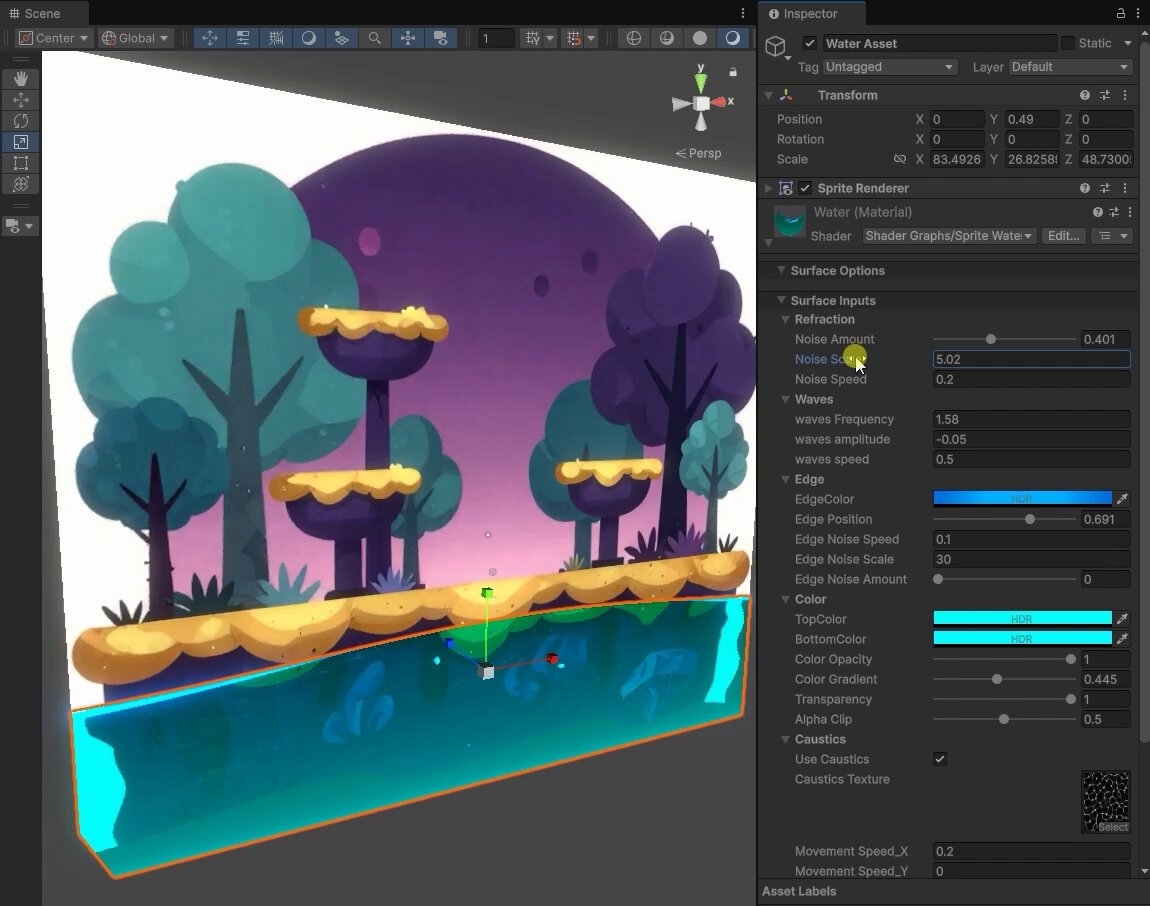
Got introduced to , an AI code assistant specialised for Unity by Julian Park and after dabbling with it for a day, I am really impressed with how good it is for vibe coding on the Unity Game Engine. Bezi early impressions: - Bezi works direcly on Unity with... show more

49,478 Aufrufe • vor 6 Monaten •via X (Twitter)
32 Kommentare

@bezihq Glad to hear you're enjoying it!!

@bezihq Yes I am!

@bezihq @julianparc This is not a specialized model. It is scaffolding on top of the same frontier models used for everything else.
@bezihq @julianparc Yup you’re right and I think the harness is built specifically for Unity hence the performance on Unity is better

@bezihq @julianparc Unity plugins are tactical. AH Studio architects production-grade proprietary infrastructure that collapses entire cycles for enterprise and Muslim tech frontiers—no manual editor friction, pure intent-to-deployment. Velocity is the only metric that scales to sanctuaries.

@bezihq @julianparc bezi is dope

@bezihq @julianparc Ok you hyped my curiosity

@bezihq @julianparc Incredible leap compared to what you shared two days ago 🤯

@bezihq @julianparc been using a few AI tools for game dev. they often miss the vibe part.

Your last point is the key insight here. A specialized model that deeply understands Unity's API surface and scene graph will always outperform a general model guessing from docs. Same pattern we see with Claude Code — domain-specific tooling beats raw model intelligence every time.

@bezihq @julianparc bezi sounds like a game changer for unity dev

@bezihq @julianparc Plugin approach is smart — staying inside the engine instead of bouncing between IDE and Unity. How does it handle complex scenes though? Like coordinated multi-object behavior, does it understand the scene hierarchy well enough to not break existing stuff?

@bezihq @julianparc The trailer vibes in the first 10 seconds were *chef's kiss* all you needed was a logo or artistic game title overlayed for a second 😄. Anyway, sounds like a great tool!
@bezihq @julianparc Thanks! Yeah I literally prompted the model to do a camera flythrough intro and it did just that. Pretty amazing tool
@bezihq @julianparc 👀 that's wild

@bezihq @julianparc @theisaacmed

@bezihq @julianparc You think Bezi is better than the Unity MCP?

@bezihq @julianparc Im trying this with neostack with unreal engine I wanna try bezi now tho im jusr so invested in unreal assets already :/

@bezihq @julianparc Let's go fishing! Love it

@bezihq @julianparc Heyyy I love thiss vibe! Tmr will use codex to make one hahaa tks for this idea

@bezihq @julianparc Do you have like a tutorial or advice for developing a game? I can make my own assets but lack dev skills/code writing

@bezihq @julianparc Maybe you can try Godot

@bezihq @julianparc Making a game for mobile in Unity isn’t the issue. It’s building to iOS to XCode then having to build in Xcode to get on phone to test, just to find out there’s another bug that needs fixing. Whole process takes like 10mins Imagine that 10x a day What led me to burnout

@bezihq @julianparc I tried to vibe code with Unity but my results are so bad, I need to keep trying I guess

@bezihq @julianparc How would you compare bezi to Unity MCP?

@bezihq @julianparc I'm not sure "specialized" is always the win it sounds like. Narrow tools feel great until you hit the 20% of problems they weren't trained for and you're stuck mid-build with no fallback.

@bezihq @julianparc claim fees

@bezihq @julianparc I guess its bezi's guardrails around unity that are doing the trick, they must be using one of the frontier models under the hood

@bezihq @julianparc domain-specific models beating general ones shouldn't be surprising but it still is every time. unity-native context changes everything for game dev.

@bezihq @julianparc Is it better than coplay?

@bezihq @julianparc does this change your opinion at all about using godot > unity for vibe coding games?
@bezihq @julianparc Yup potentially but I need more time to explore Bezi w Unity to confirm this