Video wird geladen...
Video konnte nicht geladen werden
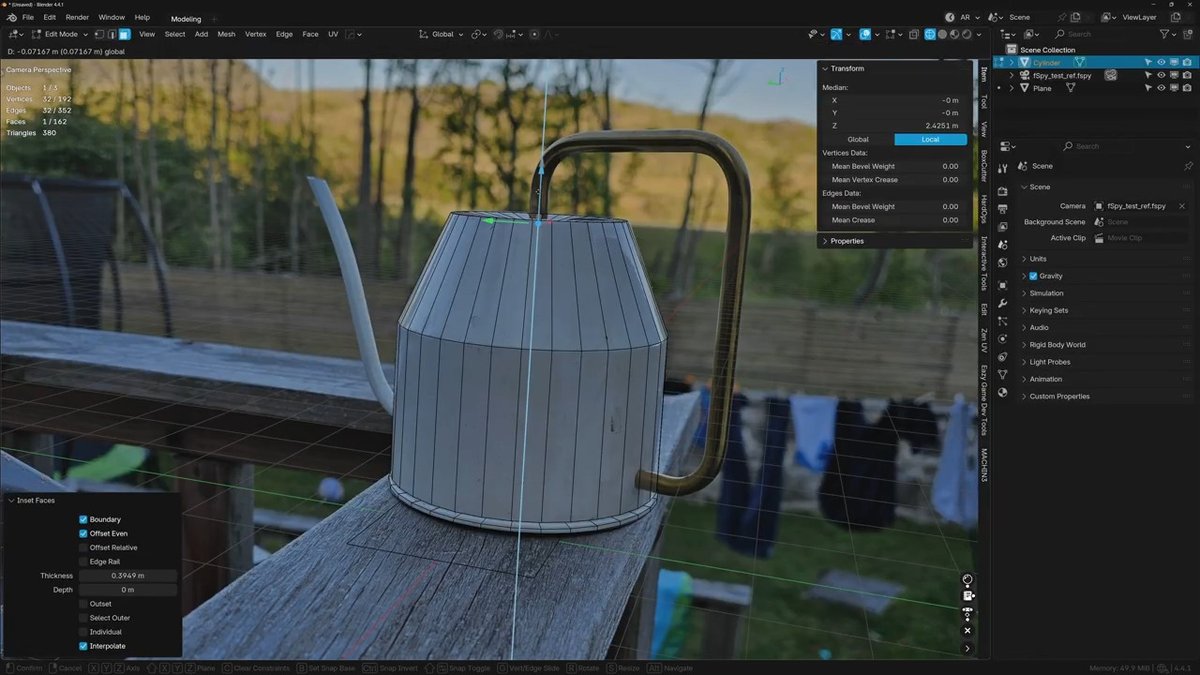
#Blender Tip: Marking seams for unwrapping can be tedious, especially if you do it manually. That’s why you should use these three tips for selecting edges of complex areas easily. #b3d

93,404 Aufrufe • vor 3 Jahren •via X (Twitter)
5 Kommentare

Byakko Howaito ☯︎⛩️vor 3 Jahren
This helped me tons on my sword project as well! Great tip!

SRicK91vor 3 Jahren
Wasn't there a hotkey for selecting linked flat faces before? Like prior 2.8 it was some like Ctrl+Shift+L or something.

Jan van den Hemelvor 3 Jahren
Not anymore, unless you create a custom one. It was Shift+Ctrl+Alt+L.

Andrew C. Wangvor 3 Jahren
Very useful tip! Thank you!

Richard Reimervor 3 Jahren
Some of these select options seem new to me. I thought I had gone through them all but I don't ever remember seeing these options :) Good to know!