Loading video...
Video Failed to Load
CAD的操作をするためのアドオンをひっそりと作っています。 #Blender #CAD
19 Comments

@ThatNgonGuy

looks great 👀

👀

I need this in my life! This may honestly help me with my job

i think you should partner up with @themakertales to make this a complete fully parametric system.

良かったらこちらも見てみてくださいませm(_ _)m

This is interesting !

Is this actual cad. Or it's mesh but perform like cad?
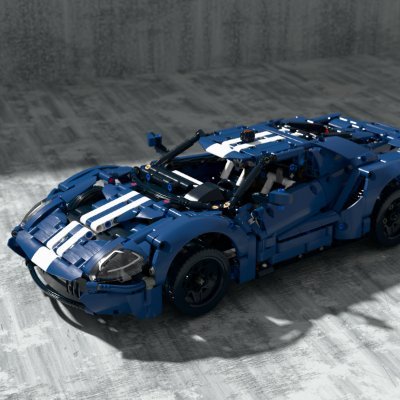
To be honest, I’m really struggling to find the right way to describe this. On the backend, it runs OpenCascade, just like FreeCAD. In that sense, I think the functionality itself is that of a true CAD system. It only uses tessellation to generate the mesh for the final stage. Up until that point, it uses shader-based modeling. To put it bluntly, the first image shows a model assembled using this add-on within Blender, while the second image shows a model created by exporting a STEP file from this add-on and importing it into FreeCAD. You can also make some minor edits after importing the STEP file. I’ve personally confirmed that the add-on isn’t quite ready yet—for example, it might not be able to handle modeling large numbers of objects. Thank you for your support.
Just FYI, I loaded an industrial STEP file into your add-on, and it actually loaded successfully. It does take quite a while to load, and the viewport performance isn't very smooth, but it works.

Will you be able to select a solid then make it hollow?
確認したら、少なくとも一面を選択する必要が今はありますが、可能です 何も選択しなかったらただの中空にすることも検討しますね

Is it NURBS or mesh?

@hinata_hugu This is awesome what programming language/languages are typically used to make such tools if I can ask I assume python,c++ or odin(said to have the similar functionality as c or c++ btw unrelated I saw this too Thankyou

You are The One, Neo. You see, you may have spent the last few years looking for me, but I’ve spent my entire life looking for you.

This is cool!!

will be interesting to try for benchmark what people usually make in plasticity / freecad / fusion360 / moi Nice works ! gonna try it soon

太复杂了,上手曲线相当陡峭

Wow, cool!


