Loading video...

Video Failed to Load

Go Home

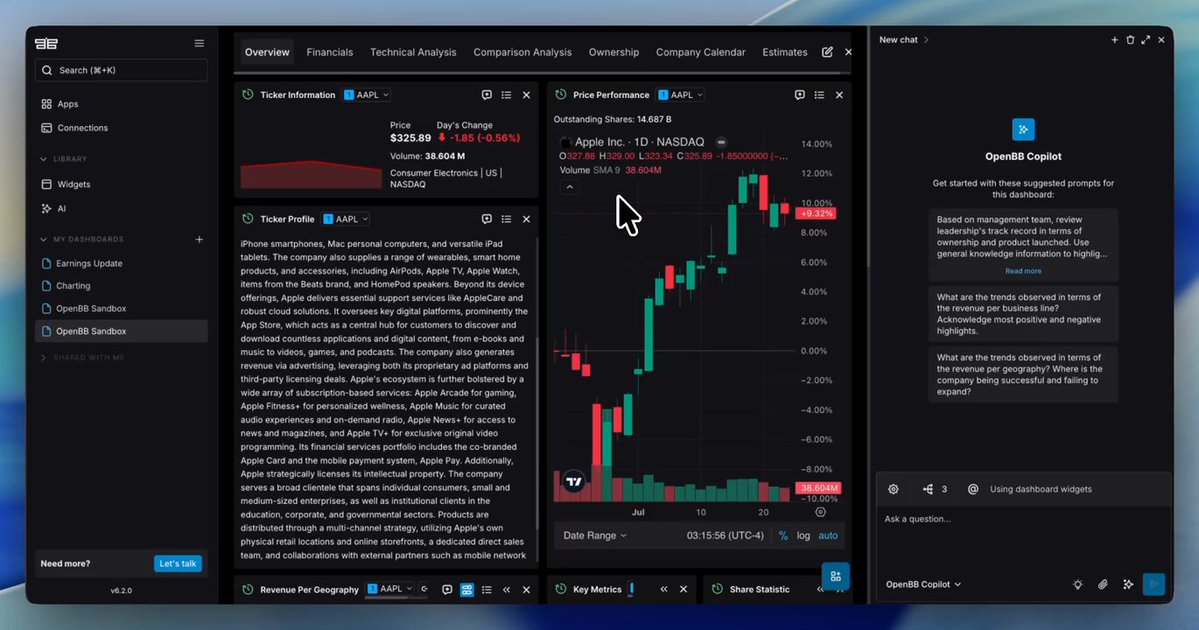
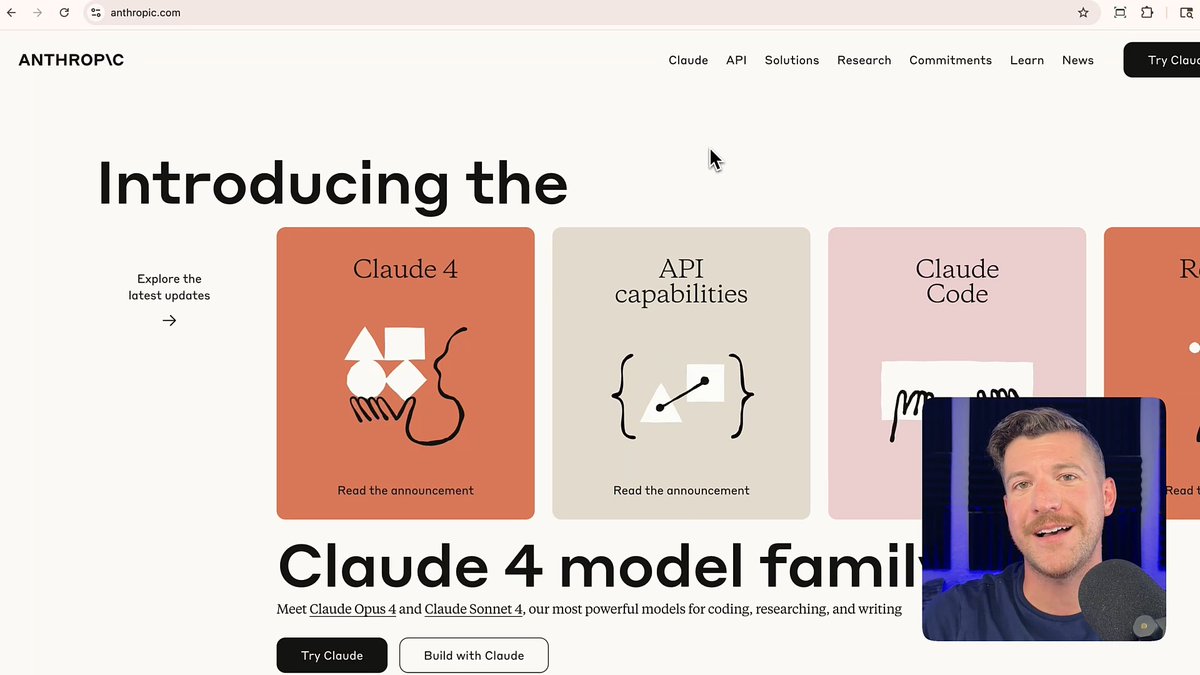
Claude Opus 4.6 is so strong at financial analysis, including crunching data and reading SEC filings, that after it launched, financial data stocks sold off, with FactSet dropping nearly 10%. Claude Opus 4.6 can analyze company data, filings, and market info to produce deep financial analysis in hours instead...

465,744 views • 6 months ago •via X (Twitter)

0 Comments

No comments available

Comments from the original post will appear here

Related Videos

In our latest Box AI Enterprise Eval, we tested Paul Jankura’s Claude 4 Sonnet and Opus models, now integrated into Box AI, across enterprise Q&A tasks, technical workflows, and advanced coding scenarios—revealing major advancements in developer productivity and content intelligence. AI-assisted coding and development just reached a new milestone! Here's what we discovered: Claude 4 significantly improves understanding, generating, and debugging code across multiple programming languages. Developers can: ↳ Accelerate code generation ↳ Improve debugging ↳ Enhance technical documentation ↳ Build smarter AI agents 👉 Automating Financial Analysis with Code Generation: We evaluated Claude 4 by using the Box AI API to analyze ten complex 10-K financial reports. Claude 4 dynamically generated Python code to fetch file IDs from a Box folder, automating data extraction. Within two minutes, it accurately extracted key company data such as revenues, metrics, and highlights—demonstrating its potential to streamline demanding analytical tasks. 👉 Understanding Enterprise Content: Our evaluation confirms Claude 4 maintains strong performance on enterprise Q&A tasks, effectively extracting precise details from single documents and reliably synthesizing information across multiple sources. This ensures seamless integration of structured and unstructured data alongside powerful coding capabilities. 🔓 Developer-Centric Use Cases Unlocked: Organizations can leverage Claude 4 within Box AI to: ↳ Create custom engineering agents referencing technical documents stored in Box, pulling real-time data from Jira, or finding solutions on Stack Overflow. ↳ Build intelligent technical support bots capable of analyzing user-provided code snippets against internal manuals. ↳ Automate secure code reviews by evaluating repository code (stored in Box) against security policies. ↳ Efficiently migrate legacy systems by translating old codebases into modern languages or platforms. Ready to empower your developers and accelerate innovation? To explore Claude 4 Sonnet and Opus through Box AI Studio and APIs, contact us at [email protected] and request early access today! Learn more:

Box

285,676 views • 1 year ago

Today, we’re pushing a major update to Edison Analysis, our data analysis agent, which is tuned for scientific research and SOTA across data analysis benchmarks. In contrast to Kosmos, which runs for 6-12 hours and produces tens of thousands of lines of code, Edison Analysis runs for seconds to minutes and is best for specific, well-defined computational tasks. It is available both on our platform under the Analysis tab, and via API, and costs only one credit per run, so it is available to users on both free and paid tiers. Edison Analysis is a modified version of the data analysis agent Kosmos uses in its trajectories. Try it out! One of the most important improvements over our previous data analysis agents has been the addition of a specialized data retrieval tool. Edison Analysis can either use this tool to access data, or can pull data down directly via API. To evaluate this tool, we ranked the most commonly used public data repositories across recent papers from BioRxiv, and created a new benchmark that measures the ability of a language agent system to retrieve raw data from those sources. Edison Analysis gets 71% on this benchmark, and we’ll be working to increase this over time. You can read more about our benchmarks in the our blog post, link below. Some features worth highlighting: 1. Edison Analysis produces a report on the analysis it runs, along with a Jupyter notebook that you can download to reproduce the analysis yourself. Every figure it produces is linked back to the specific lines of code used to produce the figure, to make it easy to reproduce. 2. It works well with both Python and R. 3. One of the best uses for Edison Analysis is to use it to retrieve datasets that you can then analyze with Kosmos. We have a bunch of major improvements to Edison Analysis coming in the next few months that we’re excited to share. In the meantime, congratulations to the team, especially Ludovico Mitchener, Jon Laurent, Conor Igoe , Alex Andonian, and many more.

Sam Rodriques

61,934 views • 8 months ago

PREDICTION MARKET RESEARCH JUST GOT KILLED BY ONE .MD FILE. The .md file in the video plugs any AI agent into 1,800 live data sources -> Polymarket orderbooks, satellite imagery, vessel tracking, NOAA weather, SEC filings, sports lines, and the top 100 KOL wallets. It's pref.trade. No APIs, no scraping, no signup and no card. An agent with this installed doesn't ask "What's the price". It pulls the orderbook depth on Polymarket, cross-references vessel positions in the Strait of Hormuz, scans the latest SEC filings on the names mentioned, and watches what the top 100 KOL wallets did in the last 4 hours. Before it makes a single call. The numbers are insane: > $0 in API fees. > $0 in data subscriptions. > 670+ capabilities behind a single endpoint. Every datapoint with full provenance back to the source. The mechanism is wild too: It's called Preference. An MCP server that gives any AI agent structured access to prediction markets -> Polymarket, Kalshi, Hyperliquid, dFlow AND the real-world signals that price them. Your agent asks one question, gets the full picture before it acts. It goes way past Polymarket: Smart-money mirroring on the top 100 wallets in real time. Cross-venue arb scanners and event-driven agents that watch tanker traffic in the Strait of Hormuz and trade oil-linked markets. Backtesting pipelines over historical data plus the world signals that moved each market. The model was never the bottleneck. The data was. One agent, one .md file and Live world data on tap. -> Retail still has 12 CoinGecko tabs open. Agents already have the orderbook. Full info and guide at Don't forget to save.

slash1s

61,519 views • 2 months ago

A Bloomberg Terminal costs $30,000/yr and still can't do a fraction of what Perplexity Computer just launched today 💻 It now connects directly to your bank accounts, credit cards, loans, and brokerage accounts through Plaid. Your full financial picture, from monthly spending to net worth to individual stock positions, sitting on top of 40+ live finance data sources including SEC filings, FactSet, S&P Global, and Coinbase. Every dollar you earn, spend, owe, and invest, cross-referenced against institutional-grade data in real time. You can walk up to this thing and say: → Run a risk analysis on my portfolio against the current tariff environment → Show me where my spending spiked last month and what's driving it → Build a net worth dashboard that tracks everything in one place → Flag any holdings that overlap with what insiders have been selling this quarter And it just does it. Pulls from your linked accounts, cross-references SEC filings, builds the output, and delivers a finished product. The system running underneath is Perplexity Computer. It orchestrates 19 models simultaneously, breaks any goal into subtasks, spins up specialized agents for each one, and keeps working after you walk away. One model handles the reasoning. Another does the research. Another writes the code. Another builds the visualization. All coordinated automatically. Last month they launched with brokerage data only and someone built a Bloomberg Terminal clone in a single afternoon. That post did 7.5 million views. Now they've expanded to your entire financial life: checking, savings, credit cards, loans, and investments all in one place. Wall Street pays $30K a year for a terminal with 30,000 function commands built over four decades. It won't replace Bloomberg for institutional traders executing billion-dollar orders. But for everyone else, the gap just got a lot smaller.

Josh Kale

151,395 views • 4 months ago

Someone ran Claude Code on an e-ink notebook and the slowest screen in the world suddenly turned out to be the best home for an AI that already thinks one word at a time. This is the reMarkable Paper Pro, a paper tablet for notes with no browser and no social media and not a single app. He went into it over SSH and brought up Claude Code on Opus 4.8 on Claude Max and typed right into the terminal on the paper screen: "hello reddit, this is ssh terminal on rmpp". For years this screen got slammed for one thing. E-ink is too slow and it draws with a delay and it ghosts and it is no good for real work. But Claude itself puts out a thought one word at a time. And here is what came out of it: the very thing that killed the paper screen for normal software lined up perfectly with the pace of the AI. There is no more lag because there is nothing left to lag. And then come the things no monitor can give you. Your eyes do not get tired. You can watch Opus think on max effort for an hour and it feels like reading a book and not staring into a backlight. Nothing distracts you. Not a single notification and not a single tab and just a cursor and an agent that writes code while you simply watch the page. The charge lasts for days. E-ink barely touches the battery so Claude can grind on a task all night long and the tablet is still alive by morning. And it weighs as much as a notebook. The whole work setup now fits into a bag like a notepad with a stylus on top. Everything on the screen is for real: Claude Code v2.1.162 and bypass permissions on and Opus going off to think on max effort right on the e-ink. In my opinion this is the most unexpected home for an AI this year. Not a farm of graphics cards and not a wall of monitors but a quiet sheet of paper on a coffee table where the most powerful Claude writes code one word at a time like a pen.

Blaze

422,510 views • 1 month ago

Data teams spend weeks on simple requests. (This AI answers them in minutes.) Most data analysis is repetitive manual tasks. Data teams spend more time on setup than actual analysis. The workflow usually looks like this: → Run some exploratory data analysis in a local Jupyter notebook or environment → Pull data from multiple disconnected sources → Write code from scratch for every analysis → Export static charts that stakeholders can't explore (or wrestle with legacy BI to create a dashboard) → Manually send updates via email or Slack when data changes → Start over for each new request Most teams accept this as "how data analysis works." While business decisions wait for insights. That's where Fabi changes the entire approach. It's a powerful, AI-native platform built for teams that want to boost productivity and supercharge their data workflows. Instead of working on separate tools and manual processes, you collaborate on analysis that automatically delivers insights where teams work. Here's what makes Fabi different: AI-Native Analysis Environment ↳ SQL and Python work together with AI assistance that handles coding and debugging automatically. Smart Automation Workflows ↳ Automatically send AI-powered reports and summaries right where business works in Slack, email, and spreadsheets. Universal Data Integration ↳ Analyze data from files, Google Sheets, Airtable, plus your data warehouse and databases in one place. Collaborative Data Apps ↳ Create interactive dashboards that stakeholders can explore and ask follow-up questions directly. What you can do with Fabi that legacy BI can't: ➟ Send AI-generated insights directly to Slack channels ➟ Automatically email data summaries to stakeholders ➟ Analyze uploaded files without complex ETL processes ➟ Collaborate on analysis like Google Docs for data ➟ Build workflows that push insights to spreadsheets Perfect for teams that want to move beyond the constraints of legacy and increase their impact. Teams using Fabi see immediate results: ✓ Insights delivered in minutes instead of days ✓ Reduced context switching between tools ✓ Stakeholders explore data independently ✓ Workflows automated to save hours of manual work From analysis to automated delivery - all in one AI-native environment. 📌 Try Fabi today: 👉 Follow Fabi.ai and marc for Fabi updates. 🔄 Repost to help other teams streamline data analysis #DataAnalysis #ModernBI #DataOps #InteractiveDashboards #FabiPartnership #SponsoredByFabi

Andrew Bolis

36,504 views • 11 months ago

Someone ran Claude Code on a beach where any device overheats and that spot suddenly turned out to be the best home for the most powerful AI in the world. This is the reMarkable Paper Pro. A paper tablet for notes with no browser and no social media and not a single app. He sat down right on the sand in the open sun and brought up Claude Code on Opus 4.6 over the Claude API on the paper screen and opened his project ~/repos/webs while the waves broke a few steps away. For years every device had the same trouble outside. In direct sun the screen glares and washes out and heats up and instead of your work you see your own reflection. But e-ink does not blast its own light into your face. It reflects the sunlight like the page of a book. And here is what came out of it. The very thing that kills any normal screen outside turned into fuel for this one. The brighter the sun the sharper the picture because it has nothing to glare with and nothing to wash out. And then comes the thing no laptop on a beach will give you. Your eyes do not get tired. You can watch Opus think on max effort for an hour and it reads like a book in the sun and not a backlight you squint into. The picture only comes alive. In bright light it does not fade but turns sharper and higher in contrast than it ever was in a room. The charge lasts for days. E-ink barely touches the battery so there is no outlet anywhere on the sand and the tablet does not care. It weighs as much as a notebook. The whole setup folds into a beach bag like a pad with a pen on top. Everything on the screen is for real. Claude Code v2.1.110 and Opus 4.6 on the Claude API and the project ~/repos/webs open right on the e-ink in the middle of the sand. In my opinion this is the most unexpected home for an AI this year. Not an office with the blinds drawn and not a monitor cranked to full brightness but a quiet sheet of paper on the sand that open sun only makes better and on it the most powerful Claude writes code right on the page like a pen.

Blaze

89,297 views • 1 month ago