Loading video...
Video Failed to Load
CodeRabbit IDE extension is now available, it offers FREE AI code reviews directly in your code editor and it’s super easy to use. - Works in VS Code and compatible editors (Cursor, Windsurf) - supports all programming languages - catches 95%+ bugs with context-aware reviews - provides senior-level review... show more

17,537 views • 1 year ago •via X (Twitter)
12 Comments

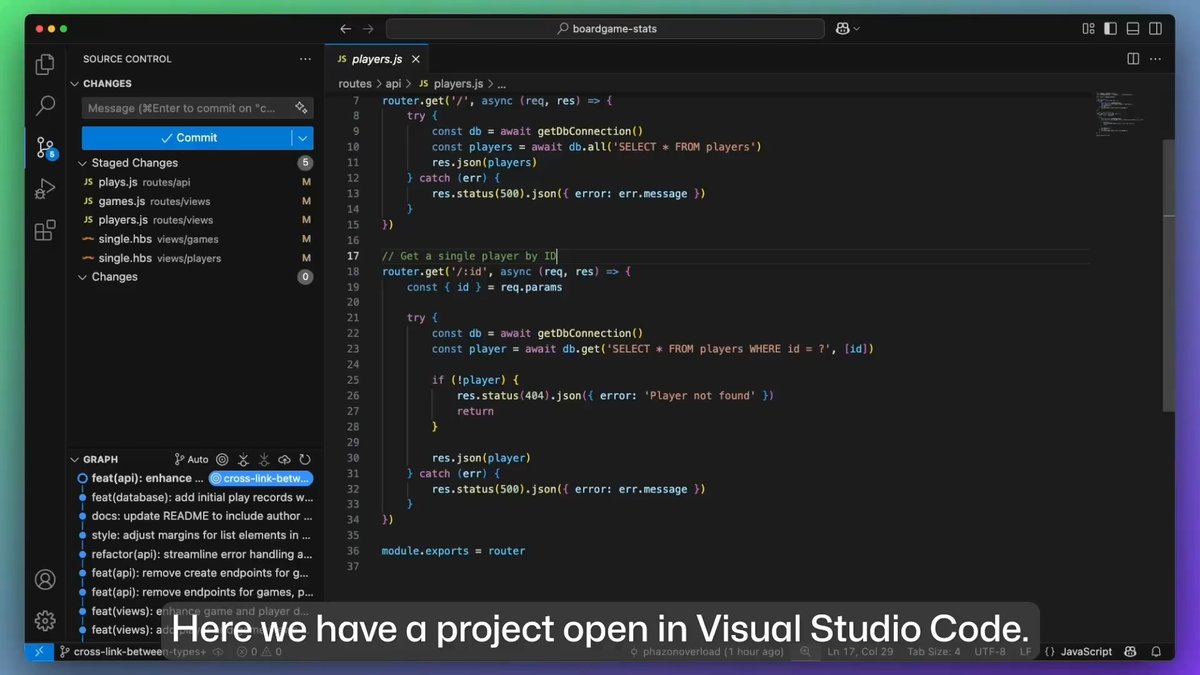
First Install the CodeRabbit extension from the Extensions panel in VS Code or any compatible editor like Cursor or Windsurf. In this example, I'm using Cursor .
Let’s say you’ve written code using AI agents within the editor. Before committing, you can check the code quality using AI-powered code reviews with just one click. It automatically understands the branch you're working on and identifies all the modified files. Once you click Review All Changes, it begins the analysis. The review takes just a few seconds to complete, though the time may vary depending on the number of files and changes.
Once the review is complete, you can expand and view all the suggested changes by CodeRabbit. It provides detailed explanations of what needs to be done. You can then use “Apply Suggested Changes” to fix specific review with a single click.
One of the latest featured added now is Web query, Code Rabbit can now look things up online in real-time and give better code review comments, which is a huge help. - More accurate feedback on dependencies . - Can pull in context from the most recent documentation with citations.
You can easily pass feedback comments from CodeRabbit to your code editor agent with full context. For example, in this case, I’m using the VS Code editor. By clicking “Fix with AI Agent”, the entire context is sent to the agent here, Copilot Agent ,which can then apply the fix.
Try here :

AI-first pull request reviewer with context-aware feedback, line-by-line code suggestions, and real-time chat.

Understanding how it handles niche languages would add value.

Support all programming languages? Cool

CodeRabbit feels like having a senior dev shadowing every commit — but without the Slack messages. Free, context-aware, and catches what gen tools miss? That’s a must-have for indie builders and teams alike. (I cover drops like this daily in my AI newsletter — link’s in bio if you’re coding with AI.)

This isn’t just helpful—it’s how clean code scales.
I have always used this in GitHub now it's easy to use with in editor.. really helpful.