Загрузка видео...

Не удалось загрузить видео

На главную

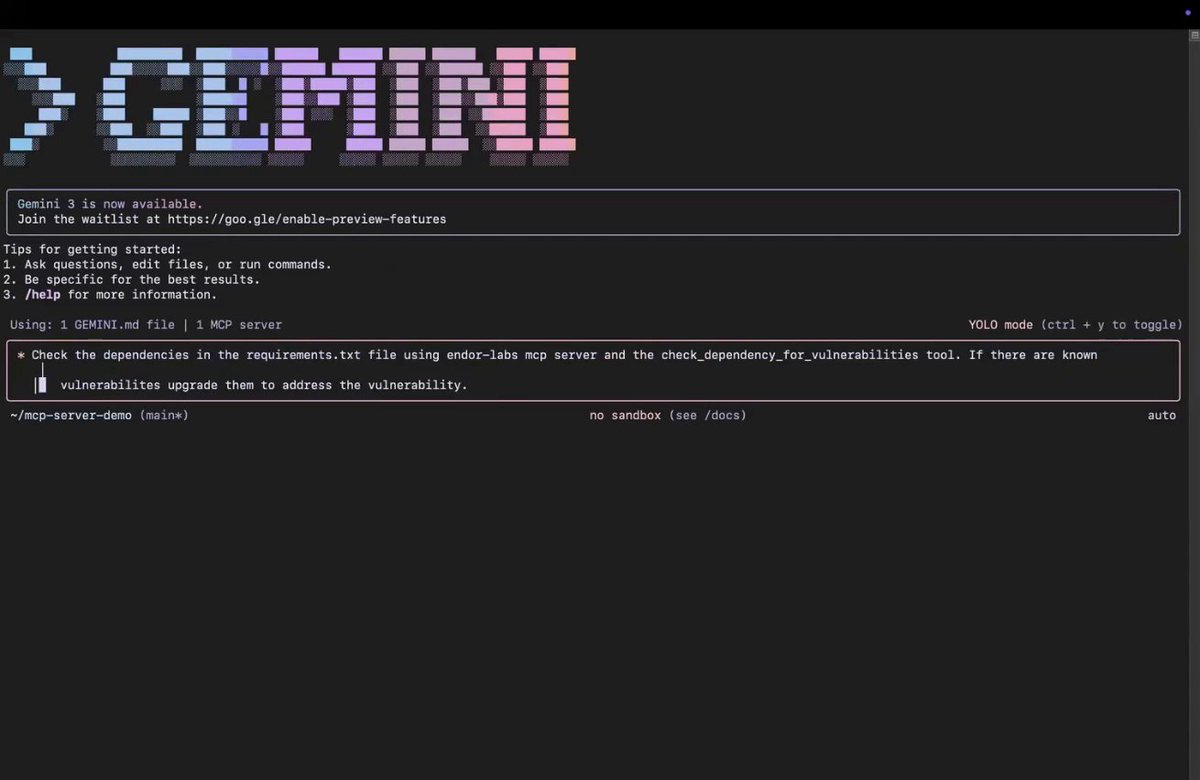
Introducing Asterisk MCP - An MCP server that fixes security vulnerabilities while you vibe code. Supports Cursor, Windsurf, Cline, Claude, and any IDE that supports the model context protocol. It can perform codebase-wide scans, analyze snippets in your conversation history, and verify changes/fixes for security issues. mcp dot asterisk...

14,312 просмотров • 1 год назад •via X (Twitter)

Комментарии: 9

Фото профиля mufeed vh
mufeed vh1 год назад

Get started with Asterisk MCP from our comically vibe-coded landing page:

Фото профиля mufeed vh
mufeed vh1 год назад

Asterisk reports the findings after performing static analysis and agentic scans on your code (as in contextual understanding with multiple LLMs working together). This reduces false positives and actually finds/fixes real security issues. This makes the responses a bit slower but produces accurate results. We'll work on making it faster, but we can't sacrifice accuracy for response times when it comes to security. Also, using this tool doesn't mean your code is suddenly 100% secure- maybe 99% /s? If you really care about security, consider conducting actual security audits, and we do them @getAsterisk. :)

Фото профиля Rajat 🍃
Rajat 🍃1 год назад

That's an MVP 🔥

Фото профиля mufeed vh
mufeed vh1 год назад

🙂‍↕️❤️🤌🏻

Фото профиля Felix Josemon
Felix Josemon1 год назад

Timing 🔥

Фото профиля mufeed vh
mufeed vh1 год назад

it was high time indeed 🙂‍↕️❤️

Фото профиля Govind-S-B
Govind-S-B1 год назад

Yooooo banger drop ser

Фото профиля mufeed vh
mufeed vh1 год назад

thank you ser! 🫡❤️

Фото профиля Shaad
Shaad1 год назад

Thank heavens. Vibe development just got much secure now. I hope it integrates with tools like @QodoAI's automated code reviews, unit test generation, and in-IDE code explanations. Feels like AI is becoming less about writing code for us and more about refining and improving what we build


Похожие видео

New course: MCP: Build Rich-Context AI Apps with Anthropic. Learn to build AI apps that access tools, data, and prompts using the Model Context Protocol in this short course, created in partnership with Anthropic Anthropic and taught by Elie Schoppik Elie Schoppik, its Head of Technical Education. Connecting AI applications to external systems that bring rich context to LLM-based applications has often meant writing custom integrations for each use case. MCP is an open protocol that standardizes how LLMs access tools, data, and prompts from external sources, and simplifies how you provide context to your LLM-based applications. For example, you can provide context via third-party tools that let your LLM make API calls to search the web, access data from local docs, retrieve code from a GitHub repo, and so on. MCP, developed by Anthropic, is based on a client-server architecture that defines the communication details between an MCP client, hosted inside the AI application, and an MCP server that exposes tools, resources, and prompt templates. The server can be a subprocess launched by the client that runs locally or an independent process running remotely. In this hands-on course, you'll learn the core architecture behind MCP. You’ll create an MCP-compatible chatbot, build and deploy an MCP server, and connect the chatbot to your MCP server and other open-source servers. Here’s what you’ll do: - Understand why MCP makes AI development less fragmented and standardizes connections between AI applications and external data sources - Learn the core components of the client-server architecture of MCP and the underlying communication mechanism - Build a chatbot with custom tools for searching academic papers, and transform it into an MCP-compatible application - Build a local MCP server that exposes tools, resources, and prompt templates using FastMCP, and test it using MCP Inspector - Create an MCP client inside your chatbot to dynamically connect to your server - Connect your chatbot to reference servers built by Anthropic’s MCP team, such as filesystem, which implements filesystem operations, and fetch, which extracts contents from the web as markdown - Configure Claude Desktop to connect to your server and others, and explore how it abstracts away the low-level logic of MCP clients - Deploy your MCP server remotely and test it with the Inspector or other MCP-compatible applications - Learn about the roadmap for future MCP development, such as multi-agent architecture, MCP registry API, server discovery, authorization, and authentication MCP is an exciting and important technology that lets you build rich-context AI applications that connect to a growing ecosystem of MCP servers, with minimal integration work. Please sign up here!

Andrew Ng

141,941 просмотров • 1 год назад