Loading video...

Video Failed to Load

Go Home

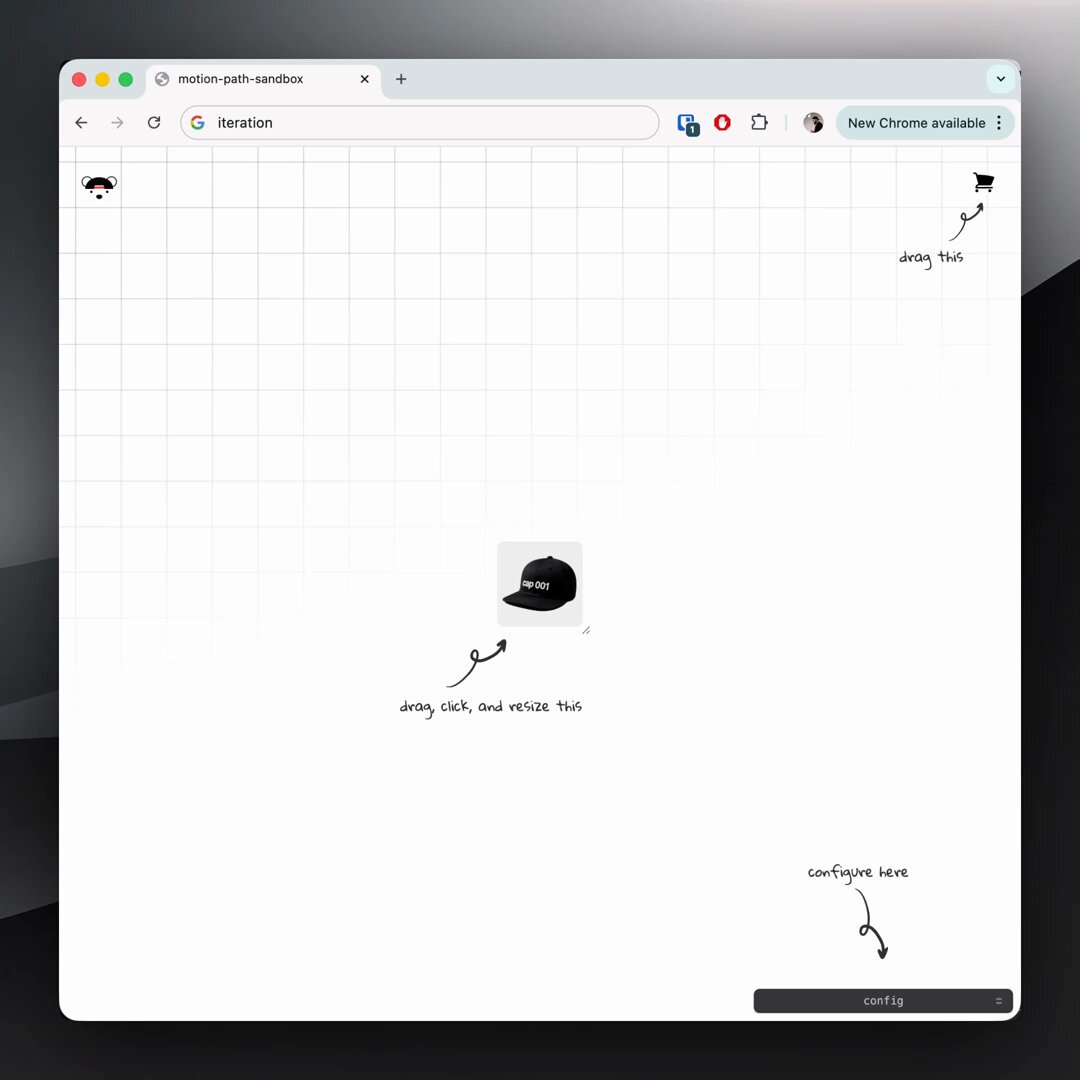
CSS logo marquee 1. bake the offset into your @​keyframes 2. set animation-delay based on duration + item count @​keyframes show { 0%, 73% { translate: -10px 30px; } 76%, 97% { translate: 0 0; } 100% { translate: 10px -30px; } } no need for JavaScript 🤙

75,439 views • 1 year ago •via X (Twitter)

10 Comments

jhey ▲🐻🎈's profile picture
jhey ▲🐻🎈1 year ago

prompted by the logo marquee over on had to have a go at building a configurable one for myself with custom properties 🤓 the one over there doesn't overlap the same but love the aberration effect 👏

eSignatures.com's profile picture
eSignatures.com1 year ago

Add secure, embedded signing to your WordPress site in seconds. Try now!

Sulamita Ivanov's profile picture
Sulamita Ivanov1 year ago

It’s like you have an infinite amount of ideas. This is so cool!

jhey ▲🐻🎈's profile picture
jhey ▲🐻🎈1 year ago

this one had been buggin' me then saw a marquee effect elsewhere and thought "that's it, have to build one my way" 😅

Ali Heib's profile picture
Ali Heib1 year ago

Nice trick! Make sure to use transform for better performance. Keep rocking those animations!

jhey ▲🐻🎈's profile picture
jhey ▲🐻🎈1 year ago

you know individual transform properties (translate, rotate, scale) are composited, right? might be worth checkin' this DevTools feature out 🤙

Henry Gillis's profile picture
Henry Gillis1 year ago

Thanks for sharing these tips! Really helpful

Jassi Singh's profile picture
Jassi Singh1 year ago

Bruhh, I was looking for something like this. Thanks 🫂

The Teleporter's profile picture
The Teleporter1 year ago

Nice

Reuben Tech 👨‍💻's profile picture
Reuben Tech 👨‍💻1 year ago

Bro u are so good been stocked on ur page

Related Videos

CSS Tip! 🎠 You can create a responsive infinite marquee animation with container queries and no duplicate items 🤙 li{ animation: slide; } @​keyframes slide { to { translate: 0% calc(var(--i) * -100%);}} The trick is animating the items, not the list 😎 More tricks 👇 To get this one working, you need to animate the items and not the list (Watch the video first?). Each item needs to know its row index (--i) in the list and the parent needs to know how many rows are in the list: ul { --count: 12; } li:nth-of-type(1), li:nth-of-type(2) { --i: 0; } li:nth-of-type(3), li:nth-of-type(4) { --i: 1; } Once you have that, translate each item based on its row index in the list li { translate: 0% calc((var(--count) - var(--i)) * 100%); } Now for the animation. The key here is that each row has an animation-delay calculated from its index (--i). That number is offset to make it negative so the animation start is offset ✨ ul { --duration: 10s; } li { --delay: calc((var(--duration) / var(--count)) * (var(--i) - 8)); animation: slide var(--duration) var(--delay) infinite linear; } Make sure to wrap that animation in: @​media (prefers-reduced-motion: no-preference) { ... } Lastly, the fun parts! 🤓 To create the "vignette" mask. Use a layered mask on the container 😷 .scene { --buff: 3rem; height: 100%; width: 100%; mask: linear-gradient(transparent, white var(--buff) calc(100% - var(--buff)), transparent), linear-gradient(90deg, transparent, white var(--buff) calc(100% - var(--buff)), transparent); mask-composite: intersect; } To create the 3D skewed effect, use a chained transform (Try toggling it in the demo ⚡️): .grid { transform: rotateX(20deg) rotateZ(-20deg) skewX(20deg); } As for the responsive part, use container queries! 🔥 article { container-type: inline-size; } When the article (card) is narrower than 400px update the grid and animation settings 🤙 Double the rows means double the duration! @​container (width < 400px) { .grid { --count: 12; grid-template-columns: 1fr; } li:nth-of-type(1) { --i: 0; } li:nth-of-type(2) { --i: 1; } li:nth-of-type(3) { --i: 2; } li:nth-of-type(4) { --i: 3; } li { --duration: 20s; } } CSS has the magic to be able to update those animations at runtime based on your custom property values 😎 An added bonus in this demo is that it doesn't require any JavaScript at all, for any of it 🤯 We can use CSS :has() for those toggles that update the styles, even the theme toggle! 🫶 Any questions, let me know! Make sure to check out the video. Will do a walkthrough one to follow-up 🤙 CodePen.IO link below! 👇

jhey ʕ•ᴥ•ʔ

542,757 views • 2 years ago