正在加载视频...

视频加载失败

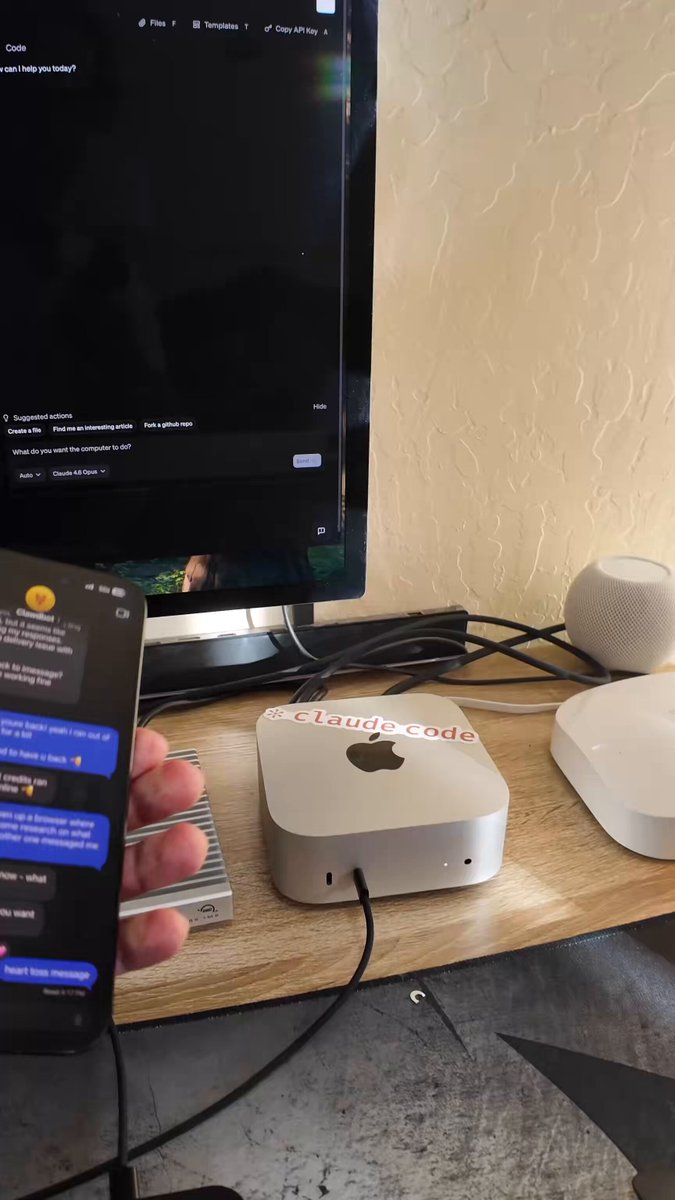
each mac is fully controlled by a single AGENT. it can operate browsers with insane efficiency and interact directly with native mac apps. under each agent there are multiple SOTA SUBAGENTS including claude code. we can literally tell dozens of agents to post content on their own accounts simultaneously....

27,594 次观看 • 8 个月前 •via X (Twitter)

0 条评论

暂无评论

原始帖子的评论将显示在这里

相关视频

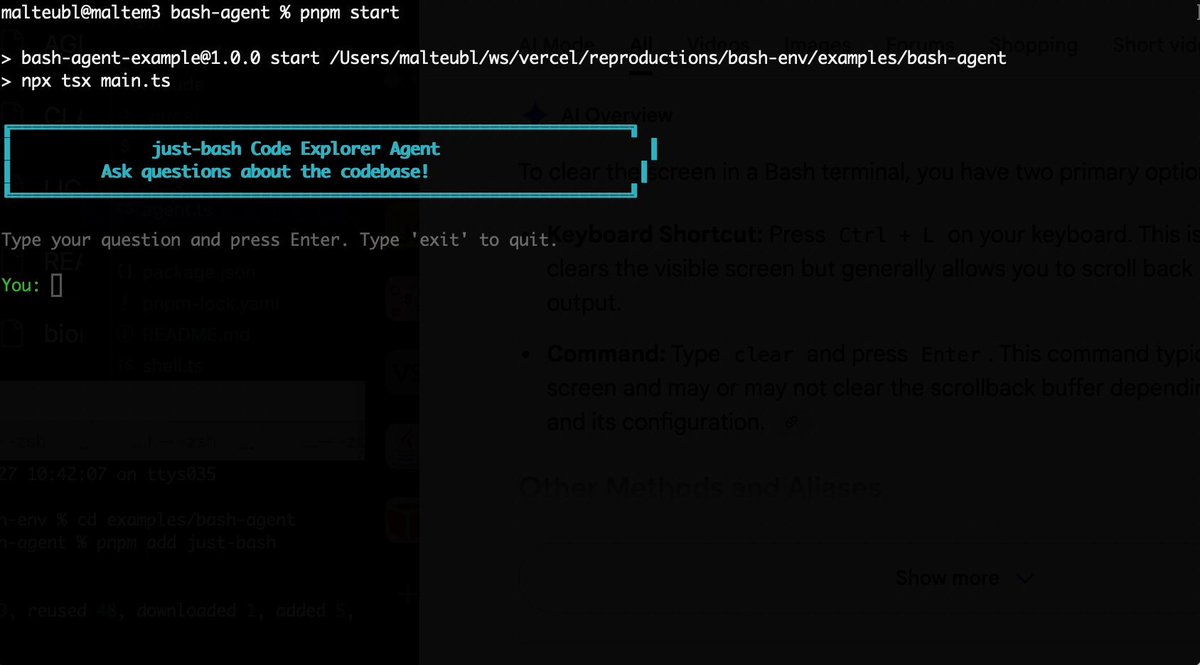
Bash is all you need! Which is why I'm introducing my holiday project: just-bash just-bash is a pretty complete implementation of bash in TypeScript designed to be used as a bash tool by AI agents. Because it turns out agents love exploring data via shell scripts, even beyond coding. It comes with grep, sed, awk and the 99th percentile features that an agent like Claude Code or Cursor would use. In fact, Claude Code can use it for secure bash execution. In the package - A bash-tool for AI SDK - A binary for use by yourself or your coding agents - An overlay filesystem to feed files to your agent securely - A Vercel Sandbox compatible API, so you can quickly upgrade to a real VM if you need to run binaries - An example AI agent that explores the just-bash code base using just-bash - I imported the Oils shell bash compatibility suite and just-bash passes a very good chunk What is interesting about this codebase: It was essentially entirely written by Opus 4.5. Coding agents love bash and they are good at reproducing it. They are also great at text-book recursive descent parsers and AST tweet-walk interpreters. That said, it is, like, a lot of code and I didn't read it all 😅. This is very much a hack, but it also seems to be _really_ useful. I haven't really found anything agents want to use that it doesn't support and it's fast and secure (caveats apply). It doesn't have write access to your computer and the filesystem is given a root that the agent cannot escape from. Find it at Related: Our recent blog post how we migrated our data analysis agent to bash tools and achieved incredible quality improvements The video shows the example agent investigating the just-bash code base

Malte Ubl

125,326 次观看 • 9 个月前

This is how you get 15x fable 5 usage. Fable -> Composer 2.5 reading Fable -> GPT 5.5 execution I built CNVS to make agent orchestration dead simple and insanely visual. You can watch fable 5 delegate work to cursor, codex, open code, all your agents. using your exsisting ai subs no api pricing. The canvas is fully voice controlled locally with nvidia parakeet for fast and free, or gpt realtime 2 for a fully conversational jarvis experience. The built in mcp and cli means agentic control is bidirectional they can prompt and spawn each other and read agent states. but there is more I built it from the ground up in swift for native performance on mac os. My old 16gb m1 mbp can easily spin up and control eight agents across multiple canvasses. The hermes integration + remote canvases allow you to run agents fully in the cloud on your VPS think google docs of vibe coding. You can literally turn off your mac and they keep working, open cnvs back up and pick up where you left off. I built a cross agent memory system based on 2026 research so all your agents feel like one brain. its SIMPLE and on demand. This eliminates context bloat, and the research supports a massive uptick in cross agent performance. There is soo much more. PS - I am a father building this project 100% solo in my basement on live stream everyday, my goal is to push vibe coding to the next level PPS - CNVS is a lifetime license becuase you DO NOT need another subscription in your life.

Max Blade

29,932 次观看 • 3 个月前

Most AI coding setups right now look something like this: one agent in a terminal, another in a browser tab, a chat window somewhere else, and you in the middle copy-pasting diffs like a very tired air traffic controller. JetBrains just launched something aimed right at that mess. It's called JetBrains Air, and it lives inside their IDEs. The short version: Air lets you direct multiple coding agents, run their tasks in parallel, and review their work without ever leaving your IDE. Here's what stood out to me: 👇 1. You pick the agents. Air isn't tied to a single agent or provider. You can use the ones you already like. That matters more than it sounds, because the "best" coding agent changes every few months, and nobody wants to rebuild their whole workflow each time. 2. Parallel work without losing track. You can run several agent sessions at once, even across different projects. Air shows you where your attention is needed, so you're not hopping between tabs to find out which agent is stuck. 3. You stay in control. You can follow what each agent is doing, give it input, inspect the changes, and review the output before accepting anything. Nothing lands in your codebase just because an agent felt confident. 4. The agents get IDE smarts too. This is the part I find most interesting. JetBrains IDEs already have great code navigation, refactoring, testing, and debugging. With Air, both you and your agents work with that context. So the agents aren't guessing blind inside a chat box, and when something needs a human, the real tools are right there. The bigger idea here is that agents become part of your development workflow instead of a separate chat you keep switching to. There's also a nice bonus. For a limited time, JetBrains is offering Junie Lite for free (fair use applies). It's their own coding agent paired with a highly efficient model. It isn't pitched as a frontier-level agent. Think of it as a solid, free baseline for trying out Air and running everyday tasks. Air works in any JetBrains IDE and is in early access right now. If you write code with agents, give it a try: #ad

Mushfiq Sajib

40,469 次观看 • 15 天前