Video yükleniyor...
Video Yüklenemedi
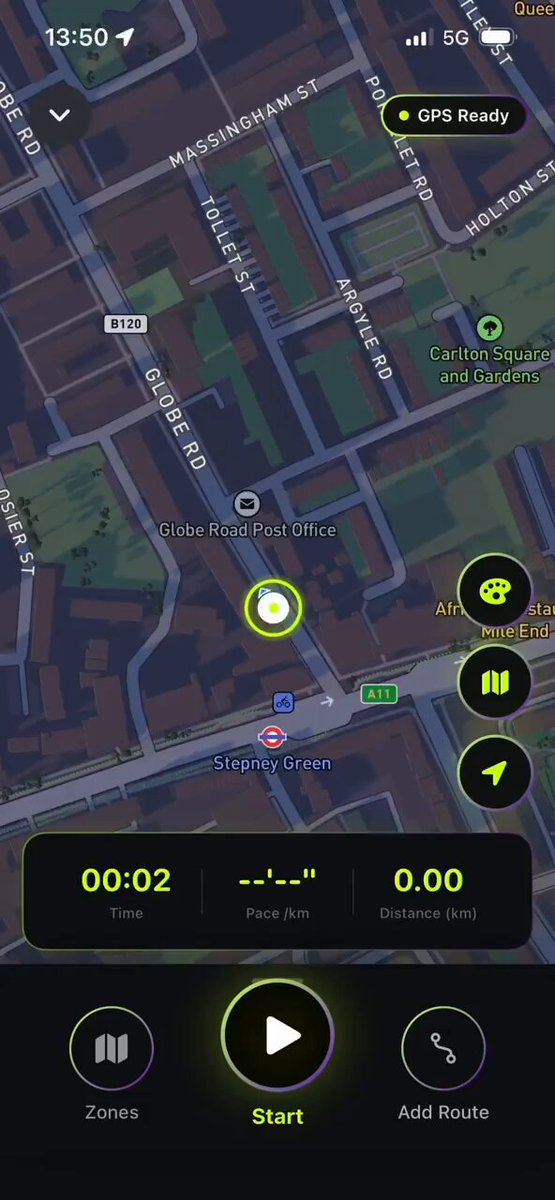
Every vibe-coded app looks the same Here's how to fix yours so it stands out: Step 1: Add micro-animations to page transitions Step 2: Add haptic feedback on every tap Step 3: Add subtle bounces to modals/sheets Step 4: Add motion to loading states Tools: Claude Code (trained on... show more

102,024 görüntüleme • 8 ay önce •via X (Twitter)
0 Yorum
Yorum bulunmuyor
Orijinal gönderinin yorumları burada görünecek


![😱 How to Build & Launch Your Base Mini App in 10Mins. ■ Investment: 0$ ( Free of Cost ) ■ Potential: $BASE ■ Exprience: No coding experience needed ( anyone can build ) 👀 Just watch full video & follow my simple 9 steps & Boom : Tools : 1.) Create V0 account :- 2.) Create Farcaster Account :- 3.) Create Baseapp Account :- •• Must link your farcaster account in base app Step 1 : Create the Calculator Application - Built a functional calculator with add, subtract, multiply, and divide operations - - Creat `/components/calculator.tsx` with full calculator logic and UI - - Creat `/app/page.tsx` as the main entry point - - Use React hooks (useState) for state management - - Designe with a modern dark theme using Tailwind CSS - Step 2 : Deploy the project & copy the url & save it . Step 3 : Create the Farcaster Manifest File - Created `/public/.well-known/farcaster.json` - This file tells Base about our app - Configured app metadata: My project name : My url link : { "accountAssociation": { "header": "", "payload": "", "signature": "" }, "miniapp": { "version": "1", "name": "My project name", "subtitle": "Fast & Easy Math", "description": "A simple calculator for basic arithmetic operations", "homeUrl": " "iconUrl": " "splashImageUrl": " "splashBackgroundColor": "#1a1a1a", "screenshotUrls": [ " " ], "primaryCategory": "utility", "tags": ["calculator", "math", "utility"], "tagline": "Calculate Instantly", "heroImageUrl": " "ogTitle": "Calculator", "ogDescription": "A simple calculator for basic math", "ogImageUrl": " "noindex": false } } Step 4 : Added Required Images - i attach a image , so convert that image as required ratio and attach the same image in our mini app for all 3 forms . `● icon.png` (300×300px) - A small icon of your app ● splash.png (200×200px) - A splash screen image ● screenshot.png (1284×2778px) - A screenshot showing how the app looks Step 5 Added Embed Metadata - Add `fc:miniapp` meta tag to layout.tsx metadata - Configure embed preview with: - Image URL for the 3:2 aspect ratio preview - Button configuration ("Open Calculator") - Launch frame settings - Splash image and background color Step 6: Added Farcaster Miniapp SDK Integration - Install `@farcaster/miniapp-sdk` package (automatically included) - Update `/app/page.tsx` to import and use the SDK - Call `sdk.actions.ready()` when the app loads - This is the **critical step** that tells Base to hide the splash screen and display your calculator Step 7: Update Next.js Configuration - Update `/next.config.mjs` to work with Next.js 16's Turbopack - Add `turbopack: {}` config to ensure clean builds - Remove webpack-specific configurations Step8 : •• Now for one time , click on deploy & deploy again •• Then Open Farcaster in Pc/Laptop •• Enable Developer Mode •• go to Developer section then & click on Mini app manifest tools •• then paste url ( check vidoe ) •• then click on fetch & then click on Genrate account association •• scan qr code and verify your farcaster account •• Now copy everything and paste in V0 ( add prompt ) Add this as account association •• then Reverify and Submit . Step9 : ● Download Base App : •• Create Account with email •• then connect same farcaster account ● Then Visit : •• signin with same base app email . •• and follow video process 📌📌 Join Our TG for More Alpha:-](https://image.24vids.com/tw-2016055058547552584/amplify_video_thumb/2016051977499676672/img/2m7GJeSIEfeYyLPo.jpg)

![How to create Farcaster mini app without coding - Step 1: > Go to ChatGPT > Just type: "I would like to create a Farcaster mini app, can you give me some ideas?" > Choose any one of the ideas - Note: - You can also type your own idea to ChatGPT and alter it - Step 2: - Go to ChatGPT > Paste the first prompt (shared in my channel) > Include the project you chose and tell ChatGPT to alter the prompt according to the idea below - Step 3 - Go to: > Sign up using Gmail or GitHub > Projects -> New Project -> Type the name of your project >Just paste the prompt we created earlier > It will start creating your app > If you need to alter anything, just go to GPT and type: [ I need a prompt to alter "your issue (like changing colour, etc.)" in my app already created in v0app by Vercel ] > Copy the prompt and paste it in v0 > No need to worry about errors , it will rectify them for you > If your project is finished, just click "Publish" on your top right > It will automatically host your app in Vercel > Click "Visit site" to see your app on another device and copy the website URL - Step 4 - Go to: v0 app > Just paste Prompt 2 from the file I provided > Click Publish once it’s completed - Step 5 - Go to: v0 app > Just paste the prompt 3 from the file I provided - Step 6 (Important) > Just paste Prompt 4 from the file I provided - Step 7 > Just paste Prompt 4 from the file I provided - Step 8 > Just paste Prompt 6 from the file I provided > It’s an important step to do — you need to create a manifest inside your app so that you can host it on Farcaster - Step 9 - Go to: > Sign up or Login > Settings → Developers → Mini Apps → Create Manifest (New) > Paste your website URL (remove https) > It should be like: > If you find any error while doing this, just copy and paste it in the v0 app > Once everything is finished, you need to create Account Association > Scan the QR on your mobile and tap and hold the Yes button > It will show an error — just copy and paste those errors into the v0 app > Click Publish again, and then click Refresh in Manifest > Click Open your app > for the main prompt file check our tg channel link in our bio](https://image.24vids.com/tw-1992608705381384508/amplify_video_thumb/1992607479092637696/img/y5_KjXqhpo56wriR.jpg)