Загрузка видео...
Не удалось загрузить видео
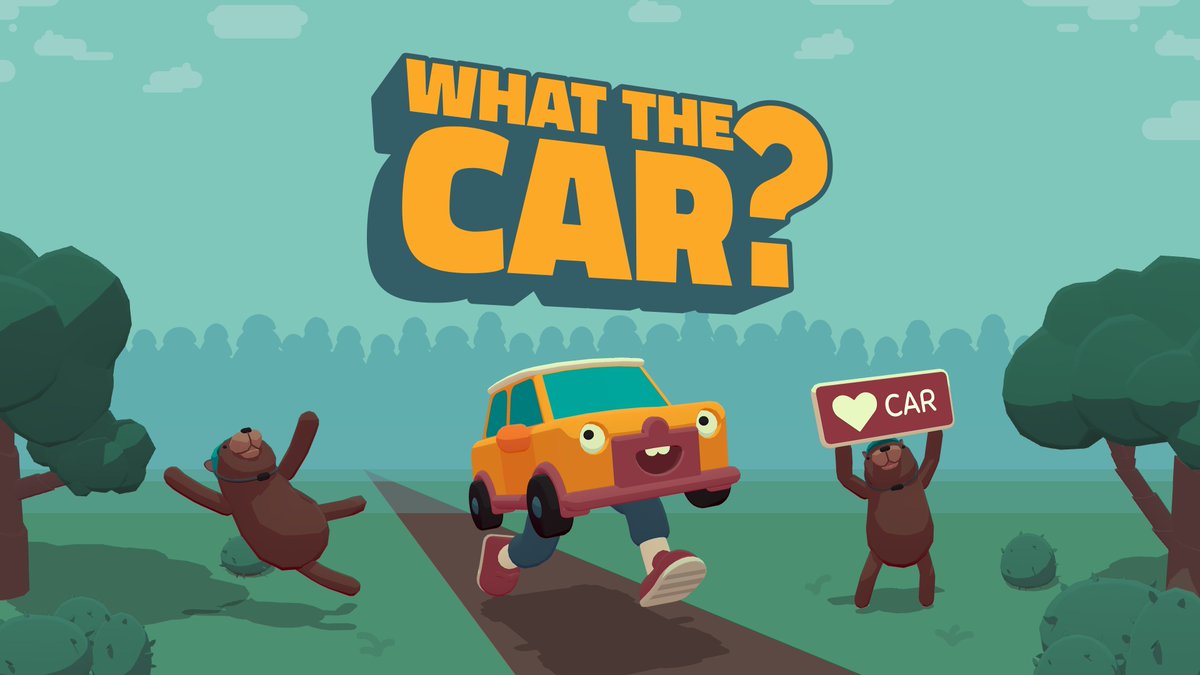
Fixed some issues with nanite and collision settings in Car Studio. The car and building should look better on lower-end machines now 🚗. 6258-9776-8293 #fortnite #uefn #fortnitecreative
16,406 просмотров • 3 лет назад •via X (Twitter)
Комментарии: 8

@JeroenIsLive This is incredible!

@JeroenIsLive Gonna check this out looks dope 👍

@JeroenIsLive I’m afraid the Switch is too low end for this, somehow the hoverboard instantly escapes its shiny metal cage and the car goes haywire. The details haven’t changed much compared to when I tried the map the last time.

Hey thanks for the vids! I need a switch haha 😂 . I’ll recheck the nanite fallback settings though, see if i can find something. Hoverboard is very experimental but im not seeing unexpected things in the video. if you drive carefully its doable.

@JeroenIsLive How did u make ur own working car? i hear a hoverboard is the model attached to a hoverboard prop or something?
Yes , hoverboard -> creative prop movement with Verse -> control rig with car attached

@JeroenIsLive I went to this island of yours. It's very cool! By the way, how can I set up nanite in UEFN? Do you think applying nanite to about 4 million triangular polygons would make the session possible?
It will automatically setup on static meshes. It won’t work with translucent materials though. You can change nanite settings in the static mesh details panel.