Loading video...

Video Failed to Load

Go Home

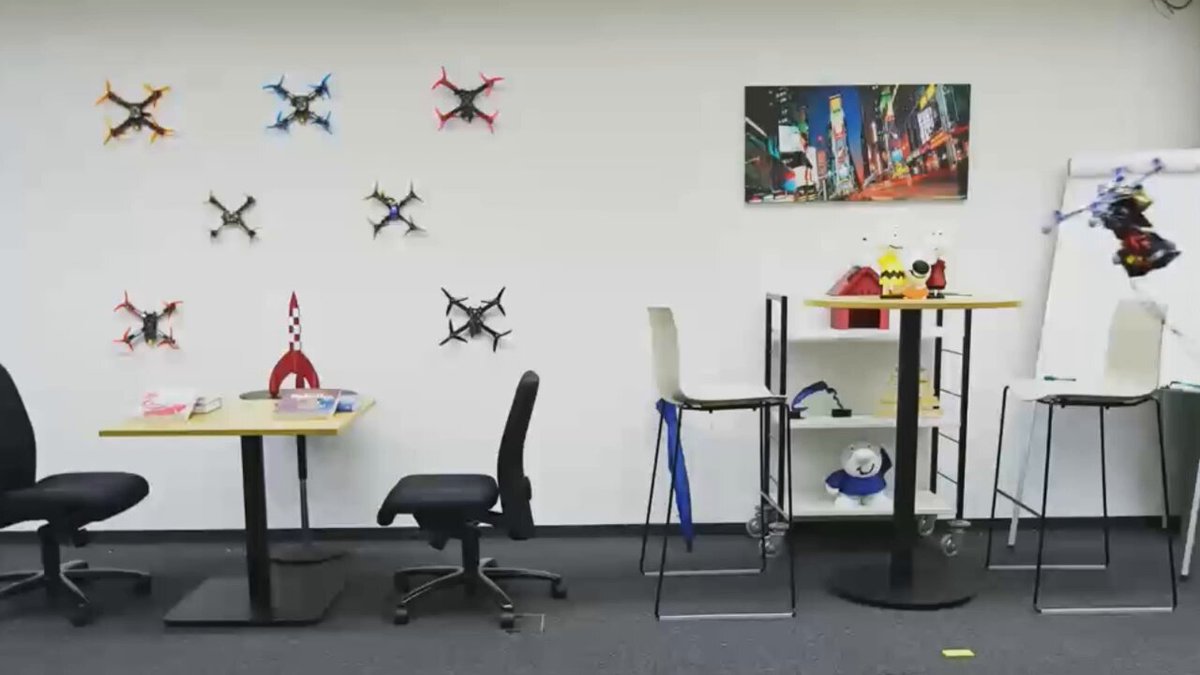
FlashPortrait based on Wan2.1 14B: faster infinite-length portrait animation; - no identity drift; - tops Wan-Animate in FID/FVD scores over 5400+ frames.

10,433 views • 8 months ago •via X (Twitter)

0 Comments

No comments available

Comments from the original post will appear here

Related Videos

CSS Tip! 🎠 You can create a responsive infinite marquee animation with container queries and no duplicate items 🤙 li{ animation: slide; } @​keyframes slide { to { translate: 0% calc(var(--i) * -100%);}} The trick is animating the items, not the list 😎 More tricks 👇 To get this one working, you need to animate the items and not the list (Watch the video first?). Each item needs to know its row index (--i) in the list and the parent needs to know how many rows are in the list: ul { --count: 12; } li:nth-of-type(1), li:nth-of-type(2) { --i: 0; } li:nth-of-type(3), li:nth-of-type(4) { --i: 1; } Once you have that, translate each item based on its row index in the list li { translate: 0% calc((var(--count) - var(--i)) * 100%); } Now for the animation. The key here is that each row has an animation-delay calculated from its index (--i). That number is offset to make it negative so the animation start is offset ✨ ul { --duration: 10s; } li { --delay: calc((var(--duration) / var(--count)) * (var(--i) - 8)); animation: slide var(--duration) var(--delay) infinite linear; } Make sure to wrap that animation in: @​media (prefers-reduced-motion: no-preference) { ... } Lastly, the fun parts! 🤓 To create the "vignette" mask. Use a layered mask on the container 😷 .scene { --buff: 3rem; height: 100%; width: 100%; mask: linear-gradient(transparent, white var(--buff) calc(100% - var(--buff)), transparent), linear-gradient(90deg, transparent, white var(--buff) calc(100% - var(--buff)), transparent); mask-composite: intersect; } To create the 3D skewed effect, use a chained transform (Try toggling it in the demo ⚡️): .grid { transform: rotateX(20deg) rotateZ(-20deg) skewX(20deg); } As for the responsive part, use container queries! 🔥 article { container-type: inline-size; } When the article (card) is narrower than 400px update the grid and animation settings 🤙 Double the rows means double the duration! @​container (width < 400px) { .grid { --count: 12; grid-template-columns: 1fr; } li:nth-of-type(1) { --i: 0; } li:nth-of-type(2) { --i: 1; } li:nth-of-type(3) { --i: 2; } li:nth-of-type(4) { --i: 3; } li { --duration: 20s; } } CSS has the magic to be able to update those animations at runtime based on your custom property values 😎 An added bonus in this demo is that it doesn't require any JavaScript at all, for any of it 🤯 We can use CSS :has() for those toggles that update the styles, even the theme toggle! 🫶 Any questions, let me know! Make sure to check out the video. Will do a walkthrough one to follow-up 🤙 CodePen.IO link below! 👇

jhey ʕ•ᴥ•ʔ

542,467 views • 2 years ago

Here's a demo on a project I've been developing and working on for the past 9 months. Called NightBeacon. Using it now in production, getting released fully this week. Our own internally trained models on our own infrastructure (no third party). Trained on our analysts knowledge and behavior (TP/FPs retrain model to be smarter with context). Handles emails (including tonality), attachments, various malicious filetypes (DLL/exe/svg/lnk/etc). Can send it full evtx exports, packet dumps, zip files, whatever. Universal log handler can parse any log from any source, EDR, SIEM, etc. Deep-Scan / sandbox detonation + shellcode emulation with IOC extraction automatically. Automatic playbook generation, full AI-based recommendations custom to the attack. Synthetic training data layer - meaning when it trains on a specific attack at a customer, generates training data based on the customers data but never has any of the actual data or information about the customer in it. No customer information. For areas its weak at, bubbles up and automatically kicks off research to become smarter on a specific topic. Supports GenAI based rulesets (to improve confidence), over 900+ YARA rules, full MITRE ATT&CK integration. Integrated into our SOAR - enriches data, creates playbooks for analysts, MTTR reduces substantially, false positives reduced, true positive escalations. Not using our MDR service? Can integrate into your EDR or SIEM for automatic enrichment and escalation of attacks. Built to help respond faster. More accurately. Be intelligent based on our analysts intelligence. Stop attackers much much faster. Coming soon.. #BinaryDefense

Dave Kennedy

12,905 views • 5 months ago

We are excited to share our work “Event-Aided Sharp Radiance Field Reconstruction for Fast-Flying Drones” published in IEEE Transactions on Robotics IEEE Transactions on Robotics (T-RO), which tackles sharp radiance field reconstruction under agile drone motion, where RGB frames are heavily motion-blurred and pose priors become unreliable! 4 years in the making! Code & dataset released! PDF: Code & Dataset: Full Narrated Video: High-speed flight is essential for time- and battery-constrained missions (e.g., inspection, exploration, search & rescue). However, fast motion corrupts visual data with severe motion blur and introduces drift/noise in visual-inertial odometry, making NeRF-based 3D reconstruction particularly brittle. We propose a unified framework that leverages asynchronous #EventCamera streams together with motion-blurred frames to reconstruct high-fidelity radiance fields from agile drone flights. Our key idea is to embed event-image fusion directly into radiance field optimization while jointly refining a shared, continuous-time camera trajectory initialized from event-based VIO. This enables us to recover sharp radiance fields and accurate trajectories without ground-truth supervision during training. We validate our method on synthetic data and on real sequences captured by a drone flying up to 2 m/s. Despite severe blur and noisy pose priors, our method preserves fine scene details and achieves a performance gain of over 50% on real-world data compared to state-of-the-art methods. Kudos to Rong Zou and Marco Cannici! Marco Cannici Reference: Rong Zou*, Marco Cannici*, Davide Scaramuzza Event-Aided Sharp Radiance Field Reconstruction for Fast-Flying Drones IEEE Transactions on Robotics (T-RO), 2026 NCCR Robotics European Research Council (ERC) AUTOASSESS UZH IfI University of Zurich UZH Science Prophesee SynSense UZH Space Hub

Davide Scaramuzza

12,028 views • 5 months ago

Future CSS Tip! 🍏 You can create this Apple-style photo scroller by combining CSS scroll-driven animations and CSS scroll-snap 😍 Peep those changing captions 👀 No JS! img { animation: highlight both linear; animation-timeline: view(inline); 👈 Horizontal animation-range: cover 0% cover 50%; 👈 Finish } @ keyframes highlight { 50% { translate: 0 0; scale: var(--starting-scale); 👈 props opacity: var(--starting-opacity); 👈 } 100% { translate: 0 0; scale: 1; opacity: 1; } } Without the animation support, you get a standard unordered list containing some s 🤙 How do we swap the captions though? The "trick" is to use position: absolute on the figcaption and animate their opacity based on the ViewTimeline of their parent list item 😎 figcaption { animation: show both linear; animation-timeline: --list-item; } @ keyframes show { 0%, 45%, 55%, 100% { opacity: 0; } 50% { opacity: 1; } } li { view-timeline-name: --list-item; view-timeline-axis: inline; 👈 important! } The parent of the scroll track uses position: relative so all the captions sit in the middle even though they are in the right place for the markup 🙌 The last bit is the scroll-snap 🤙 Not much to it at all. Wrap the list and make it scrollable. Then add scroll-snap-type .wrapper { scroll-snap-type: x mandatory; overflow-x: scroll; } Then make sure each list item has scroll-snap-align set on it li { scroll-snap-align: center; } That's it! Pretty cool demo to put together and see how to do this stuff with these APIs 🤓 A lot of cool little tricks to pick up for writing your CSS! ⭐️ CodePen.IO link below! 👇

jhey ʕ•ᴥ•ʔ

234,561 views • 2 years ago