Video wird geladen...
Video konnte nicht geladen werden
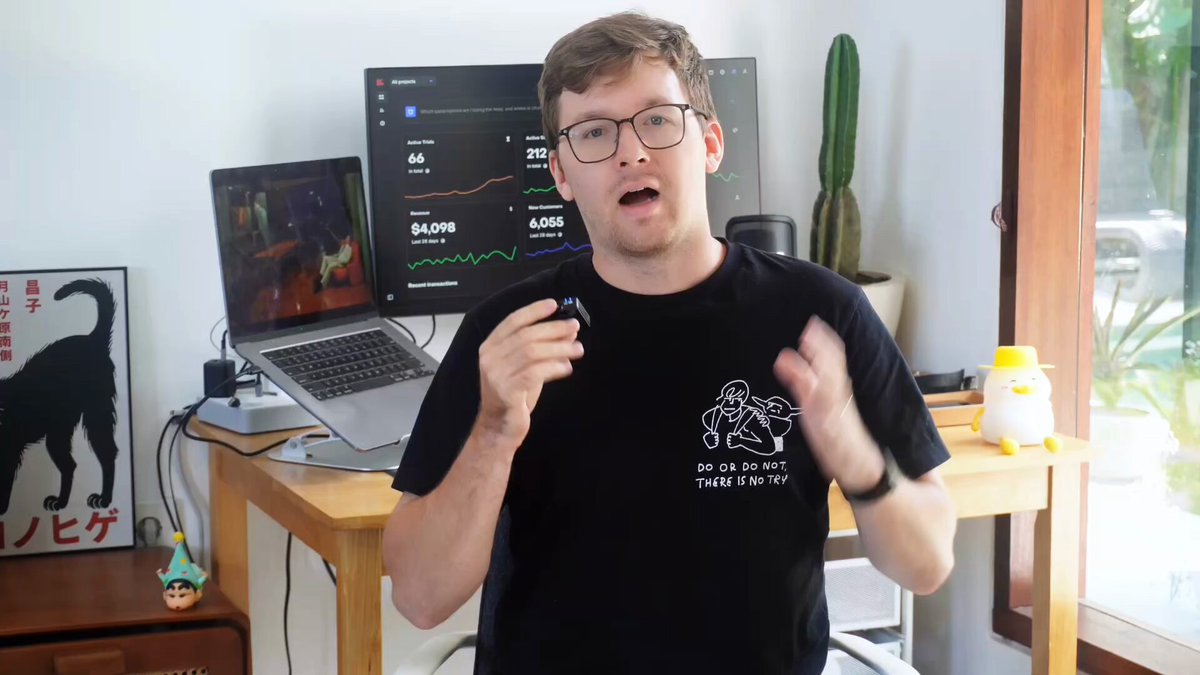
fully automated end-to-end bug fix workflow with Cursor Anthropic Vercel and mcp create branch from issue > code fix > preview branch > QA test > pull request to dev the future is here.

62,184 Aufrufe • vor 1 Jahr •via X (Twitter)
12 Kommentare

@rauchg wen vercel mcp ?
this was the @cursor_ai rule I attached to the request. hope it's helpful --------- This should be followed when attempting to squash bugs from github issues. Do not skip a step. No exceptions. NEVER merge the pull request. Step 1: Get Issue # from [GITHUB_REPO] and use GitHub MCP to get information about the issue into memory Step 2: Use the terminal to create a new local issue branch with the name of the issue, push this branch to github using the CLI Step 3: Evaluate the codebase and attempt to fix the issue by modifying the code Step 4: Push your changes to the issue branch in github Step 5: Check for the deployment URL from Vercel in the terminal using sleep 60 && npx vercel ls to ensure the deployment has time to build. Look for "Ready" and then get the deployment URL Step 6: Use Browserbase MCP to start a session then navigate to the vercel deployment URL. to bypass deployment protection, use this URL format: ``` [deployment-url]?x-vercel-protection-bypass=[VERCEL_AUTOMATION_BYPASS_SECRET]&x-vercel-set-bypass-cookie=true ``` Verify with a screenshot that you have arrived at the correct site. Step 7: Use Browswerbase MCP to verify the issue is resolved based on the github issue and your changes. Step 8: if the bug is not resolved, go back to step 3 and repeat the steps noting that the Browersbase session is still active. If you are sure the issue is resolved then proceed to step 8 IMPORTANT: DO NOT GO TO STEP 8 UNTIL YOU HAVE SUCCESSFULLY VERIFIED THE ISSUE IS RESOLVED VIA BROWSERBASE. NO EXCEPTIONS. Step 9: create a PR request with GitHub MCP from the branch you modified to the dev branch. DO NOT MERGE. Step 10: Notify the user the work is done.
there was no reason to use the github cli for this. i have no idea why i did that

🧠 Unified Search. Smarter Meetings. Effortless CRM. MightyBot is your AI agent platform for seamless workflows—record meetings, automate CRM updates, and find answers across apps in seconds. 🌟 Focus on what matters. We'll handle the grind.

@cursor_ai @AnthropicAI @vercel @browserbasehq Cool! You spent 15 min on 30 seconds problem :)
whoosh. the sound of the point going right over your head friend.

@cursor_ai @AnthropicAI @vercel @browserbasehq 🤷. MCP integrations for cursor, Copilot and Windsurf

@cursor_ai @AnthropicAI @vercel @browserbasehq This is insane, once you have vercel mcp, this workflow will be unstoppable

@cursor_ai @AnthropicAI @vercel @browserbasehq Is there a tool you’re using to auto capture a screen grab to show the LLM?
@cursor_ai @AnthropicAI @vercel @browserbasehq yep thats @screenstudio. absolutely love it

@cursor_ai @AnthropicAI @vercel @browserbasehq here before it goes viral, thank you for showing us this!
@cursor_ai @AnthropicAI @vercel @browserbasehq lol dux, i don't know i would go that far, but thanks for being here 😀
Ähnliche Videos


Sensitive content
Played Bloodborne for an hour > Carefully fought many enemies > Without dying > Found a secret path > Jumped down > Got stuck (bug) > No saves 🥲 Now, I've to start over from the beginning, don't I? FromSoft fix this please.
SpawnYaard 🎮
1,363,526 Aufrufe • vor 8 Monaten