Video wird geladen...
Video konnte nicht geladen werden
Fun fact: Having trouble making your sim face to a certain direction for posing in The Sims 4? Try using the first person mode (shift+tab on PC), unpause, move the camera to your desired direction, pause, and then exit first person. #TheSims4
10 Kommentare

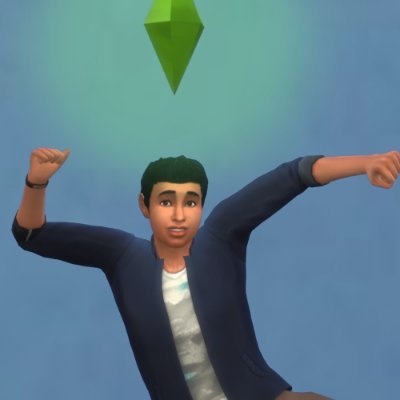
These are the results. Keep in mind that I'm still using the same pose type in all 4 of these pics

my favorite trick to use for posing 😌 Works for in game animations too so if your sims decide to be no smart and aren't looking at eachother while talking you can use this to force at least one of them to look 💁🏿♀️

ok but does this work with custom poses?
Yup, I'm actually using a custom pose in the video

Learning something everyday

This is so cool, I can't wait to use this tip. Thank you!

THERE'S A FIRST PERSON MODE?!?!?! So many years playing and I had no idea 😂

I'm gonna see if this works on console if you have a keyboard & mouse connected. It should because it uses the same keyboard. This would be helpful in some situations.

@TwistedMexi I need to try this !

@Howell_Legacy I used this ALLL the time such a great trick!