Video wird geladen...
Video konnte nicht geladen werden
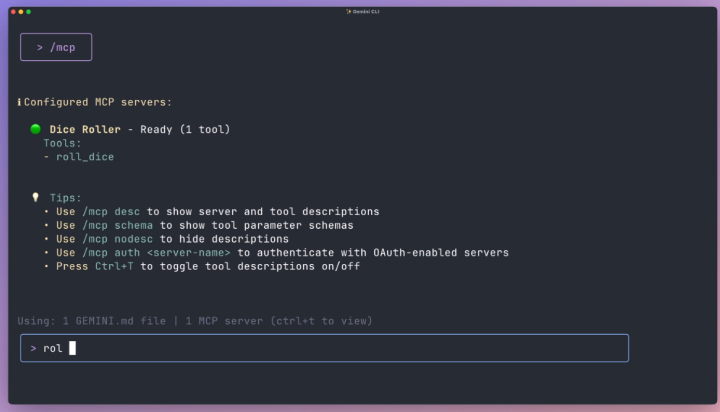
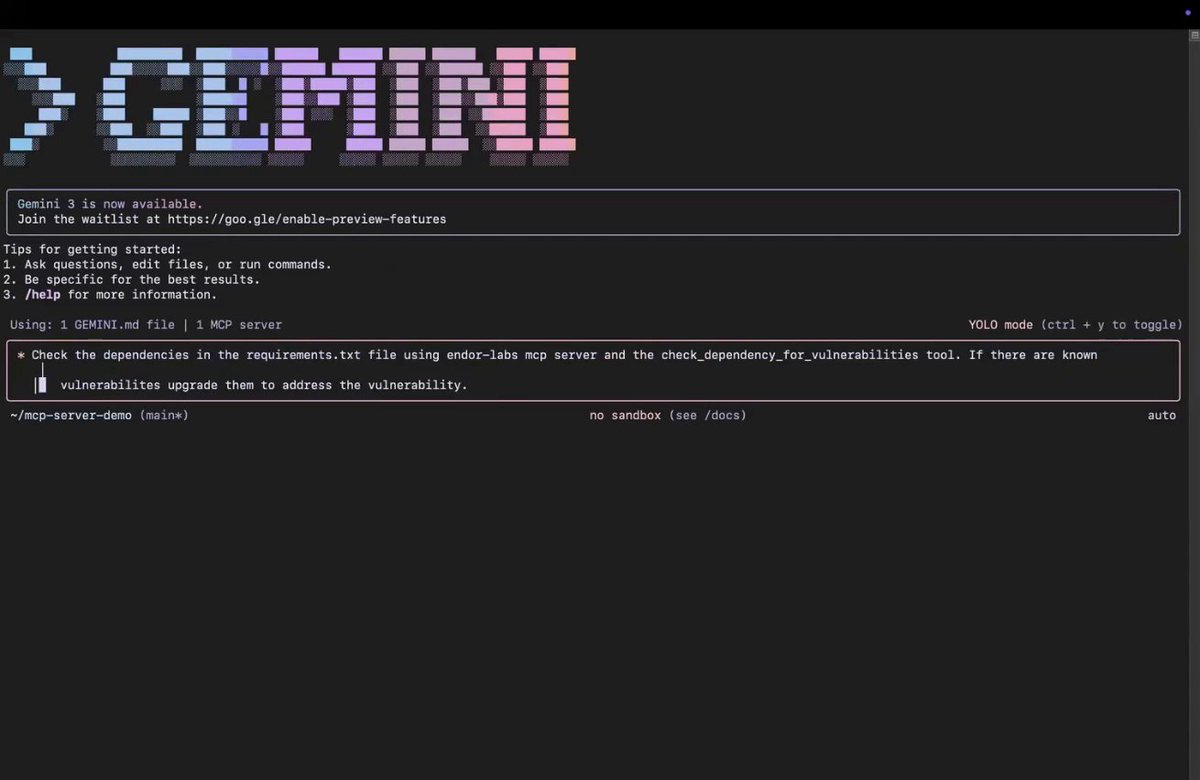
Gemini CLI can automate your computer using MCP 🔥 Add Windows MCP (or macOS MCP) to Gemini CLI and you can tell it what to do autonomously. Gemini then takes control of your entire system to achieve the goal you've set. Links below

131,800 Aufrufe • vor 1 Jahr •via X (Twitter)
11 Kommentare

As a reminder, you have 1'000 free requests PER DAY using Gemini CLI! Windows MCP used → MacOS MCP (never tried) →
Tutorial to install Gemini CLI ↓ Note: I advise you to use WSL if you are using Windows
Prompt used in the video: "Using Windows MCP only, open Chrome, browse x(dot)com and open my latest followers to tell me the @ of the last person who followed me." Now imagine controlling your computer remotely (via SSH) and having it work for you! Interested in a tutorial?

You can even try out pip install windows-use. Agent built on top of Windows-MCP
Nice! Thanks for sharing.

This great. BUT With great power … please make sure to manage the scope of this with a list of allow and deny commands. You might come back from coffee and Gemini CLI has hallucinated and deleted your whole desktop, or worse.

Interesting
Right? So many workflows possible.

There are 960 x 90 blocks in 24 hours. So you could essentially have your home PC working AI tasks 24 hours a day for free here?!
Yes, I think so. Or very close to it 👀

Scan any documents, convert images into text, PDF files, etc. 👍