Загрузка видео...

Не удалось загрузить видео

На главную

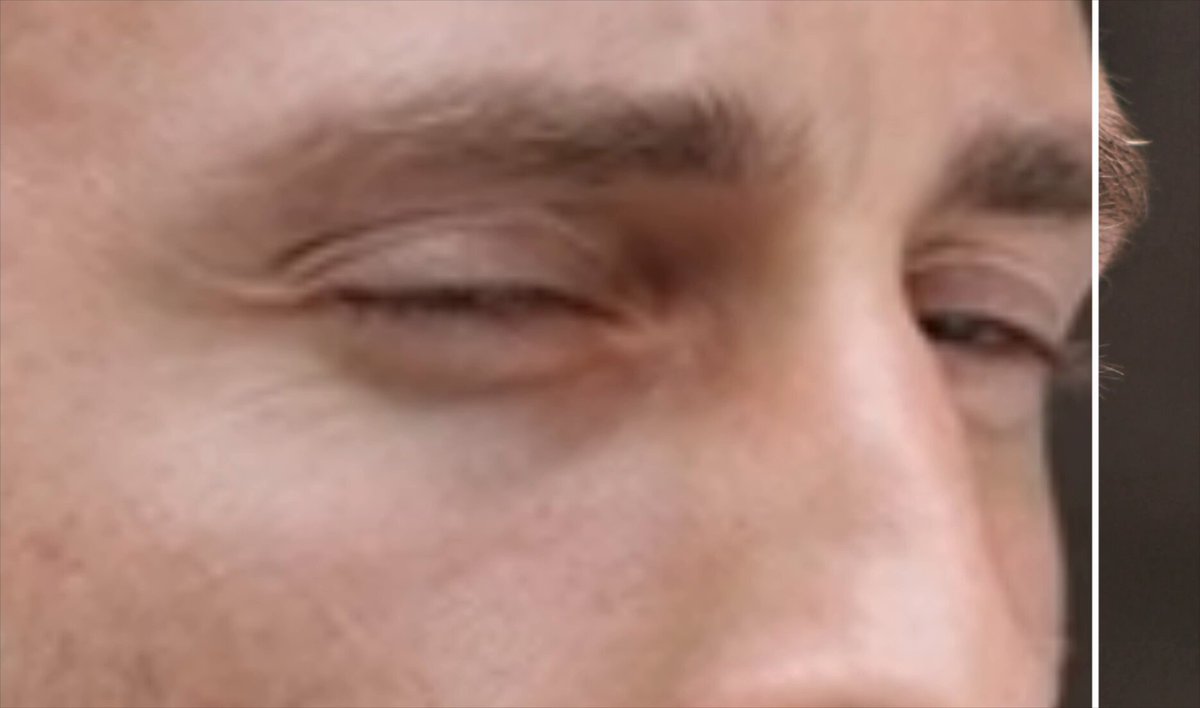
✨ I increased the max resolution for my open-source upscaler to 20,000 x 20,000 pixels (or 400 megapixels) 🤯 This makes it by far the highest resolution AI upscaler available It takes 26 minutes to run on an A100 GPU 80GB and produces a 100MB JPG file 😱 The...

165,069 просмотров • 1 год назад •via X (Twitter)

Комментарии: 11

Фото профиля philz1337x
philz1337x1 год назад

👩‍💻 App: 🔧 Replicate: 🔧 New Replicate model with 80GB VRAM: 🛠️ Code: .

Фото профиля WillScuderi
WillScuderi1 год назад

🚀 We've just launched the ultimate travel companion for all business travellers. The espresso Display 15 with Stand+ features: ✅ Aluminium Build ✅ Works with one cable for Mac, PC, iphone (15 and later) ✅ Display above laptop ✅ 1080p/16m colours/300nits ✅ 0.2"/5mm thin

Фото профиля @levelsio
@levelsio1 год назад

Can you zoom more pls

Фото профиля Aya Bochman
Aya Bochman1 год назад

amazing!! 👏🏻

Фото профиля philz1337x
philz1337x1 год назад

Thank you Aya!

Фото профиля Paul Bertrand
Paul Bertrand1 год назад

insane quality

Фото профиля Grizu 💥
Grizu 💥1 год назад

This is hella sweet, nice work

Фото профиля Shiva
Shiva1 год назад

Absurdly impressive

Фото профиля Albert Papadosifakis
Albert Papadosifakis1 год назад

Computer, Enhance!!!

Фото профиля TadasG 💻
TadasG 💻1 год назад

insane

Фото профиля arthur
arthur1 год назад

is there a physics limit?

Похожие видео

You might have seen some posts that Highguard runs at a fake in-game resolution, but its not exactly what you think. Steam User Captain_SmellyRat noticed this issue first by pointing out that if you set render scale at 100%,the game would still show 80% of the resolution in DLSS hud UI. So If you're playing at 1080p, the internal resolution would be 864p and If you don't change the default render scale (which seems to be always set to 75%) the final resolution would be 648p. However it turns out that the in-game resolution is changed in value directly from post-processing settings that you set. Post-processing quality settings would change the internal resolution as follows: Low - 80% of in-game resolution Medium - 90% of in-game resolution High - 100% of in-game resolution If you're playing at high settings, you will not notice the game looking blurry, but if you play at medium or low settings, the game will look extremely blurry even though you think you're playing at 1080p or 4k. I find it weird that post-processing quality directly affects the internal game resolution, but if you're playing the game and it looks blurry to you, make sure you set the post processing quality to high. Whenever this was intentional or not to achieve a higher FPS, I don't exactly know. However, I still think the developers should have clarified what each settings affects the game, which in this case here it directly affects the resolution.

NikTek

20,832 просмотров • 6 месяцев назад