Video yükleniyor...
Video Yüklenemedi
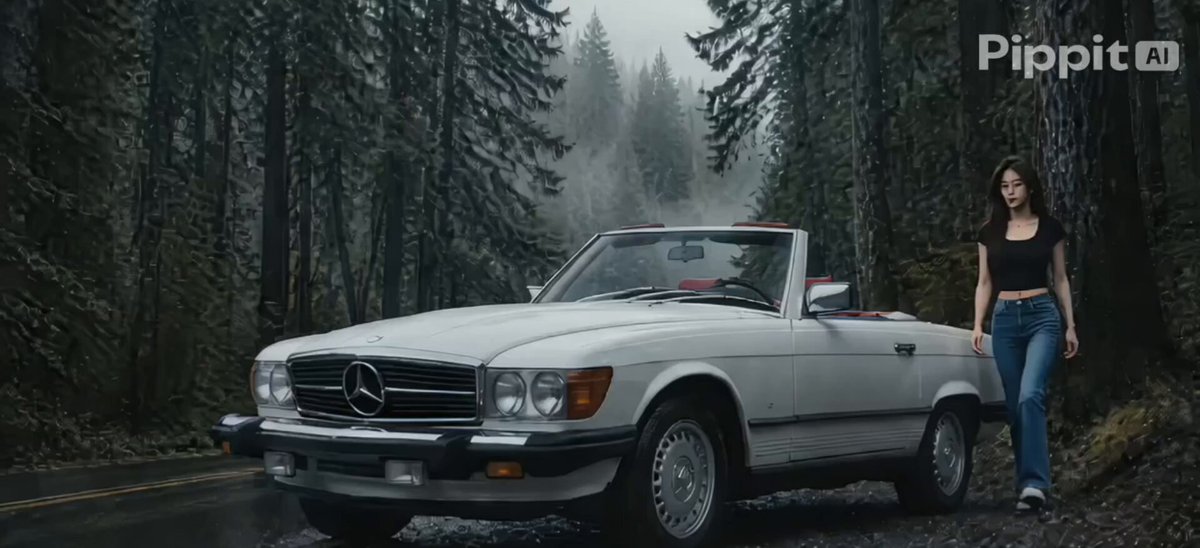
I turned a simple idea into a cinematic AI video using Pippit's Creative Agent, Canvas, and the official native Seedance 2.5 model. What I liked most was being able to organize my ideas, visual references, and AI interactions in one connected workflow. Here's how I created it: 👉 Step... show more

44,135 görüntüleme • 5 gün önce •via X (Twitter)
11 Yorum

What's your workflow for visual references across shots? We concatenate all refs into a master document before Canvas—cuts our revision cycles in half compared to linking individual images.

The final cinematic result looks seriously impressive

The integration of Seedance 2.5 directly into the workflow is really interesting

Creative Agent and Canvas together seem like a powerful combination

Really curious to see what kind of cinematic projects people build with this.

That level of control over visual references makes a real difference

The ability to organize assets and AI interactions in one Canvas is a nice touch

Love how this simplifies the entire creative process from idea to final video

AI video creation is becoming more accessible with workflows like this

This workflow looks incredibly smooth. Having everything connected in one place is a huge advantage

This could save creators so much time when working on complex video projects