Loading video...

Video Failed to Load

Go Home

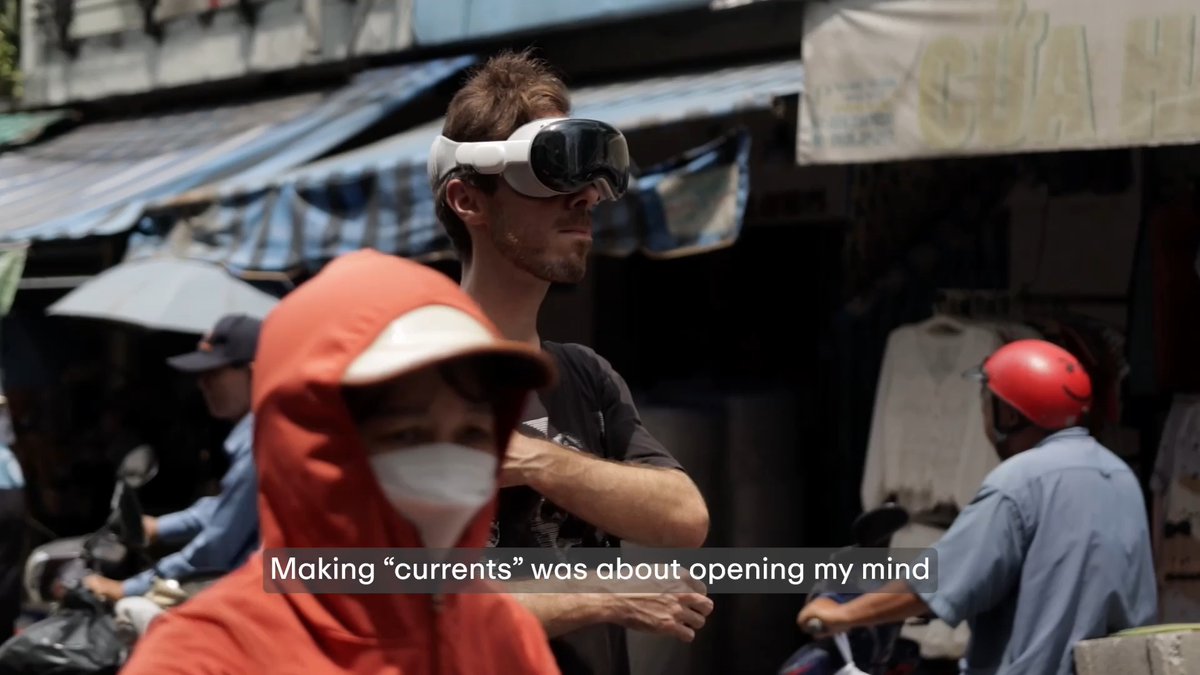
Immersa just solved one of Apple Vision Pro’s biggest problems. Right now, there are filmmakers and studios creating incredible immersive videos that most people never get to see, simply because distribution is still too complicated. The app empowers creators to share their work simply through a link or publish...

16,713 views • 2 months ago •via X (Twitter)

0 Comments

No comments available

Comments from the original post will appear here

Related Videos

Apple Immersive Video Utility quietly dropped on the App Store and inside visionOS — right in the middle of the madness that was NAB 2025. And somehow, we were lucky enough to be among one the very first creators to get hands-on review. We tested it using the new Blackmagic Design URSA Cine Immersive camera and the DaVinci Resolve Immersive Build, and… wow. Let me tell you — the video will show you more than words ever could. But to be totally honest? This is the best immersive image quality I’ve ever seen in my entire career. Yes, even better than Apple’s own immersive content on Apple TV. Not exaggerating. No chromatic aberration. No stereo conflict in the corners. Just pure, comfortable 3D depth with insanely sharp resolution — even in close-up scenes. But what really blew my mind is the progressive immersion system. With Apple new Immersive Video Utility, the same video can shift seamlessly between Spatial Video and Immersive 180 — and the control is entirely in the viewer’s hands. Too much immersion? Click a button, and the same content plays in a 16:9 spatial format. Want to go full 180? One tap and you’re back in immersive mode. There’s no longer a divide between Spatial Video and Immersive 180. They’re now different states of the same media — and that changes everything for filmmakers like us! No more dual camera setup. Just ONE Blackmagic Design URSA Cine Immersive Camera you got both outputs for dual purposes. What do you think on the “Progressive Immersion” concept? Comment below 👇 #AppleVisionPro #immersive180 #spatialvideo

Hugh Hou

11,471 views • 1 year ago

Hi all, Jason here with a BIG announcement. Over the past 18 months, my team and I have been working tirelessly on something we feel is pretty special, and I am excited to finally bring you the JUICE MASTER ONE app. I have literally taken 25 years’ worth of juice cleanses and my juicing knowledge and packed it all into one beautiful app, and I can’t wait for you to download it and look around. ➡️ WATCH THE VIDEO ➡️ DOWNLOAD THE APP FOR FREE The JUICE MASTER ONE app is available on APPLE and GOOGLE PLAY stores, and it’s FREE to download. To whet your juicy appetite, I have also included a NEW ’10-Day Breakfast Challenge’, which is FREE for ALL USERS, regardless of whether you choose to subscribe. The ‘Juicy Community’ page is also FREE to access, which means you can watch all the exclusive video content I’ll film and upload to the app during ‘Jason’s Guided Juice Cleanse’ campaigns! Speaking of which, the next one starts on January 2nd all details on the website. I know many of you already have some of my cleanses as individual apps, which you can still use. However, I still recommend you download the NEW app (for FREE) to use during these global guided juice cleanses, as this will be the main ‘social space’ for interacting with the juicy community and the ONLY WAY to watch the exclusive videos. You genuinely won’t believe just HOW MUCH content there is on there. To give you an idea, it includes EVERY juice, blend, food, smoothie, and soup cleanse I have EVER DONE + brand new videos, beautiful images, and instant access to my two documentaries. You can even design your own cleanse from over 250 recipes! There’s also coaching from me to guide you through each cleanse, how-to-make videos, shopping lists, and SO much more. If you wish to unlock ALL content, simply click on any cleanse in the app (excluding the free 10-Day Breakfast Challenge) and select the subscription that works for you. Access to ALL CONTENT for an entire year costs LESS than £1 a week.I’ll also be adding a lot of additional content throughout the year, and maybe even an e-book or two! Download now by clicking the links on my website

Jason Vale

16,369 views • 2 years ago

This is a big update! visionOS 2.4 Beta is now available and I’m genuinely excited! The public release hits in April, but here’s the rundown of what’s available in visionOS 2.4 Beta today: • Apple Intelligence is coming to Vision Pro! All those rumors that said the first model wouldn’t get it. Dead wrong. We’re getting Image Playground to whip up fun images, Genmoji for custom emojis, and my personal favorite, Writing Tools. This is just the start of Apple Intelligence on Vision Pro and I’m excited to see where it takes us. • Guest User feature! Hand your Vision Pro to someone, and your nearby iPhone or iPad pings with an 'Allow Guest User' option. You pick their apps from your device, kick off View Mirroring with AirPlay to see what they’re seeing, and guide them through the experience. It’s clean, easy, and something many of us have been asking for. • A new Spatial Gallery app! Apple’s curating a stunning lineup of spatial photos, videos, and panoramas from artists, filmmakers, and brands like Cirque du Soleil and Porsche. Can’t wait to dive into that. • A new Vision Pro app for iPhone! Browse and queue up apps or games to download, discover spatial content from Apple TV and Spatial Gallery, and grab handy tips—all from your iPhone. It’ll roll out with iOS 18.4 wherever Vision Pro’s sold. I think it’ll be super useful. visionOS 2.4 is a big step up and it’s another strong signal that we have a lot to look forward to with spatial computing from Apple. We are just getting started.

Justin Ryan ᯅ

83,414 views • 1 year ago

A little look behind the scenes: Many of you asked how I handle switching from SwiftData & CloudKit to Firebase and a different way of sharing entries with your friends. Previously, there was no need to create an account and the app just used the user's iCloud ID in the background to "sign up". Why did I do this? SwiftData is really nice to use but after working with it for over a year now, it feels still quite unstable, buggy and errors are super hard to track. Same goes for CloudKit and the CloudKit sharing that I implemented. For a growing app, in my opinion, it's just not feasible to use because errors happen regularly, you don't really know if the data is stored (and shared) correctly and the documentation on CK is just bad. I have big plans for this app (reacting to your friends' entries, Apple Health integration, tagging multiple friends in entries etc.) and all of it is now much simpler - and faster to build. The Migration part When an existing user starts the app, a little migration sheet with a couple of steps opens which can't be dismissed. The goal is that the user maintains all entries and can use the app like before :) Steps: 1) Create an Account using Apple Sign In and Firebase Auth 2) Migrate your user profile (profile picture etc.) and all your friends from SwiftData to Firestore. Here I basically iterate over all the data that is there, run a custom conversion for all the fields (some things need to be stored differently) and save them. Profile Images are now saved in Firebase Storage 3) Migrate all entries to Firestore the same way. Images and Voice Notes are now saved in Firebase Storage (that might take a bit of time, video is sped up) 4) After that, migration is basically done and the user can use the app like before. In the settings, the user can now log out or delete the account, things that weren't possible before. If for any reason the migration has to be done again, this can be triggered from the settings as well. How do I decide if a user needs to migrate? Previously, I saved the user's profile in SwiftData under a specific key (simplified). If the app finds something under this key, user is prompted for a migration. New users don't have to run through the migration. They simply start fresh with the Apple Sign in in the onboarding like seen in the referenced post. How does sharing entries now work? For sharing, I create deeplinks using branch . io now. These links basically work like every other Invite Link you've received or created. The friend opens the link, can accept your invitation and now both of you are connected as buddies. Previously using CloudKit Sharing, this process took two steps - each user had to share a link to give access to their entries. The process now is much simpler and better understand for the user. Developing the migration Tbh I thought this would be way quicker. In the end it was > 100 commits since I had to basically change every screen in the app. Working with SwiftData is quite different to how things work with Firebase (and most other frameworks), so every interaction where data was involved had to be reworked. Now the app runs on a combination of Firestore, Cloud Functions and Firebase Storage. In terms of memory, the app feels notably faster and only needs around 1/4 of the memory bandwidth it needed before. Let's see if it will be worth it! All in all super happy with the new flexibility for the app and not being limited by the technology anymore 👀

Fabian Gruß

26,781 views • 1 year ago