Loading video...
Video Failed to Load
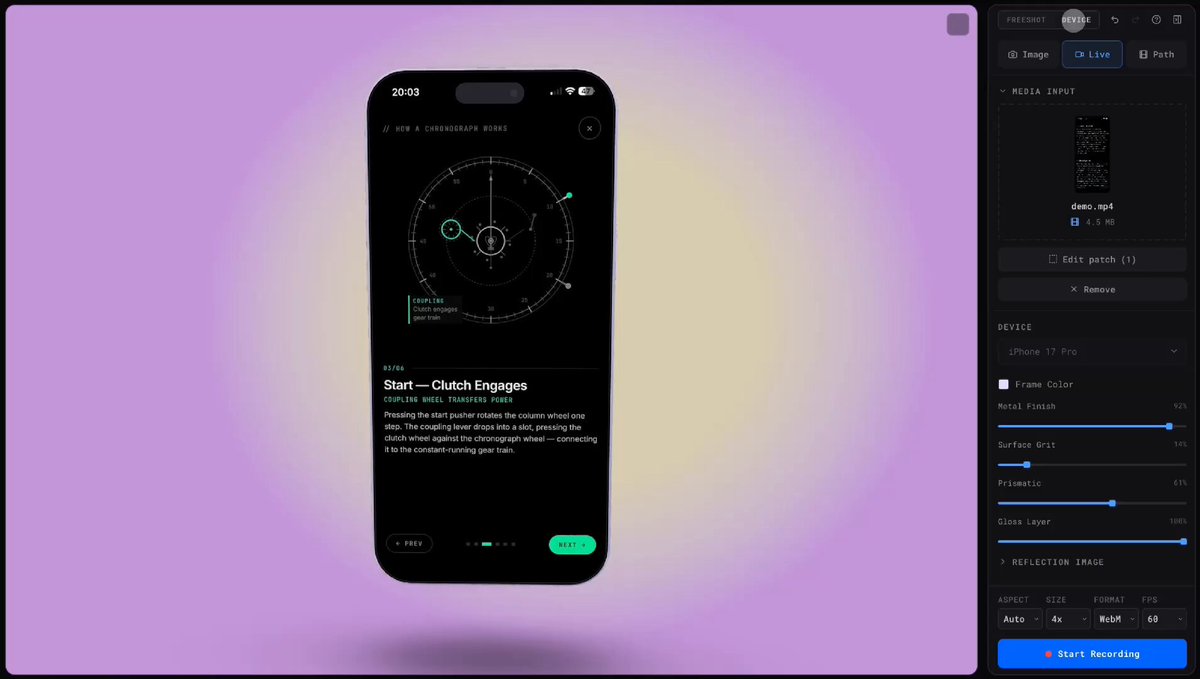
THIS GUY BUILT A DEAD SIMPLE APP STORE SCREENSHOT MAKER app store screenshots are one of those things that look easy but take forever to get right you need the right device frame, the right dimensions for each phone size, text overlays, background colors, and it all has to... show more

354,992 views • 5 months ago •via X (Twitter)
34 Comments

for those asking its

Made something similar that works on the web

This is cool for basic screenshots but if you want AI to generate the entire thing, everything from your app screens and a description, that's what we built AppShotr for. Here's what it generated for a cooking app.

Great! I built something similar, but runs locally: Crazy how helpful AI is, I was tired of boring screenshots for my apps, I think most of devs have same issue.

Why do you tease us and not share the link 🤣

I've built a custom one of these for each of my individual apps and projects... It took @claudeai 5 mins. HTML, just sits in a folder and I never have to open Canva or Figma again. Shared with my team, and now they always get the brand language and style just right.

thank you :) (I’m the creator)

You can also use - unlimited amount of screenshots, free export, manual or AI content editing. You can bring own assets or generate via built-in ai. Custom skills allowed as well. You can generate icons or website prototypes as well.

I am building a similar solution but as a native Mac app, maybe someone here will find it useful.

My I ask what tools are you using to create this beautiful demo video?

At least try to remove all that Claud-iness. Everything is starting to look the same.

Why haven't you credited him? Not nice to farm engagement on his behalf

The annoying part is not the mockup frame, it’s making one visual system survive every device size without manually tweaking ten exports.

interesting you posted this - I literally just spent 20 minutes trying to figure this out with Mac native tools. it is a pain

building tools for builders hits different. App store screenshots look dead simple until you're juggling 10 different frame sizes across ios/android. Underrated pain point, props for the solve.

WHY DO YOUR POSTS ALWAYS START IN ALL CAPS

Biggest win is having a template per size, then only swapping copy and screenshots. We use Hook line 1, payoff line 2, then 1 proof screen and keep everything else consistent for A/Bs

My I ask what tools are you using to create this beautiful demo video?

This tool will save indie devs so many hours honestly 🔥

Check out

I found this one

well, if this isn't the most original thing i've ever seen

Where can we get it ?

Simple apps wins the game Checkout this one as well:

actually pretty genius

ファーストビューだけじゃないんだよね、 「認知負荷」って知ってる? 脳は情報を処理しやすいほどすぐ理解しやすくなる仕組みがある。 スクショは料理の盛り付けみたいで、 見た目良くて味も伝わるバランスが大事だと思う。

Simple ideas are the ones that wins

Just use

You can try and get 10 thoughtful screenshots for the app store (take the design reference from the top 100 fastest growing apps in the app store), it's much faster and more efficient.

it’s missing localization feature 😉😉 I’ve built the same tool but supporting multiple language

is it free?

This is awesome, got a link?

Okay… lol

Love tools like this. Solving small but painful design tasks can save creators a ridiculous amount of time.