正在加载视频...
视频加载失败
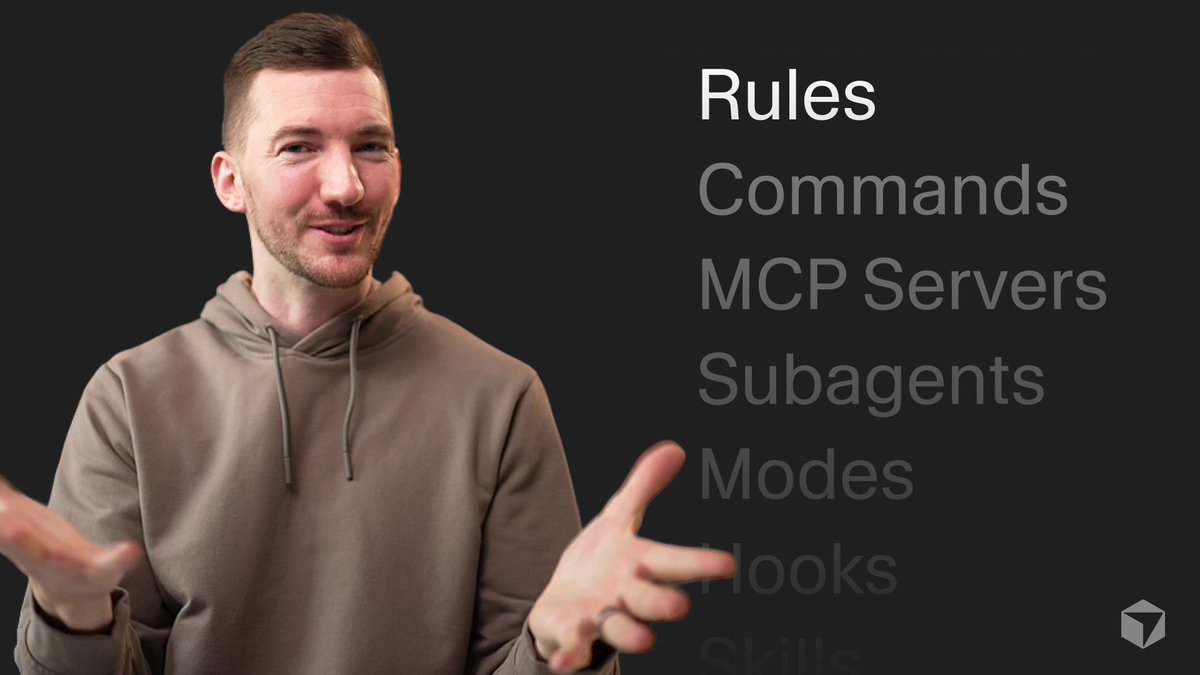
Install Agent Plugins in VS Code to add skills, commands, MCP servers, hooks, and more ⚡

33,983 次观看 • 6 个月前 •via X (Twitter)
9 条评论

How can we add shared enterprise skills like this ?

This is where things get interesting 🔥 Turning Visual Studio Code into a modular agent hub with plugins for skills, MCP servers, and hooks basically turns your editor into a programmable teammate. Feels like the shift from “tools you use” → “systems that work with you.”

if you want vs code to survive the IDE wars - you need to sunset #copilot sidebar and call it agent hub or something. no one wants copilot brand shoved into their throat. that brand is overused and subpar in today standards.

plugins in vscode? reinventing terminals since 2008. just ssh in.

VS Code just became way more than an editor ⚡ Agent Plugins turn it into a full-on AI workspace—skills, commands, MCP servers, hooks… all in one flow. Install once, extend forever.

Why don't you allow use of kimi or Deepseek with the GitHub copilot.

vs code + codex plugin ❣️

Use VS Code extensions for a streamlined AI experience instead.

Looks good. When I can try it as GitHub Copilot Pro is suspended?