正在加载视频...

视频加载失败

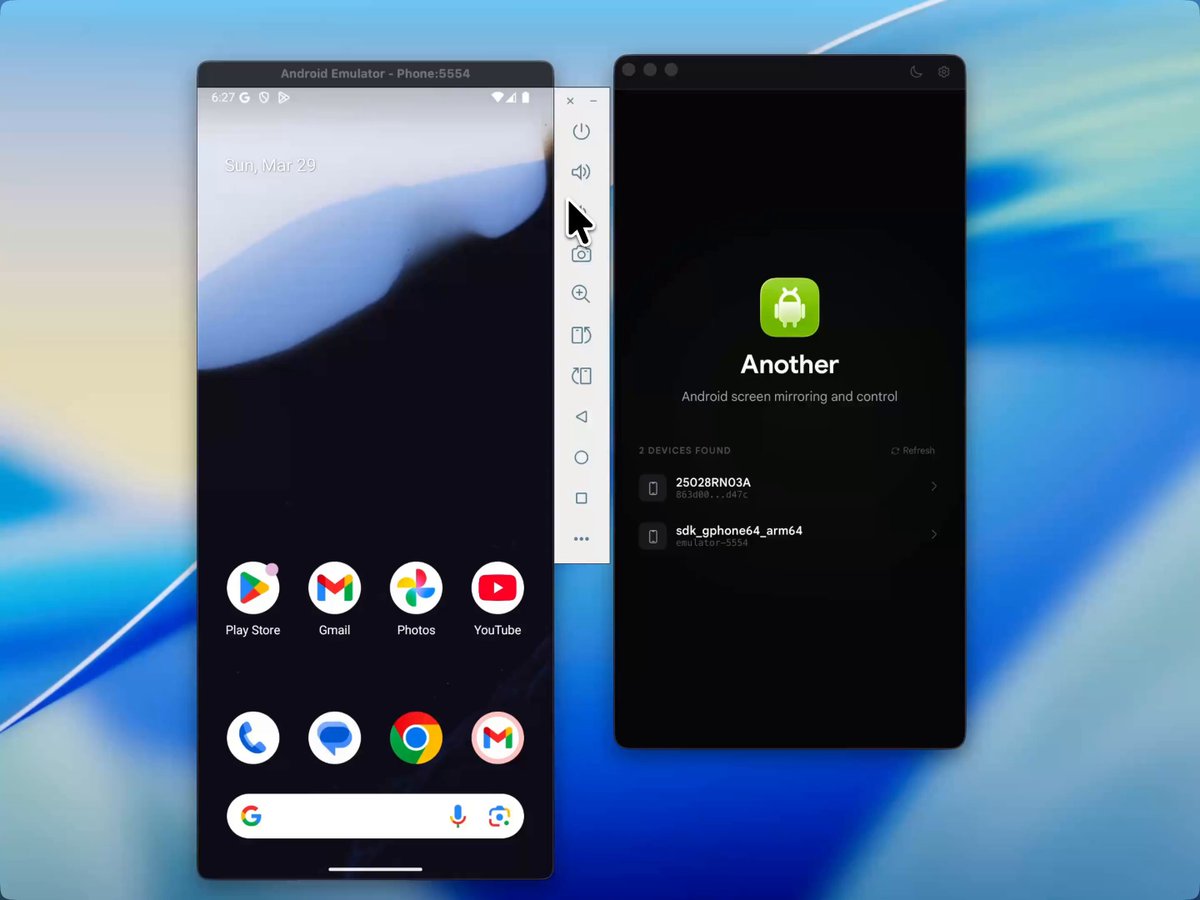
Introducing Framecap – A CLI-based screen recorder for macOS. → Native macOS app → Hide apps from being recorded → Window-only mode (w/ transparent bg!) → Record in ProRes or h264 → True multi-track recording

157,725 次观看 • 9 个月前 •via X (Twitter)

0 条评论

暂无评论

原始帖子的评论将显示在这里

相关视频

THIS GUY BUILT A SCREEN RECORDER THAT MAKES YOUR DEMOS LOOK LIKE AN APPLE COMMERCIAL every founder right now has the same problem. you build something cool but your demo video looks HORRIBLE (like a janky screen recording from 2014) this tool records your screen and automatically makes it look cinematic here's what it does: > records both screen and screenshots in one app (most tools only do one) > multi-window support where each window is a separate layer you can rearrange after recording > 3D scenes, virtual backgrounds, and a simulated camera lens for cinematic shots > smooth or instant zooms, transitions, custom cursors, and auto-replaced desktop backgrounds > add and mix audio and music directly in the editor > standard 2D polish too if you don't need the 3D stuff it even gives you the option to render your recording inside a 3D macbook mockup so the final output looks like an actual apple keynote presentation if you've ever tried to make a product demo look professional, you probably know the pain. you either spend hours in premiere or after effects doing it manually, or you pay someone to do it, or you just ship an ugly screen recording and hope nobody judges your product by the video now you can just record your screen normally and it handles the polish automatically for anyone shipping a landing page, a product hunt launch, an app store listing, or a pitch deck, the demo video is usually the first thing people see and most of the time it's the weakest part of the whole launch this fixes that without needing any video editing experience

Om Patel

154,694 次观看 • 2 个月前