Loading video...

Video Failed to Load

Go Home

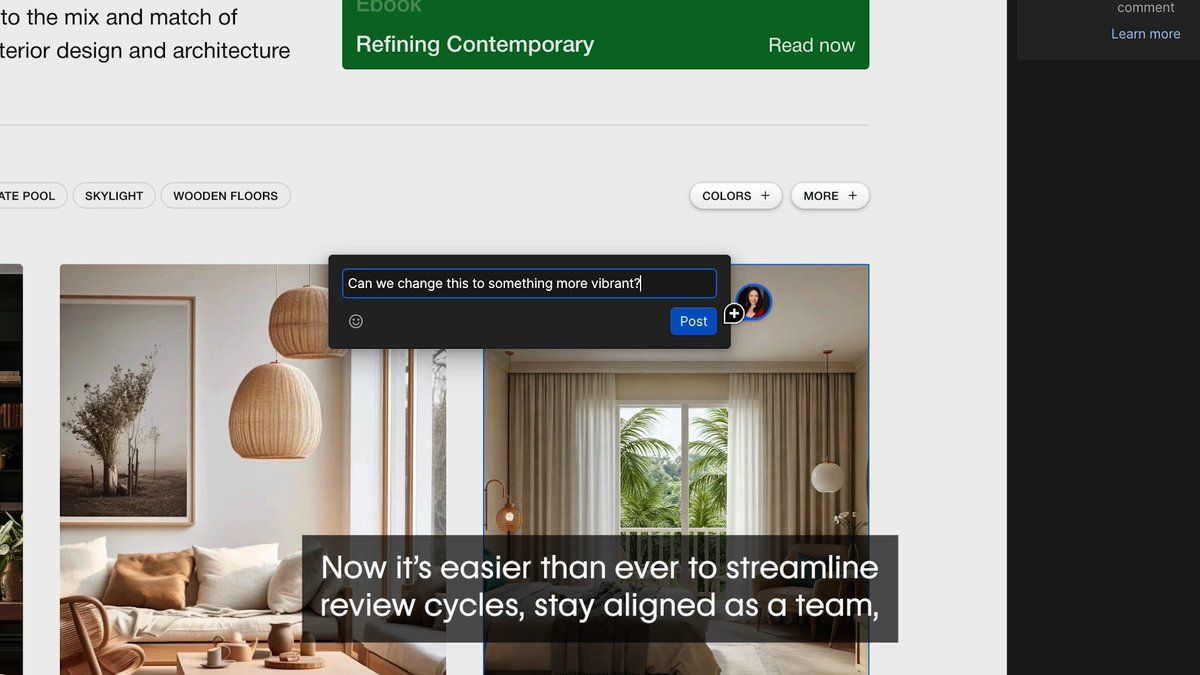
Introducing ✨Generative Interfaces where LLMs respond to users by proactively generating UIs that enable adaptive interaction 🎹 Piano practice tools, 🤖 neural net animations, and more🪄

30,378 views • 10 months ago •via X (Twitter)

0 Comments

No comments available

Comments from the original post will appear here

Related Videos

Our first short course with Anthropic! Building Towards Computer Use with Anthropic. This teaches you to build an LLM-based agent that uses a computer interface by generating mouse clicks and keystrokes. Computer Use is an important, emerging capability for LLMs that will let AI agents do many more tasks than were possible before, since it lets them interact with interfaces designed for humans to use, rather than only tools that provide explicit API access. I hope you will enjoy learning about it! This course is taught by Anthropic's Head of Curriculum, Colt_Steele. You'll learn to apply image reasoning and tool use to "use" a computer as follows: a model processes an image of the screen, analyzes it to understand what's going on, and navigates the computer via mouse clicks and keystrokes. This course goes through the key building blocks, and culminates in a demo of an AI assistant that uses a web browser to search for a research paper, downloads the PDF, and finally summarizes the paper for you. In detail, you’ll: - Learn about Anthropic's family of models, when to use which one, and make API requests to Claude - Use multi-modal prompts that combine text and image content blocks, and also work with streaming responses - Improve your prompting by using prompt templates, using XML to structure prompts, and providing examples - Implement prompt caching to reduce cost and latency - Apply tool-use to build a chatbot that can call different tools to respond to queries - See all these building blocks come together in Computer Use demo Please sign up here:

Andrew Ng

170,404 views • 1 year ago

Build and customize complex AI applications with a flexible framework in this new short course, Building AI Applications with Haystack. Created in collaboration with deepset, makers of Haystack, and taught by Tuana, who is the developer relations lead for Haystack at deepset. Generative AI technology is changing rapidly and it can be challenging to integrate APIs from different LLMs, vector databases, and various tools such as web search. In this course, you will learn how to use the Haystack framework to make your development process more modular, allowing you to manage complexity and focus more on building your application. In detail, you’ll: - Build a RAG pipeline using Haystack’s main building blocks – components, pipelines, and document stores. - Create custom components in your pipeline by building a Hacker News summarizer that extends your app’s ability to access APIs. - Use conditional routing to create a branching pipeline with a fallback to web search mechanism when the LLM does not have the necessary context to respond to the user's query. - Build a self-reflecting agent for named entity recognition that loops using an output validator custom component. - Create a chat agent using OpenAI's function-calling capabilities which allow you to provide Haystack pipelines as tools to the LLM, enhancing that agent's capabilities. By the end of this course, you will learn a high-level orchestration framework that can help make your applications flexible, extendible, and maintainable, even as the technology stack changes, new user needs arise, and you add new features to your application. Please sign up here:

Andrew Ng

53,788 views • 1 year ago

AI instead of UI The last few years radically changed how we think about digital products & product design process in general. What we are witnessing right now is a transition where AI is no longer just a feature; it is becoming the infrastructure of interaction. For decades, UI design was rooted in the concept of “Happy Path,” a series of static, linear screens (routes from A to B) designed to funnel users toward a goal. This “one-size-fits-all” approach assumes that all users have the same mental model, which is far from the truth. The rise of AI tools like ChatGPT and Gemini is showing that we are moving into an era of Generative Interfaces. Instead of a designer pre-determining every button and menu, the interface is synthesized in real-time based on user actions. Back in 2019, Gleb Kuznetsov and I were working on the concept of morphing Interface, the idea of a UI that adapts its structure based on user intent. The great thing about this UI is that it was highly dynamic: different users saw different content/contextual actions based on their behavior. This concept was crazy in 2019, but it is highly relevant to the modern state of the product design process. And I strongly believe that it represents the future of UI design. We will move beyond the “AI chatbox" crutch Yes, many products today treat AI as a sidecar (think of Copilots or chatbots pinned to the side of a traditional dashboard), but this is a transitional phase. Why? Because adding a chat window to a 20-year-old software layout is like putting a jet engine on a horse-drawn carriage. That's why the future isn't "AI as an add-on"; it is AI as the Operating System. AI will power generative interfaces that are rooted in anticipatory design: UI won’t wait for a command; it will surface tools based on the user's current environmental context and historical behavior. This evolution changes the very nature of product design, and we will move away from designing pages/screens and toward designing systems of logic.

Nick Babich

53,320 views • 5 months ago