Loading video...

Video Failed to Load

Go Home

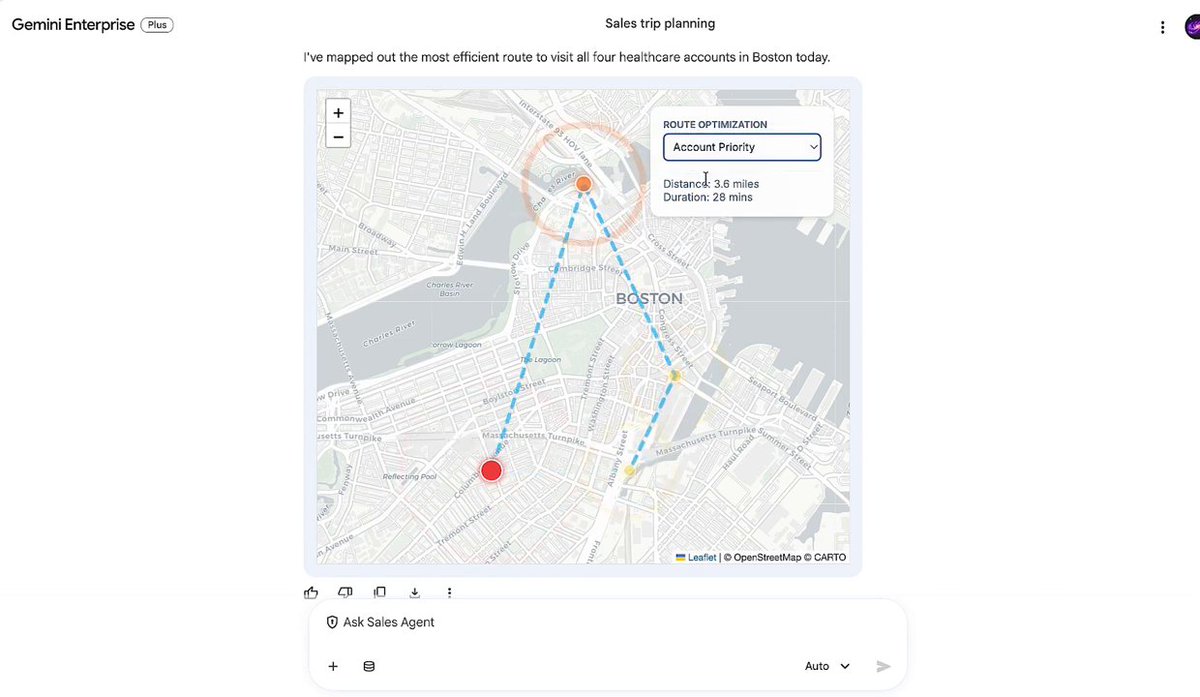
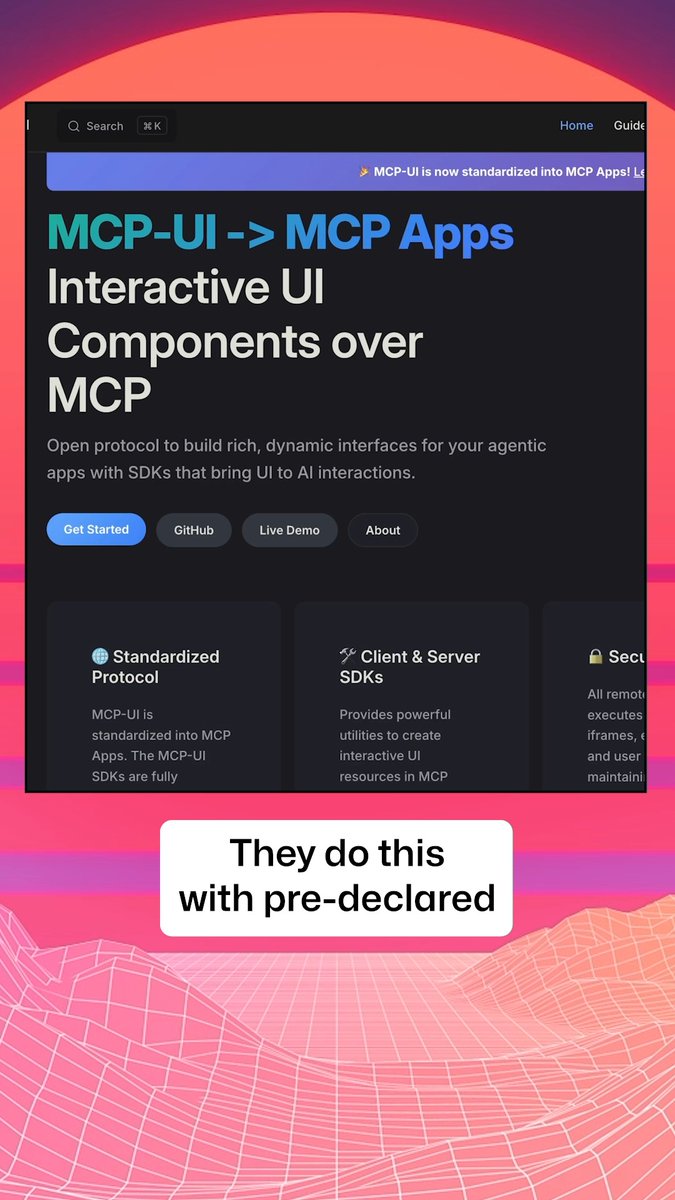
Introducing MCP UI, the SDK that wires UI components directly into the MCP protocol🤯 Watch the video to see the new phase in AI interaction! Why browse when you can have universal apps that deliver the right UI to consume any data and perform any action? Replace cumbersome walls...

79,457 views • 1 year ago •via X (Twitter)

0 Comments

No comments available

Comments from the original post will appear here

Related Videos

New course: MCP: Build Rich-Context AI Apps with Anthropic. Learn to build AI apps that access tools, data, and prompts using the Model Context Protocol in this short course, created in partnership with Anthropic Anthropic and taught by Elie Schoppik Elie Schoppik, its Head of Technical Education. Connecting AI applications to external systems that bring rich context to LLM-based applications has often meant writing custom integrations for each use case. MCP is an open protocol that standardizes how LLMs access tools, data, and prompts from external sources, and simplifies how you provide context to your LLM-based applications. For example, you can provide context via third-party tools that let your LLM make API calls to search the web, access data from local docs, retrieve code from a GitHub repo, and so on. MCP, developed by Anthropic, is based on a client-server architecture that defines the communication details between an MCP client, hosted inside the AI application, and an MCP server that exposes tools, resources, and prompt templates. The server can be a subprocess launched by the client that runs locally or an independent process running remotely. In this hands-on course, you'll learn the core architecture behind MCP. You’ll create an MCP-compatible chatbot, build and deploy an MCP server, and connect the chatbot to your MCP server and other open-source servers. Here’s what you’ll do: - Understand why MCP makes AI development less fragmented and standardizes connections between AI applications and external data sources - Learn the core components of the client-server architecture of MCP and the underlying communication mechanism - Build a chatbot with custom tools for searching academic papers, and transform it into an MCP-compatible application - Build a local MCP server that exposes tools, resources, and prompt templates using FastMCP, and test it using MCP Inspector - Create an MCP client inside your chatbot to dynamically connect to your server - Connect your chatbot to reference servers built by Anthropic’s MCP team, such as filesystem, which implements filesystem operations, and fetch, which extracts contents from the web as markdown - Configure Claude Desktop to connect to your server and others, and explore how it abstracts away the low-level logic of MCP clients - Deploy your MCP server remotely and test it with the Inspector or other MCP-compatible applications - Learn about the roadmap for future MCP development, such as multi-agent architecture, MCP registry API, server discovery, authorization, and authentication MCP is an exciting and important technology that lets you build rich-context AI applications that connect to a growing ecosystem of MCP servers, with minimal integration work. Please sign up here!

Andrew Ng

142,256 views • 1 year ago

OpenAI, Anthropic and Microsoft all back the same standard for running apps inside AI chats. Booking .com, Figma, and Canva are already using it. Still, most developers have never heard of it. It's called MCP Apps. So, why does it matter? The next time someone buys from your website, they may never visit it. They'll ask ChatGPT or Claude, and the model decides how your product shows up. Usually as plain text, sometimes wrong, with none of the experience you built. That's the next shift in how people find you: - SEO was about Google finding your page. - AEO was about AI citing you. - MCP Apps are about your actual product showing up inside the chat. An MCP server returns data. An MCP App returns data plus an interactive UI, like hotel cards or an add-to-cart flow, right inside the chat. The model even knows what the user clicked. In this episode, we build an MCP app from start to finish with Julien, the lead maintainer of Skybridge, an open-source framework that lets you turn any React app into an MCP app. Chapters: 0:00 - Intro 2:44 - MCP servers vs MCP Apps 5:12 - Live demo: Booking .com in ChatGPT 9:24 - How MCP Apps work: context and shared state 15:43 - Skybridge and its devtools 17:48 - Live demo: an e-commerce app in ChatGPT 24:49 - Code walkthrough: MCP tools to React views 28:10 - Syncing UI state: "What's in my cart?" 32:16 - Agent skill to turn any React app → MCP App 37:52 - Outro Link to Skybridge GitHub repo: MCP Apps bring your website into the chat. WebMCP does the reverse and lets AI agents use your website through tools it exposes. I've also written a full article on it, quoted below.

Akshay 🚀

17,059 views • 5 days ago