Loading video...
Video Failed to Load
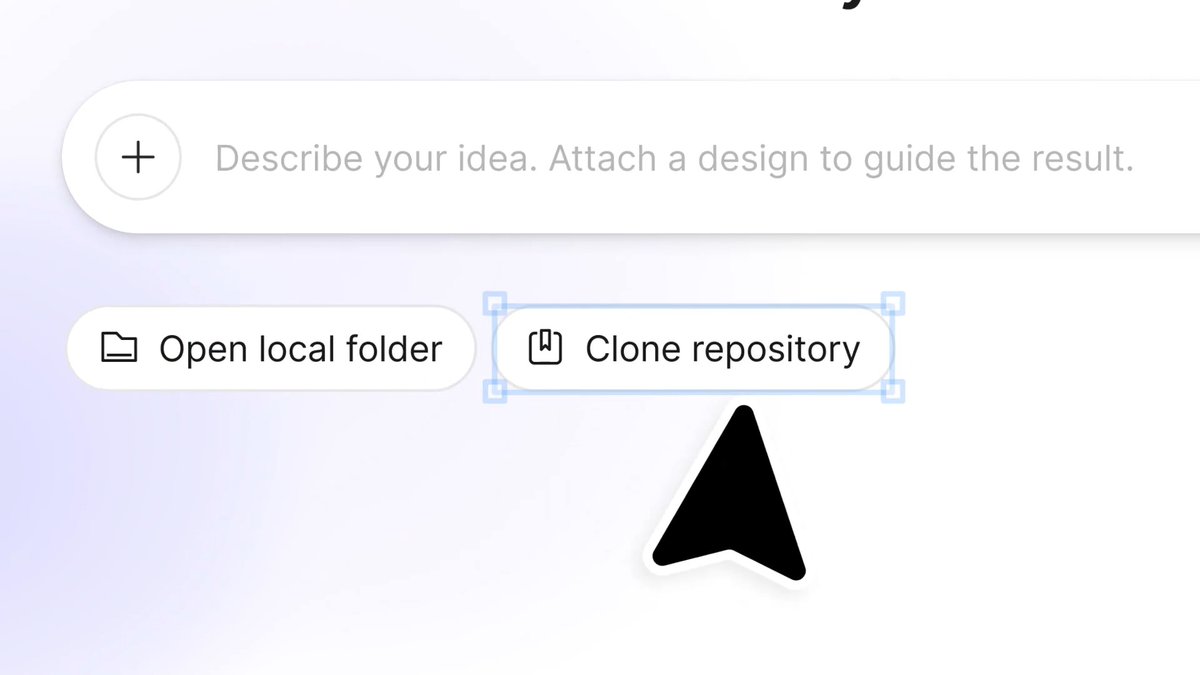
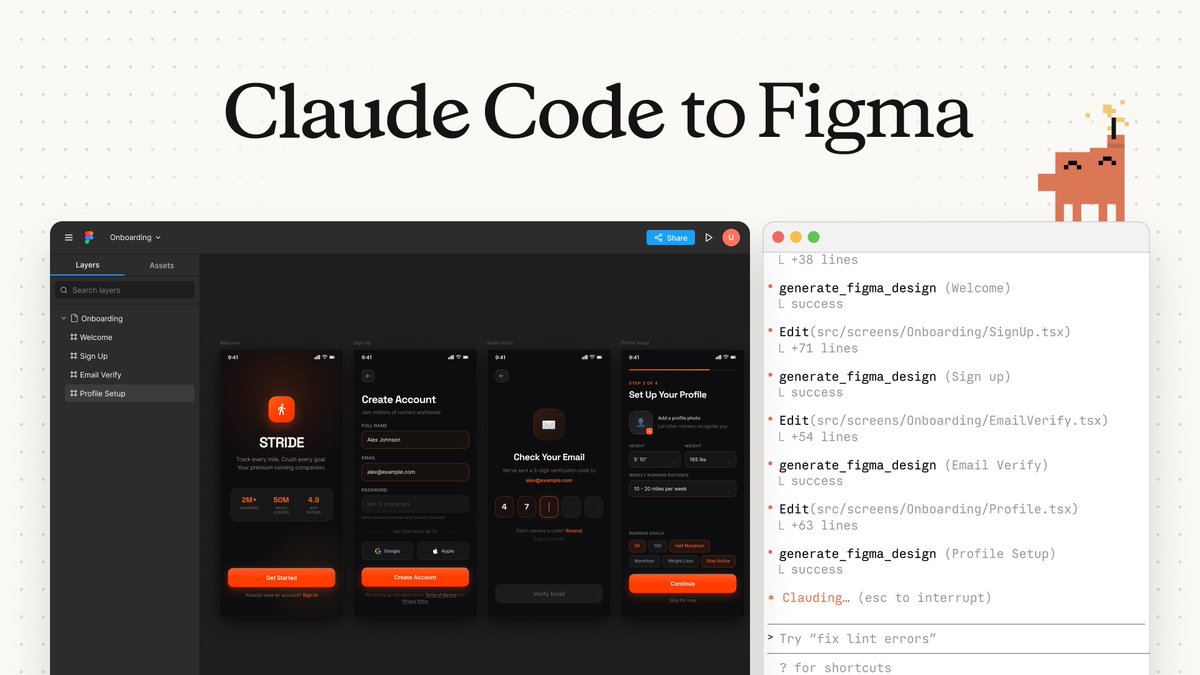
Introducing our Free Figma-to-Code converter. Copy your design directly from Figma and paste it into our canvas. Our compiler converts your figma design into code, and you can export it in your preferred format. Free to use, with no limits. No login required, try it here👇

26,570 views • 1 month ago •via X (Twitter)
33 Comments

Convert your Figma design to code :

omds !! forget my previous question!!! it worked ahhhhh it got alot of what I designed right!! but things like the font, it replaced them with something else P.S it would be helpful to have an import font feature. I love that i could edit a bit that was a nice feature, When you initially open the canvas there are instructions on how to connect your Figma account (that was a lovely choice you guys made). Over all i enjoyed exploring and I'll definitely use it when vibe coding (yay!)
Regarding Font - we are soon bringing in custom font support where you can upload. And more updates are lined up to make this a best platform for design to code conversion. If you have any other suggestions to improve feel free to post here or dm me. Thank you for checking our tool.
Of course 🙂↕️

Bro just tried it , you're doing great job as always first feedback: give us a option for download the code, the current file has large code, it when ever i am pasting the code it is crushing. will share more opinion while using.
Thanks bro, we will ship this in our next upgrade.

Yesterday I was thinking about why there’s no free Figma-to-code converter. As a CS graduate I have a lot of coding knowledge but was always imagining when I’d find one this kinda tool. This morning the first tweet I saw was this. Even if I have to pay later, I will. Love you bro for this banger tool 😭🤌🏻

gotta try it, looks too good!

nice work man!
Thanks brother

Does it keep auto layout as flex, or does everything come out absolutely positioned? That's the line between usable code and a screenshot in divs.
Wait how did you copy it exactly… Could you explain? Because in framer you usually have to use a plug-in to copy your designs from Figma to Framer (even tho it’s annoying how much detail is removed from the original Figma design afterwards).

The paste-and-export path is the convincing part here. Removing the plugin shuffle makes a Figma-to-code tool feel like a handoff shortcut, not another workspace people have to learn.

if it really delivers accurate conversions, it could save tons of dev time

Put an option for downloading the code. Other things are perfect.

What's your moat that these guys don't have?
Our parser is fast and works while pasting, theirs are relying on plugin I guess.

@figma this should be YOU

Looks interesting, As long the assets survive through the conversion and not just the layout, it'll be an improvement for me to use a lot.
You will love it then.

This looks like a huge workflow upgrade! Skipping the usual plugin hassle to get clean code straight from Figma is exactly what I've been looking for!
Feel free to suggest features to improve dude, happy to make it better for you 😉

Thanks, I will try it out with my code to webflow tool .🥹
Let me know how it works 🤝

Cooll

sick product!❤️🔥❤️🔥

crazy stuff 🔥

Insane!!

good initiative; tried Flutter & HTML; code does render what was on Figma; I know this might be beta stage; tbh, copied code isn't really what we write, high boilerplate code its open & free, so🔥
Right now we are parsing it exactly like in figma, soon we are bringing features to make the platform as one place solution for converting figma design to code.

Good work 👌

If the layout in the design mockups differs from the layout used during actual development, how do we correct this to ensure responsiveness? For example, if the Figma design uses absolute positioning, but our development process should use relative or flexbox/grid layouts?

This is awesome ✨