Loading video...
Video Failed to Load
Introducing terminal-code: VS Code inside the terminal - VS Code compatible CLI - works over ssh - syncs with your terminal theme

2,631,575 views • 1 month ago •via X (Twitter)
58 Comments

nuh uh

If someone doesn't stop this madman, he's going to put Microsoft Teams into the terminal
Don’t tempt me
terminal-code uses terminal-browser's app mode feature, which is like building electron apps inside the terminal
terminal-code is open source, you can reference the repo for more details

Uhh does Cmd + J pull up a terminal inside VSCode running in a terminal?
yeep

so mouse neovim...
Neovim but good yes

someone should put google search in the terminal, it should search files and match wildcard patterns

you will bring all apps inside terminal one day
yes

Can you run @Hytale in Terminal?

You goddamn supervillain. I love it.

I am genuinely curious to know which customer asked for this
me
what motivated you? performance? memory?
i wanted a terminal based code editor and I really like vscode

@ajambrosino can you do this for codex app?

ти шо єбанутий блядь

I have no idea why but this is so freaking cool

i was using hunk today and it still seems rough, i was like what if i could get only the vs code diff viewer in the terminal
This was one of my main motivations. If you run tode —review it will open directly on the git panel

i love this wtf. was just joking w someone last week about vscode building a terminal interface to get the neovim users

Wait is this for real real?
indeed indeed

can i start a tode in the vscode integrated terminal of tode?
yes but it should not be tried at home

Looks nice, but what is the point ? Is it faster than standard vscode? I mean what are the pros other than looking really cool. Just for clarification, love the idea and would love to try it, but can’t imagine compromising my nvim just for looks
i like vscode more than neovim, but want to use terminal
But does it make a difference performance wise? Just wondering.

hey bud am I doing something wrong?

chat brb someone just fulfilled my life long wish

Спасибо хоть не Электрон туда запихал.

am I drunk?
perchance

I keep getting this error: "AppArmor parser error for /etc/apparmor.d/terminal-browser-0b2c37a3ffa5 in profile /etc/apparmor.d/terminal-browser-0b2c37a3ffa5 at line 1: Could not open 'abi/5.0': No such file or directory" My PR that should fix that is still unmerged...
Ah will merge this and release in <1 hr, srry about that
No worries, you look busy shipping!
merged, should be out in terminal browser and terminal code soon
Released, lmk if u run into any issues now

GitHub: VS Code & Cursor Extension: (3.7k+ downloads) Website: Introducing Vinv(Vibe Inverse) that runs your services, finds issues, and verifies fixes without code changes. Its an IDE plugin which auto exposes its MCPs to all other coding harness on your system.

will have Fable scan it before I use it though just for safety

to what ends @PascalBtd would go to never touch neovim

At this point is it still a terminal 😭

Please, PLEASE tell me you aren’t still running macOS Ventura, which hasn’t gotten a single security update since a year ago 😭

This works by rendering graphics. In a terminal. Using vscode server. Alternatively, just use

this is so epic! Ty for sharing. Could you explain a bit more abt limitations of “For any user input events that are not retrievable from the terminal, we read directly from the operating system using a background swift app to listen for input events (non intrusively).”?
The terminal provides very limited data when a user is using a trackpad (thats why claude code tui scroll feels so bad). The “background app” exists to let terminal browser get higher fidelity scroll events (so scrolling can be smooth), and to receive gestures (so interactions like swiping on figma or tldraw would work). No sensitive data could be derived from it, thats why macos lets the api be used without any permission dialog
yes, lol definitely aware on limitations of the terminal only approach. so you overlay a background app that’s the same dimensions as the TUI? Clever!
We listen for the macos events globally actually To make that work we query the terminal pane's size in pixels, and then use pixel mouse reporting ( to derive where the terminal pane is on the screen (if we know, at the same time, the mouse position relative to the terminal pane origin + relative to the hardware display origin, we can derive where the terminal pane rect is on the screen) Then for every event we check if the mouse is over the bounding box we computed, if it is we forward to the browser
(i called it a swift app because its using an NSApplication api)
super neat, thank you for sharing !

this mf cooking

whats the point of this? vscode itself sucks for ssh dev because of lack of persistence.
wdym?

how is this even possible?

a few weeks later bro is gonna put my macos inside the terminal
Related Videos


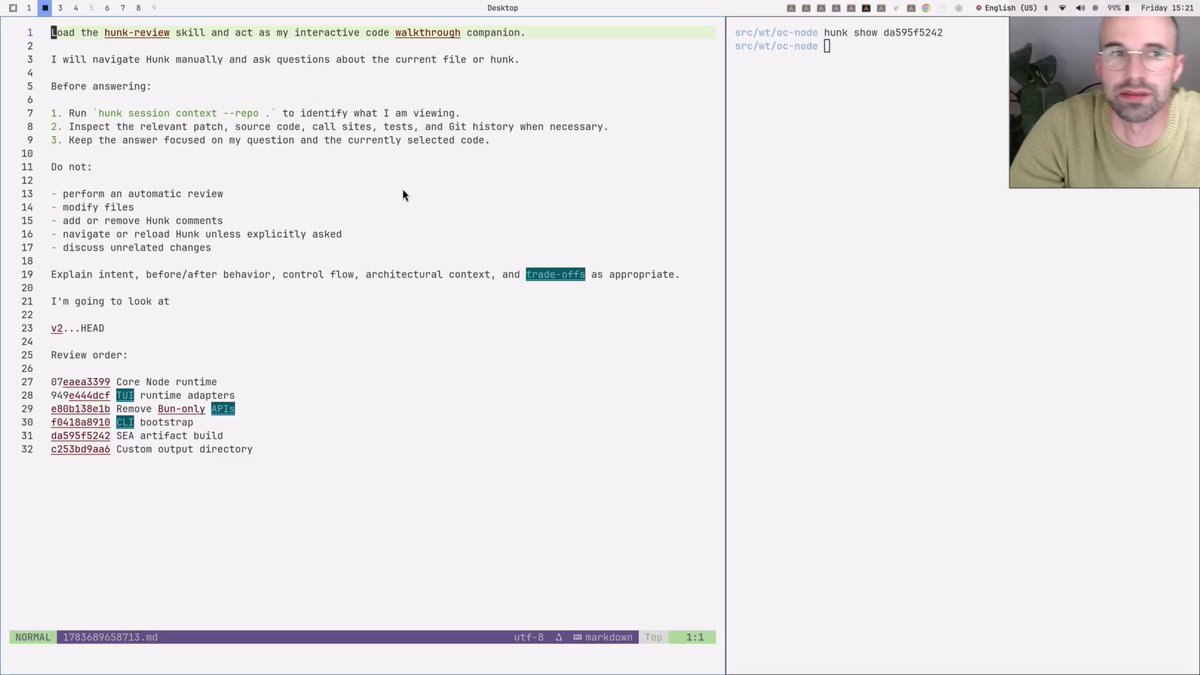
Quick demo how i review code in the terminal with and OpenCode.
Simon Klee
22,032 views • 3 months ago

