Загрузка видео...
Не удалось загрузить видео
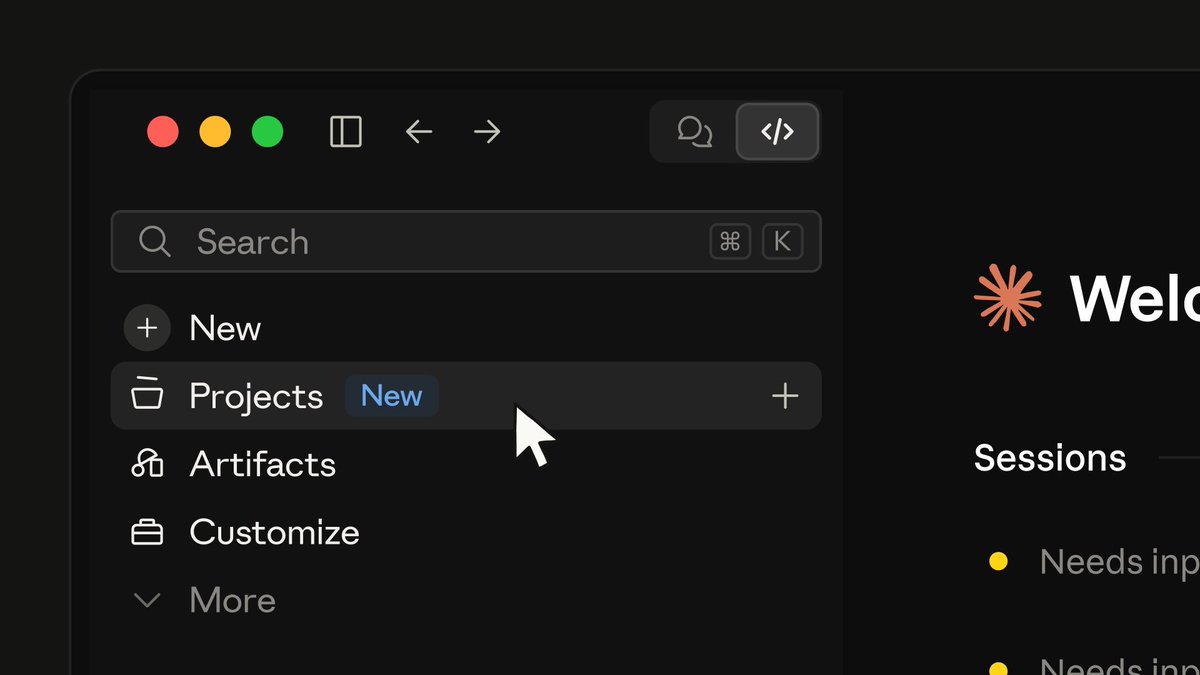
ICYMI - Claude Code in the Claude Desktop app! Benefits: → Visual session management instead of terminal tabs → Parallel sessions via git worktrees → Run locally or in the cloud → One-click to open in VS Code or CLI Same Claude Code. Better ergonomics.

172,126 просмотров • 9 месяцев назад •via X (Twitter)
Комментарии: 39

Get the Claude Desktop app here:
Learn more awesome things you can do with the Claude desktop app:

I went a step further and made it a lovable clone (can use ur Claude code max plan too)

the parallel sessions via worktrees is huge. been juggling terminal tabs like crazy lol. does the cloud option sync context between machines?
If you run a remote session you can teleport it to your local machine and have all the context preserved.

@udaysy Why is the CLI button disabled in your video? How to enable it? Been struggling with to get that working and I haven’t been successful in teleporting sessions web to CLI.

@adocomplete @udaysy Same for me. Is this this that requires you to attach the gh repo ?
@gauravsardesai @adocomplete dont think gh repo is needed for teleport. might be a cli version thing? had issues before until i ran claude update. @adocomplete probably knows the exact requirements

Please let it have gh access. If the GitHub action build fails, it cannot read the error logs and neither can it read the PR review. This just kills the loop.

Did they fix the dangerously skip permission issue?

I will have to try this tomorrow, but I’m also so used to the terminal at this point haha.

Great to see you posting about this, thank you. It certainly doesn't seem a lot of people know about this. This is a far better experience than the terminal, though I can't seem to turn on plan mode consistently? I randomly got it to turn on and I saw the "plan". button but buttons or a menu (over slash commands) might be interesting.. 🤔

UI is nice but besides that it’s a downgrade as the desktop app has alot of limitations which the terminal shell env doesn’t
And can please we have options for the IDE, I prefer Google Antigravity, mainly because it has a built in we browser for testing.
@grok I'm not a developer, educate me on what a git worktreeis please?

Please let Claude code read Claude desktop chats 🙏

CLI is always better ergonomic

In my usage, app and web performed way worse than cli with the same md files and prompts

So buggy. Still have the glitches while scrolling content. Claude desktop is slow and consumes more ram.

Will I find any feature missing from Desktop that is available on the CLI?

Used it for the first time last week. First time I also discovered what a worktree was.

WAIT! how did you get access to the planning/auto/ask??? my model doesnt have that and one of the main reasons that keeps me from using it.

Going to try this next week. Thanks for sharing.

The UI looks awesome and Claude Code is such a good tool to use

Linux build soon ?

I just found this about two weeks ago myself and love it. This has moved me from Cursor for now to Claude Code

Please add tabs to the Claude Desktop app

One thing to know is that if you archive a session, the worktree gets deleted! So make sure you commit, push, and merge the changes from the worktree into the main branch first before archiving! I learned it the hard way!

awesome! Can we also get an the integrated "previewer" for everything from markdown files to mobile / desktop apps? Currently using @obsdmd in another window, or else @zeddotdev (despite all its limitations AND unnecessary features.)

PLEASE INCLUDE A SIDE BY SIDE FILE EXPLORER.. IDEs would be done with.

When I tried it the other day slash-commands and Claude-in-Chrome didn’t seem to work — is that a glitch or just not a feature yet?
Is that "CLI" button new? I don't have that either. I wish this has canvas btw.

You got my attention

claude desktop app said rip terminal tabs. now developers gonna have better vibes coding

CC extension is a pretty solid UX too

wow

Brilliant DX as usual Would be insanely cool to have a minimal alternative to opening the code in an IDE

Claude code desktop app has been woeful compared to terminal. I guess this is a start? Instead you could find a way to name my terminal tabs something clearer 🤯

feels like the desktop app was just waiting for claude code to exist. now it's actually the lever