Loading video...

Video Failed to Load

Go Home

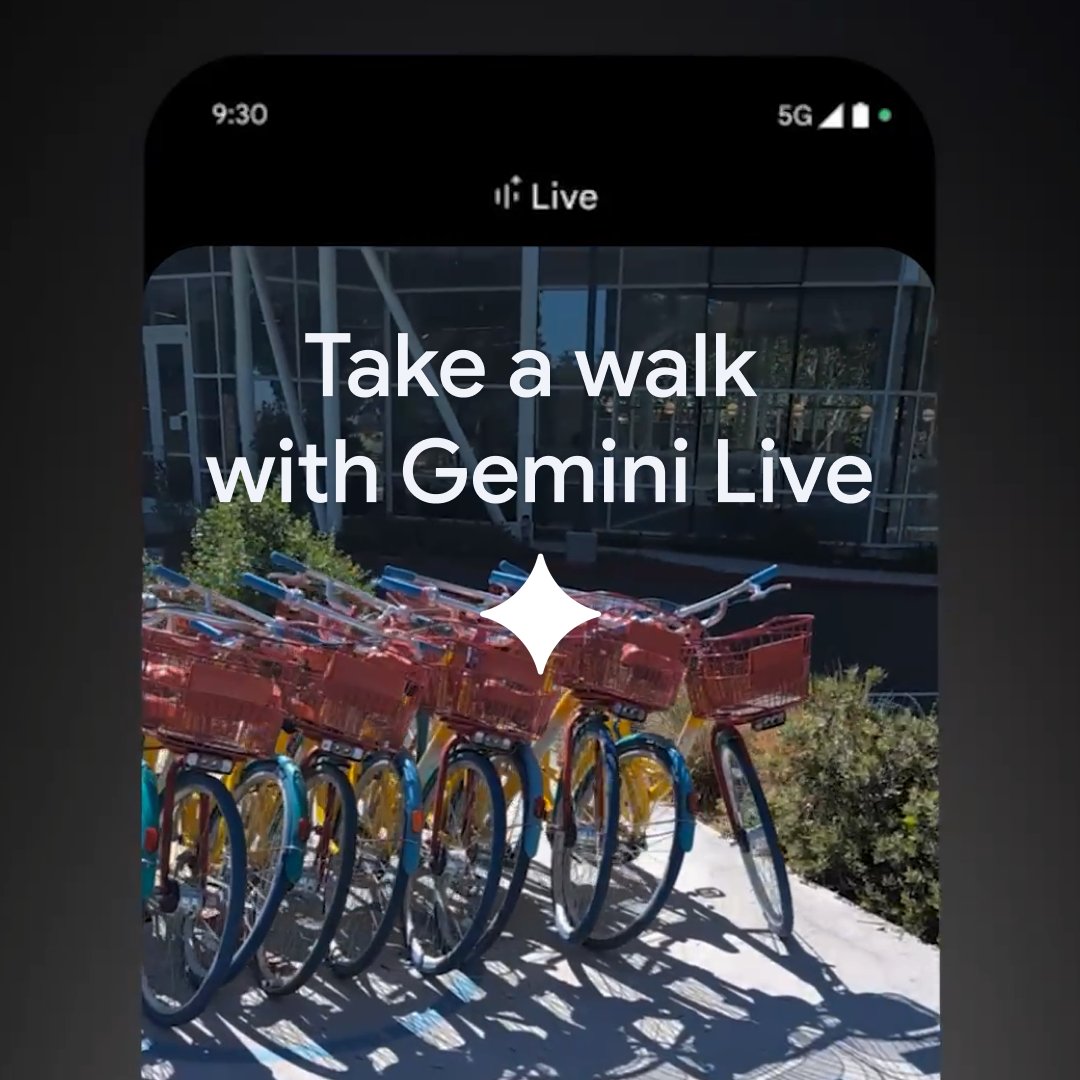
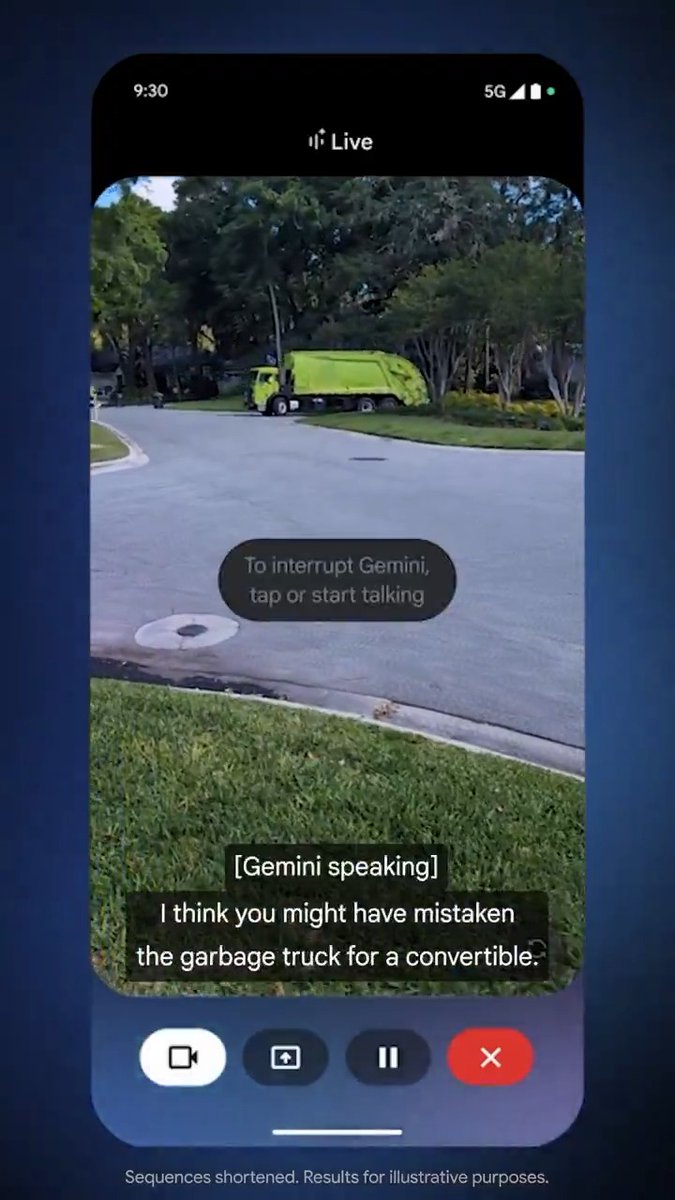
📣 It’s here: ask Gemini about anything you see. Share your screen or camera in Gemini Live to brainstorm, troubleshoot, and more. Rolling out to Pixel 9 and Samsung Galaxy S25 devices today and available for all Advanced users on Android in the Gemini app: See how the team...

873,082 views • 1 year ago •via X (Twitter)

11 Comments

Google Gemini App's profile picture
Google Gemini App1 year ago

Sharing your camera or screen in Gemini Live makes it even easier to: ✨ Brainstorm creative ideas 🔧 Get real-time troubleshooting support 🤓 Learn something new …and so much more:

Google Gemini App's profile picture
Google Gemini App1 year ago

To get started… 1⃣ Open the Gemini app: 2⃣ Tap the Gemini Live icon 3⃣ Tap the camera or screen share icon and start talking Not yet a Gemini Advanced subscriber? Get one month at no charge here:

RedDeer.Games IR's profile picture
RedDeer.Games IR2 years ago

Our hottest launch of 2024 is here! 🔥 Who will take up the challenge of aerial duels? 🛩️ "Warhammer 40,000: Dakka Squadron" is available now on the Nintendo eShop! More info:

TestingCatalog News 🗞's profile picture
TestingCatalog News 🗞1 year ago

@Android Do you have any timeline estimations for all other user segments by any chance? 👀

Klotzkette's profile picture
Klotzkette1 year ago

@Android When for the iPhone in the EU?

🇺🇦🇮🇱Путина нужно судить's profile picture
🇺🇦🇮🇱Путина нужно судить1 year ago

@Android When iOS users with Gemini Advanced subscription?

Flipsuit's profile picture
Flipsuit1 year ago

@Android Better Gemini live voices when? @GeminiApp

Yuvi's profile picture
Yuvi1 year ago

@Android @testingcatalog Pixel 9 and s25 doesn't need advance subscription?

SDLC Corp's profile picture
SDLC Corp1 year ago

@Android This is awesome! Used Gemini Live to explore the Golden Ratio for my design, real-time tips were spot-on. Perfect for my Pixel 9.

techgoalz's profile picture
techgoalz1 year ago

@Android When is this update coming to all users?

Apollo's profile picture
Apollo1 year ago

@Android That is the kind of interaction we want from these models. Use voice video or image unput to get responses on the go.
Related Videos

Gemini for Android is here! This new app makes it easier to access Google's chatbot, powered by the Gemini Pro LLM, right from your Android device. You can ask Gemini a question by tapping the launcher icon or long-pressing the power button. Once invoked, the Gemini overlay lets you enter a text or text+image prompt. You can tap the camera icon to snap a photo or press the "add this screen" button to take a screenshot of the current page to include in your prompt. The Gemini app for Android is available on Google Play with support for English, but support for Korean and Japanese will be coming next week. While there won't be an app for iOS, iPhone users can access Gemini by opening the Google App and tapping the "Gemini" button up top. How can you long-press the power button to invoke Gemini if that gesture is handled by Google Assistant? The answer is that the Gemini Android app can replace Google Assistant as your default assistant if you want, meaning all the ways you'd normally invoke Google Assistant on your phone can instead invoke Gemini. Unfortunately, Gemini currently doesn't offer ALL the same functionality as Google Assistant and requires an active data connection, but more features will be added over time. There's also now a Gemini Advanced tier, which offers access to Google's most powerful Ultra 1.0 LLM. Access to Gemini Advanced requires a subscription to the new $20/month "AI Premium" Google One plan, which offers the same benefits as the 2TB plan but adds access to Gemini Advanced and soon Gemini features in Gmail, Docs, & other Workspace apps (formerly under the Duet AI umbrella). Gemini Advanced is available in English on the web.

Mishaal Rahman

38,428 views • 2 years ago