Video wird geladen...

Video konnte nicht geladen werden

Zur Startseite

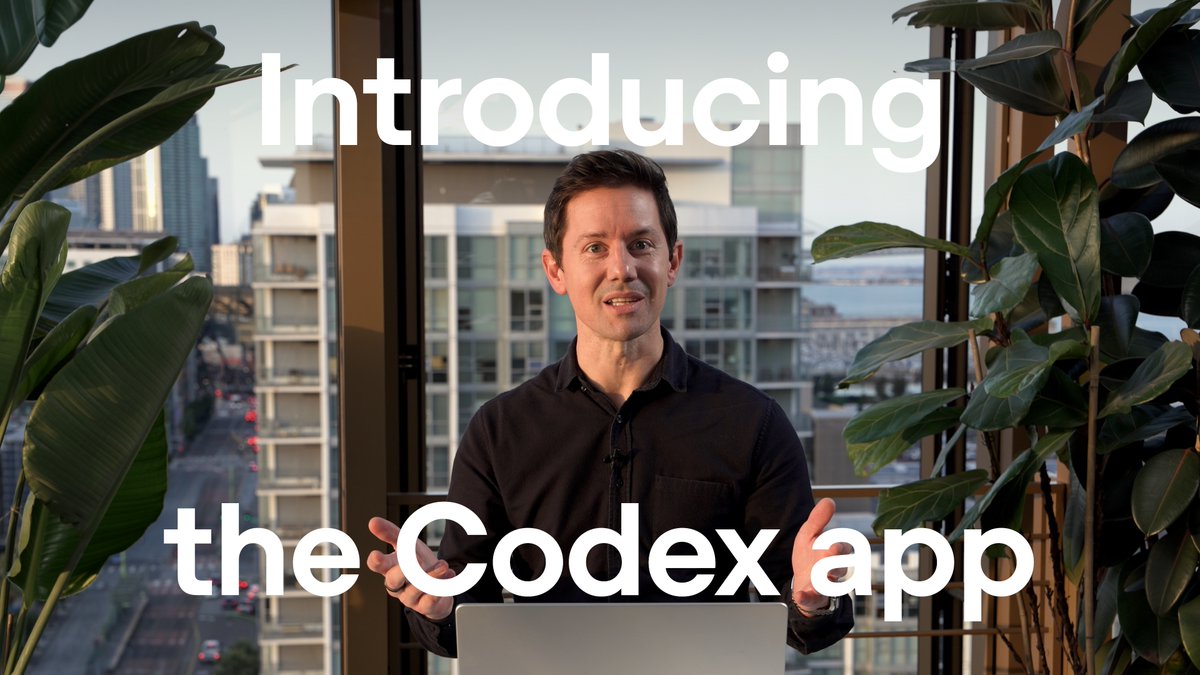
karpathy’s been saying it: we’re moving from IDEs to a new kind of dev interface. this is my take: a macOS app for running multiple workstreams per project (and multiple projects at once), each with its own workspace (ghostty terminal, claude session, browser), all in parallel. blazing fast. free...

31,983 Aufrufe • vor 5 Monaten •via X (Twitter)

10 Kommentare

Profilbild von Arnau Fabrega
Arnau Fabregavor 5 Monaten

Felicitats per la feina David!

Profilbild von Daniel Foth
Daniel Fothvor 5 Monaten

congratulations David!!!

Profilbild von Carlos Alfaro
Carlos Alfarovor 5 Monaten

Any way to get dark mode on the "Agent" and "Environment" tabs?

Profilbild von David Poblador i Garcia
David Poblador i Garciavor 5 Monaten

ahh, you mean in the terminal background... which does not change regardless of the dark/light mode... good idea! < track this!

Profilbild von Carlos Alfaro
Carlos Alfarovor 5 Monaten

Thank you!

Profilbild von Тrutx PiSTeCh
Тrutx PiSTeChvor 5 Monaten

Smooth, clean, fast and intuitive. Considering switching to Factory-Floor as my default working env. Great work!

Profilbild von José M. Pérez
José M. Pérezvor 5 Monaten

Enhorabona pel projecte! Té boníssima pinta. Tot el que sigui reduir el content-switching és benvingut.

Profilbild von Picassó
Picassóvor 5 Monaten

Funciona en Intel Macs ?

Profilbild von Elias Freider
Elias Freidervor 5 Monaten

Wow that looks amazing, will give it a spin!

Profilbild von Xavi
Xavivor 5 Monaten

very cool!

Ähnliche Videos

Hermes just made its in-app browser a whole lot more useful. You can now keep multiple browser tabs open inside Hermes Desktop instead of every new page replacing the one you were already using. And that matters more than it sounds. Because this is not just about “having tabs.” It means Hermes can work across multiple pages without forcing you to keep losing your place every time you open the next thing. Research one source, keep it open, open another tab, compare them side by side, and keep moving. Check a few products before buying something. Look at multiple hotel or travel options at once. Keep a YouTube tutorial open in one tab while Hermes looks through docs or another page in the next. And because this lives inside Hermes Desktop, you are not limited to one basic browser view either. You can keep multiple tabs open. You can view two pages side by side. You can stack them top and bottom. You can even run a four-panel view when you want several pages open at once. So the browser inside Hermes is starting to feel a lot more like a real workspace instead of one page you keep replacing. There is also some nice polish that comes with it. Browser tabs now label themselves based on the page, and the address bar behaves more cleanly while pages are loading. And remember, this is the same in-app browser Hermes can already read, click through, type in, scroll, and annotate. So this is not just a prettier browser. It is a more capable workspace for the browser Hermes is actually using. If Hermes is going to do more of your work on the web, this is exactly the kind of browser upgrade it needed.

Hermes Release Watch

52,493 Aufrufe • vor 18 Tagen