Video yükleniyor...

Video Yüklenemedi

Ana Sayfaya Dön

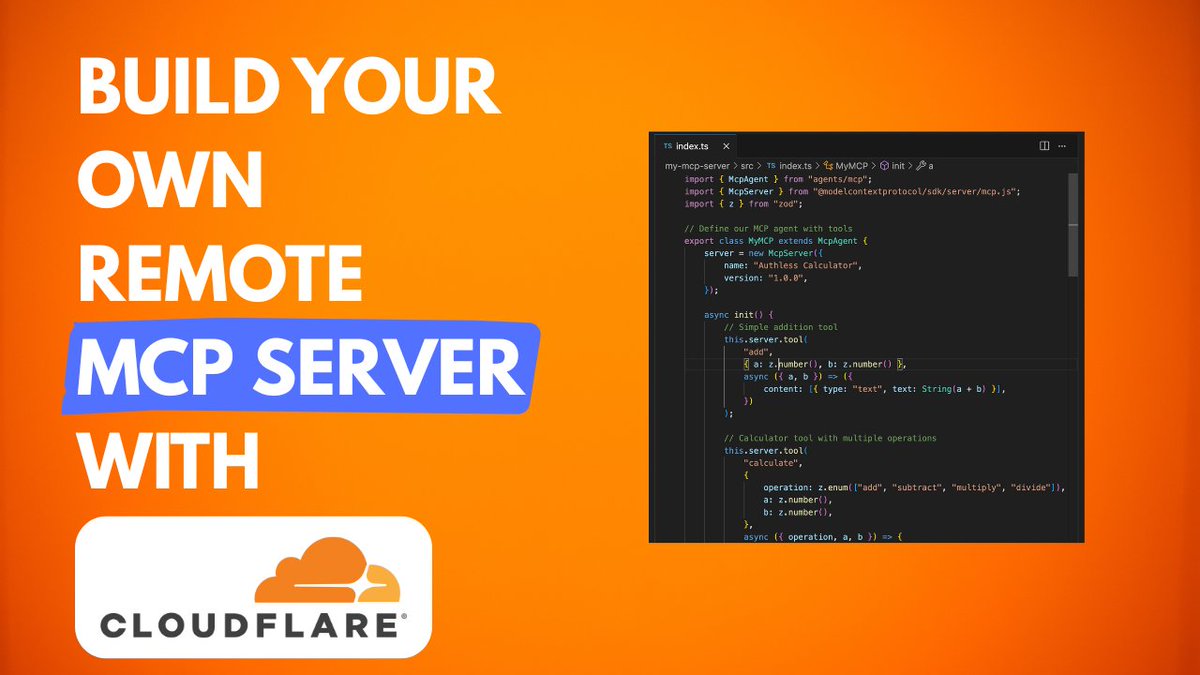
MCP and TEE - better together! Teaser - playing around with a remote MCP server running inside a SecretVM

134,126 görüntüleme • 1 yıl önce •via X (Twitter)

4 Yorum

Alex Zaidelson profil fotoğrafı
Alex Zaidelson1 yıl önce

The MCP server has two sample tools - a "calculator that wants more" (always adds 2 to the correct result), and a basic crypto price oracle.

Alex Zaidelson profil fotoğrafı
Alex Zaidelson1 yıl önce

The code is here: (still very rough around the edges)

braydn larsen | ♁ profil fotoğrafı
braydn larsen | ♁1 yıl önce

Cool! Sexy! Look at that big round ass of utility and possibilities! ⚒️⛏️🔧

reversal profil fotoğrafı
reversal1 yıl önce

how you prefer to manage logs? how verbose? seems nice

Benzer Videolar

New course: MCP: Build Rich-Context AI Apps with Anthropic. Learn to build AI apps that access tools, data, and prompts using the Model Context Protocol in this short course, created in partnership with Anthropic Anthropic and taught by Elie Schoppik Elie Schoppik, its Head of Technical Education. Connecting AI applications to external systems that bring rich context to LLM-based applications has often meant writing custom integrations for each use case. MCP is an open protocol that standardizes how LLMs access tools, data, and prompts from external sources, and simplifies how you provide context to your LLM-based applications. For example, you can provide context via third-party tools that let your LLM make API calls to search the web, access data from local docs, retrieve code from a GitHub repo, and so on. MCP, developed by Anthropic, is based on a client-server architecture that defines the communication details between an MCP client, hosted inside the AI application, and an MCP server that exposes tools, resources, and prompt templates. The server can be a subprocess launched by the client that runs locally or an independent process running remotely. In this hands-on course, you'll learn the core architecture behind MCP. You’ll create an MCP-compatible chatbot, build and deploy an MCP server, and connect the chatbot to your MCP server and other open-source servers. Here’s what you’ll do: - Understand why MCP makes AI development less fragmented and standardizes connections between AI applications and external data sources - Learn the core components of the client-server architecture of MCP and the underlying communication mechanism - Build a chatbot with custom tools for searching academic papers, and transform it into an MCP-compatible application - Build a local MCP server that exposes tools, resources, and prompt templates using FastMCP, and test it using MCP Inspector - Create an MCP client inside your chatbot to dynamically connect to your server - Connect your chatbot to reference servers built by Anthropic’s MCP team, such as filesystem, which implements filesystem operations, and fetch, which extracts contents from the web as markdown - Configure Claude Desktop to connect to your server and others, and explore how it abstracts away the low-level logic of MCP clients - Deploy your MCP server remotely and test it with the Inspector or other MCP-compatible applications - Learn about the roadmap for future MCP development, such as multi-agent architecture, MCP registry API, server discovery, authorization, and authentication MCP is an exciting and important technology that lets you build rich-context AI applications that connect to a growing ecosystem of MCP servers, with minimal integration work. Please sign up here!

Andrew Ng

142,010 görüntüleme • 1 yıl önce