Video yükleniyor...

Video Yüklenemedi

Ana Sayfaya Dön

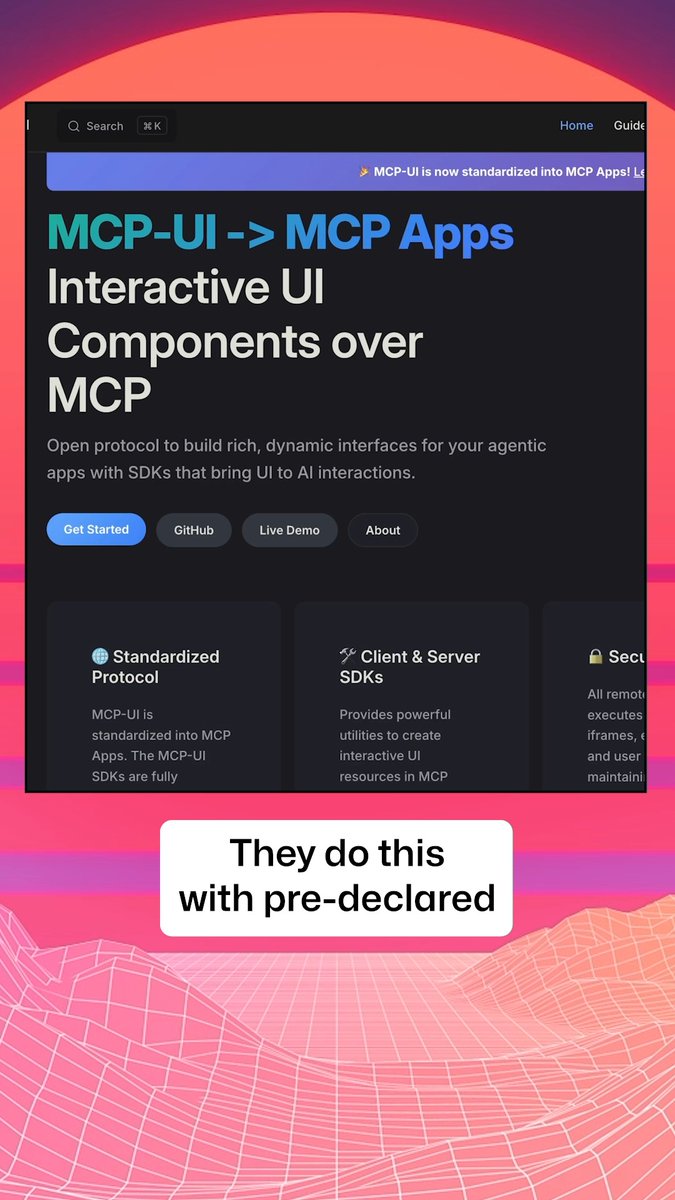
MCP tools have only ever returned text for the model to read. Now they return interactive UI. 🪄 TanStack AI's new MCP Apps support renders ui:// widgets right in the chat - static or fully interactive, with a client/server bridge.

133,087 görüntüleme • 3 ay önce •via X (Twitter)

32 Yorum

Aleksandr Pasevin profil fotoğrafı
Aleksandr Pasevin3 ay önce

Love this! Can imagine multiple possibilities! But I hope this is not the beginning of something awful like marketing banners in your MCP responses :)) Next coming up add blocker for MCPs :PP

Vito Botta profil fotoğrafı
Vito Botta3 ay önce

This was always the direction for MCP. Returning just text from a tool that controls a UI was always going to feel limiting.

rbbydotdev profil fotoğrafı
rbbydotdev3 ay önce

need a api description language, or OpenAPI extension scheme to get this right

Mark Steadman profil fotoğrafı
Mark Steadman3 ay önce

Looks cool! 😊 That said, I'm looking forward to seeing more updates around TanStack Start again. My timeline has been very AI-heavy lately, and I'd love to see more of the core framework too.

Shaunak Srivastava profil fotoğrafı
Shaunak Srivastava3 ay önce

love to see MCP's resource primitives done right 🤌

Mehdi Nabhani profil fotoğrafı
Mehdi Nabhani3 ay önce

This is so helpful! Now I can remove my workaround 🤪

ADT profil fotoğrafı
ADT3 ay önce

So we are back to ui now?

BruzWJ profil fotoğrafı
BruzWJ3 ay önce

tbh surprised MCP renders real widgets now, but i'd only trust it for decisions once the model handles broken UI cleanly

Samian profil fotoğrafı
Samian3 ay önce

the model now shipping pixels back is a real shift. does the client treat those ui:// widgets as sandboxed by default or does the host app own the trust boundary

Husam profil fotoğrafı
Husam3 ay önce

This is clean

Adel Bucetta profil fotoğrafı
Adel Bucetta3 ay önce

that changes everything. now we're not just writing code, we're building user experiences directly into the model itself.

Sebastian Buzdugan profil fotoğrafı
Sebastian Buzdugan3 ay önce

the hard part is not rendering it's keeping widget state after tool retries

Nick Venturi profil fotoğrafı
Nick Venturi3 ay önce

text chats feel like dial up now

Timur Yessenov profil fotoğrafı
Timur Yessenov3 ay önce

The `ui://` bit is a real product shift. Text tools make the model narrate state; widgets let the user fix state in place. I’d test stale widget data and cancelled tool calls before celebrating the demo.

Blake Yoder profil fotoğrafı
Blake Yoder3 ay önce

Very nice! I custom built this in vercels ai-sdk but nice to see first-class support

gnryboooil 🇺🇦 profil fotoğrafı
gnryboooil 🇺🇦3 ay önce

wow smth that @fastmcp had for a while

John profil fotoğrafı
John3 ay önce

ya'll crazy for this one.

Dipankar Sarkar profil fotoğrafı
Dipankar Sarkar3 ay önce

the real shift here isn't text to UI. it's tool to runtime. once a server can ship interactive widgets, MCP stops being a protocol and becomes an app platform. and platforms live or die on the trust boundary, not the render layer. who gets to draw in your agent's context is the question now.

Pawan Gangwani profil fotoğrafı
Pawan Gangwani3 ay önce

Woww

Marvin profil fotoğrafı
Marvin3 ay önce

@abhiaiyer @damien_schneid use chat + MessageFactory I guess

晚晚 profil fotoğrafı
晚晚3 ay önce

这就从工具调用变成小应用了

Pawzard profil fotoğrafı
Pawzard3 ay önce

the chatbox said hold on lemme just install a whole app real quick

Hidden Tape profil fotoğrafı
Hidden Tape3 ay önce

but who decides if the ui is trustworthy random mcp server pushing interactive widgets into my chat feels like a whole new attack surface 😭

Pochi profil fotoğrafı
Pochi3 ay önce

interactive tool UI is great but it blurs the model/user action boundary, does the model get a structured event back so its world Model stays consistentt?

AIDUKEY|AI 中转站 profil fotoğrafı
AIDUKEY|AI 中转站3 ay önce

For agent workflows, scattered provider configs become a tax. AIDUKEY is meant to give that stack one cleaner API layer across models.

Brosko profil fotoğrafı
Brosko3 ay önce

bro the chat is literally becoming a whole operating system at this point 💀

Carry profil fotoğrafı
Carry3 ay önce

chat slowly becoming an app store 😐

Anmol profil fotoğrafı
Anmol3 ay önce

the model doesn't see what the user clicks unless the bridge replays it back

Picassio profil fotoğrafı
Picassio3 ay önce

bro the model isnt reading anymore its just SEEING that ui:// thing is gonna go crazy 🔥

Hussain Fakhruddin profil fotoğrafı
Hussain Fakhruddin3 ay önce

This is a fascinating development for AI interaction.

Salman Shaikh profil fotoğrafı
Salman Shaikh3 ay önce

does tanstack ai has ui package for react? if so can I use it with ai-sdk streamed events?

Adrian ∣ bloome Engineer profil fotoğrafı
Adrian ∣ bloome Engineer3 ay önce

Rendering the widget is the easy part. The hard part is whose state it holds. UI painted for one model to read is still single-player. What matters is a surface multiple agents and humans can act on with shared state, so it's a place work happens, not a one-shot render.

Benzer Videolar

OpenAI, Anthropic and Microsoft all back the same standard for running apps inside AI chats. Booking .com, Figma, and Canva are already using it. Still, most developers have never heard of it. It's called MCP Apps. So, why does it matter? The next time someone buys from your website, they may never visit it. They'll ask ChatGPT or Claude, and the model decides how your product shows up. Usually as plain text, sometimes wrong, with none of the experience you built. That's the next shift in how people find you: - SEO was about Google finding your page. - AEO was about AI citing you. - MCP Apps are about your actual product showing up inside the chat. An MCP server returns data. An MCP App returns data plus an interactive UI, like hotel cards or an add-to-cart flow, right inside the chat. The model even knows what the user clicked. In this episode, we build an MCP app from start to finish with Julien, the lead maintainer of Skybridge, an open-source framework that lets you turn any React app into an MCP app. Chapters: 0:00 - Intro 2:44 - MCP servers vs MCP Apps 5:12 - Live demo: Booking .com in ChatGPT 9:24 - How MCP Apps work: context and shared state 15:43 - Skybridge and its devtools 17:48 - Live demo: an e-commerce app in ChatGPT 24:49 - Code walkthrough: MCP tools to React views 28:10 - Syncing UI state: "What's in my cart?" 32:16 - Agent skill to turn any React app → MCP App 37:52 - Outro Link to Skybridge GitHub repo: MCP Apps bring your website into the chat. WebMCP does the reverse and lets AI agents use your website through tools it exposes. I've also written a full article on it, quoted below.

Akshay 🚀

17,059 görüntüleme • 5 gün önce

New course: MCP: Build Rich-Context AI Apps with Anthropic. Learn to build AI apps that access tools, data, and prompts using the Model Context Protocol in this short course, created in partnership with Anthropic Anthropic and taught by Elie Schoppik Elie Schoppik, its Head of Technical Education. Connecting AI applications to external systems that bring rich context to LLM-based applications has often meant writing custom integrations for each use case. MCP is an open protocol that standardizes how LLMs access tools, data, and prompts from external sources, and simplifies how you provide context to your LLM-based applications. For example, you can provide context via third-party tools that let your LLM make API calls to search the web, access data from local docs, retrieve code from a GitHub repo, and so on. MCP, developed by Anthropic, is based on a client-server architecture that defines the communication details between an MCP client, hosted inside the AI application, and an MCP server that exposes tools, resources, and prompt templates. The server can be a subprocess launched by the client that runs locally or an independent process running remotely. In this hands-on course, you'll learn the core architecture behind MCP. You’ll create an MCP-compatible chatbot, build and deploy an MCP server, and connect the chatbot to your MCP server and other open-source servers. Here’s what you’ll do: - Understand why MCP makes AI development less fragmented and standardizes connections between AI applications and external data sources - Learn the core components of the client-server architecture of MCP and the underlying communication mechanism - Build a chatbot with custom tools for searching academic papers, and transform it into an MCP-compatible application - Build a local MCP server that exposes tools, resources, and prompt templates using FastMCP, and test it using MCP Inspector - Create an MCP client inside your chatbot to dynamically connect to your server - Connect your chatbot to reference servers built by Anthropic’s MCP team, such as filesystem, which implements filesystem operations, and fetch, which extracts contents from the web as markdown - Configure Claude Desktop to connect to your server and others, and explore how it abstracts away the low-level logic of MCP clients - Deploy your MCP server remotely and test it with the Inspector or other MCP-compatible applications - Learn about the roadmap for future MCP development, such as multi-agent architecture, MCP registry API, server discovery, authorization, and authentication MCP is an exciting and important technology that lets you build rich-context AI applications that connect to a growing ecosystem of MCP servers, with minimal integration work. Please sign up here!

Andrew Ng

142,256 görüntüleme • 1 yıl önce